Linux curl Command with Examples
Linux curl Command with Examples
The curl command is one of the most useful networking utilities available in Linux. The name comes from Client URL. It is primarily used to transfer data to or from a server using protocols such as HTTP, HTTPS, FTP, and others. For university students, curl is especially useful for learning networking, web technologies, API testing, and automation.
What is the curl Command?
curl is a command-line tool that communicates with remote servers. It can send HTTP requests, download files, submit form data, inspect server responses, and interact with REST APIs without requiring a graphical web browser.
The basic syntax is:
curl [options] URLRetrieve a Web Page
The simplest use of curl is to display the contents of a web page in the terminal.
$ curl https://example.comThis sends an HTTP request to the specified URL and prints the server response.
Download a File
The -O option downloads a file while preserving its original filename.
$ curl -O https://example.com/sample.zipTo specify your own filename, use -o:
$ curl -o myfile.zip https://example.com/sample.zipSend a GET Request
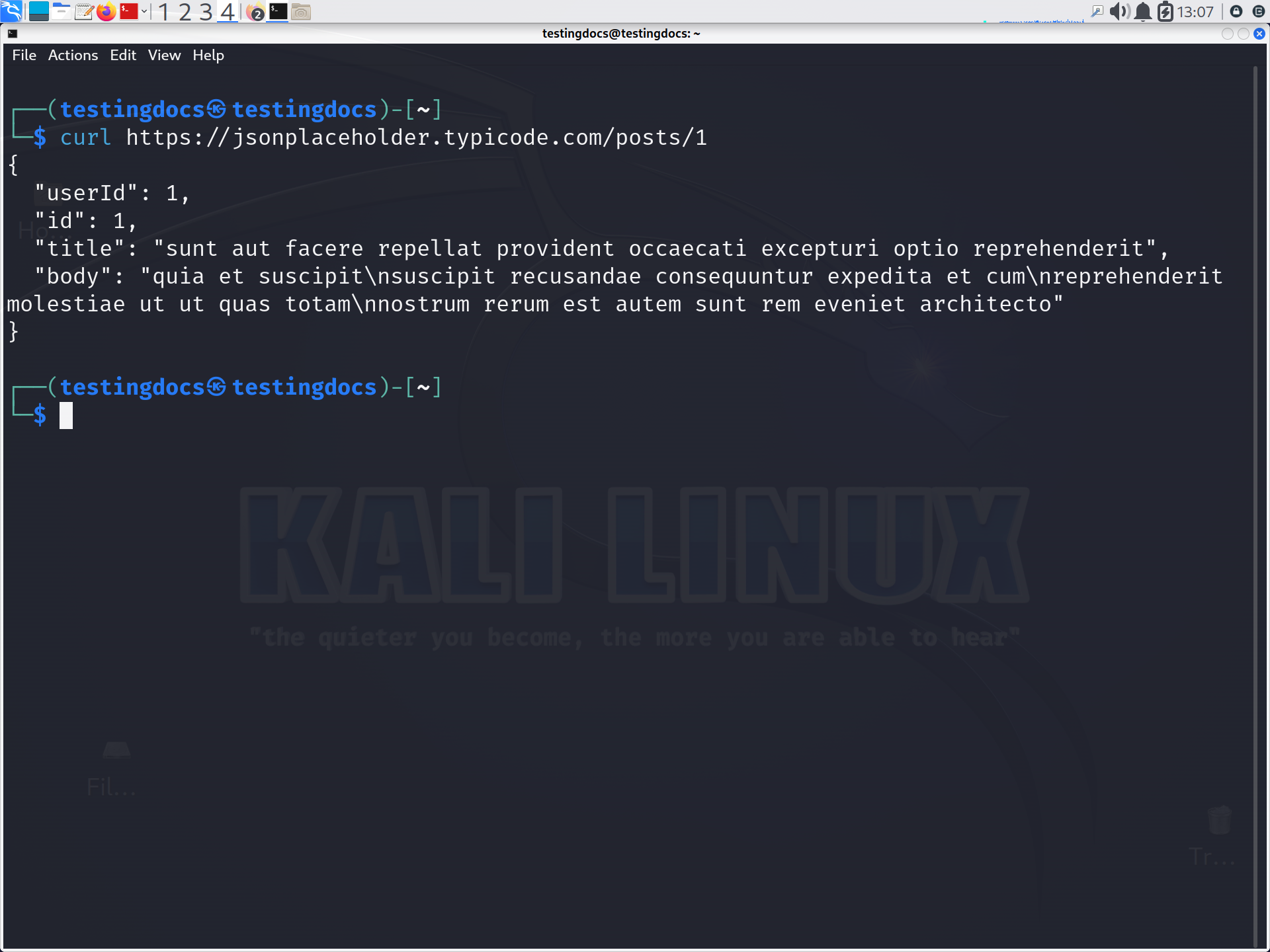
GET is commonly used to retrieve information from an API.
$ curl https://api.example.com/userscurl uses GET by default when no other HTTP method is specified.
Send a POST Request
POST requests are commonly used to submit data to a server. The -X option specifies the HTTP method, while -d sends data.
$ curl -X POST https://api.example.com/users \
     -H "Content-Type: application/json" \
     -d '{"name":"Alice","course":"Computer Science"}'
Display HTTP Headers
The -I option requests headers only. This is useful for checking status codes, content types, and server information.
$ curl -I https://example.comFollow Redirects
Web servers sometimes redirect requests to another URL. Use -L to make curl automatically follow redirects.
$ curl -L https://example.comAdd Authentication Headers
When working with APIs, a request may require an authorization token.
curl -H "Authorization: Bearer YOUR_TOKEN" \
     https://api.example.com/profile
We can use curl to understand HTTP communication, test REST APIs, download resources, troubleshoot network connections, and automate repetitive tasks using shell scripts. It is also widely used by developers, system administrators, DevOps engineers, and testers.