Linux dig Command with Examples
Linux dig Command with Examples
The dig command, short for Domain Information Groper, is a powerful Linux command-line tool used to query the Domain Name System (DNS). DNS translates human-readable domain names such as www.example.com into IP addresses that computers can understand.
For university students learning Linux, networking, cloud computing, or cybersecurity, dig is an important command for understanding how DNS works and for troubleshooting domain-name problems.
What Does the dig Command Do?
The dig command sends a DNS query to a DNS server and displays the response. It can retrieve different types of DNS records, including:
A, AAAA, MX, NS, CNAME, and TXT records.
The basic syntax is:
$ dig [options] domain [record-type]Find the IP Address of a Domain
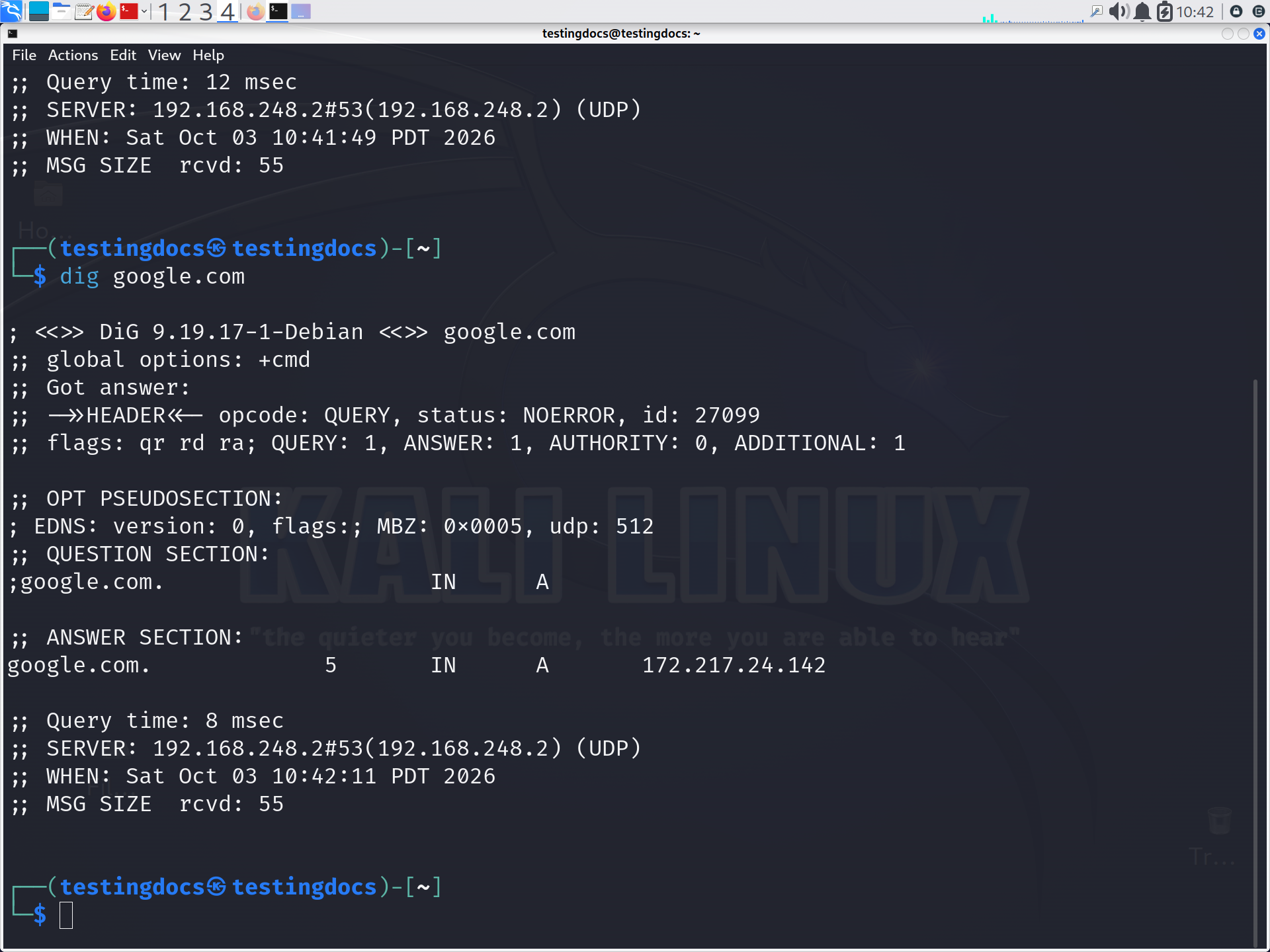
The simplest use is to query the A record of a domain:
$ dig example.comThe response contains an ANSWER SECTION showing the IPv4 address associated with the domain.
You can also request only the IP address:
$ dig example.com +shortExample output:
93.184.216.34
Find IPv6 Address
To retrieve the AAAA record, which contains an IPv6 address, use:
$ dig example.com AAAAFind Mail Servers
MX records identify the mail servers responsible for receiving email for a domain.
$ dig example.com MXThis is useful when studying how email delivery and DNS are connected.
Find Name Servers
To discover the authoritative DNS servers for a domain, query the NS record:
$ dig example.com NSName servers are responsible for providing DNS information about the domain.
Query a Specific DNS Server
You can tell dig which DNS server to use. For example, to query Google’s public DNS server:
$ dig @8.8.8.8 example.comThis is particularly useful for comparing responses from different DNS servers when troubleshooting DNS issues.
Check Different DNS Records
Some commonly used queries are:
$ dig example.com CNAME
$ dig example.com TXT
$ dig example.com SOA
These records can provide information about aliases, domain verification, email security policies, and DNS zone administration.
See Also: