Export Flowchart to Image
Open the Hello World flowchart. Double-click on the .fprg file.
Choose the following menu option to convert the flowchart into an image file.
Tools >> Export to an Image File…

You can choose the flowchart’s Functions, Color Scheme, Chart Style, and Font Size.
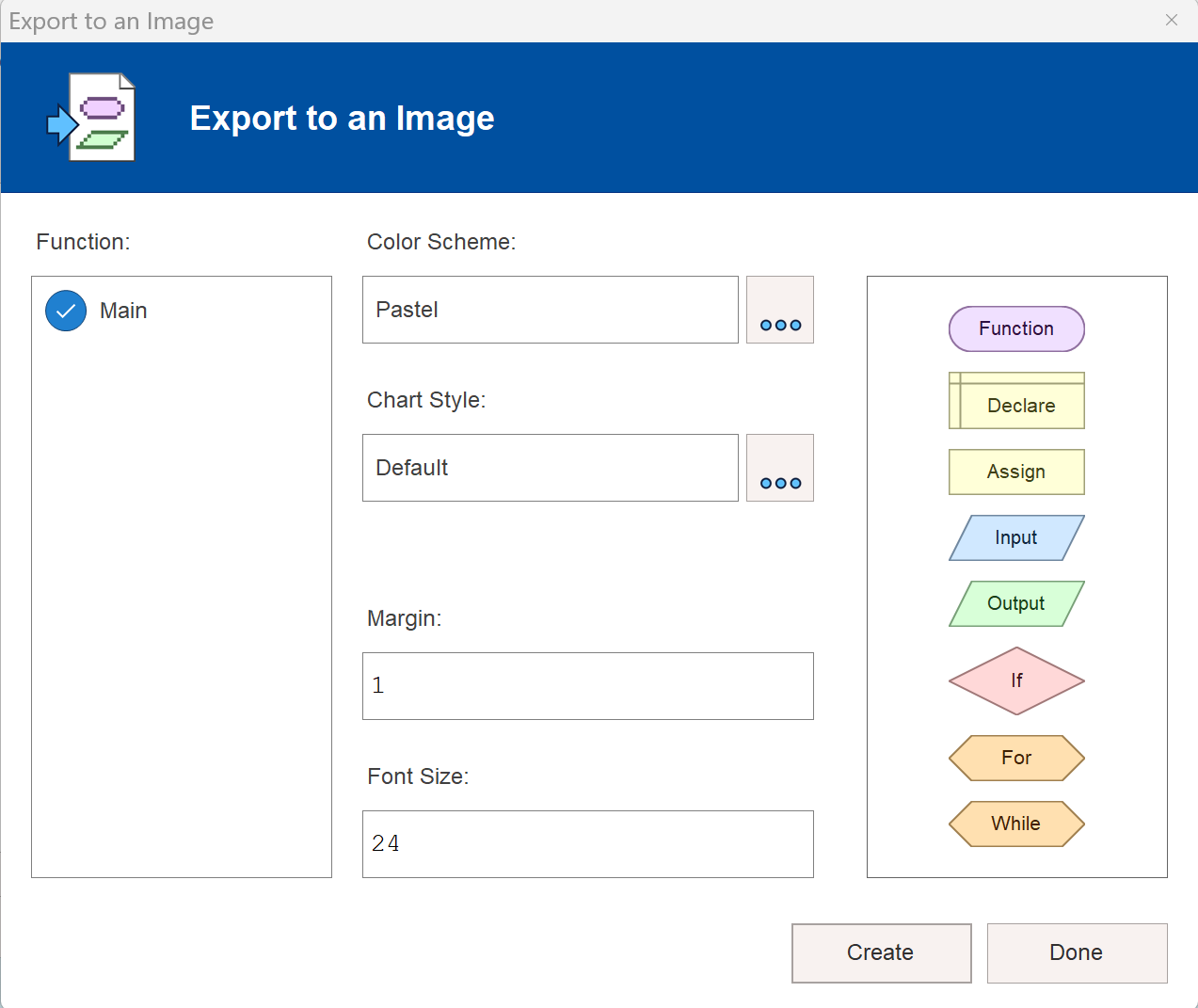
Click on the Create button to export the flowchart.
Give an image filename with .png file extension in the Save Image dialog window—for example, MyFlowchart.png