Compare Two Strings Java Program
Compare Two Strings Java Program
In this post, we will learn how to compare two Strings using a simple Java program. We can use the String class in-built method compareTo() method to compare strings. The method returns zero if the strings are equal.
The method signature is as follows:
public int compareTo(String anotherString)
Java program
package com.testingdocs.demo;

import java.util.Scanner;

public class SampleProgram {

	public static void main(String[] args) {
	//declare Two String variables
	String str,anotherStr;
	Scanner in = new Scanner(System.in);

	//prompt for input strings
	System.out.print("Enter String 1: ");
	str = in.nextLine();
	System.out.print("Enter String 2: ");
	anotherStr = in.nextLine();
	System.out.println("-----Program Output----");
	//compare the strings
	if(str.compareTo(anotherStr) == 0)
		System.out.println("The Two Strings are Equal.");
	else
		System.out.println("The Two Strings are NOT Equal.");
	}
}
Screenshot
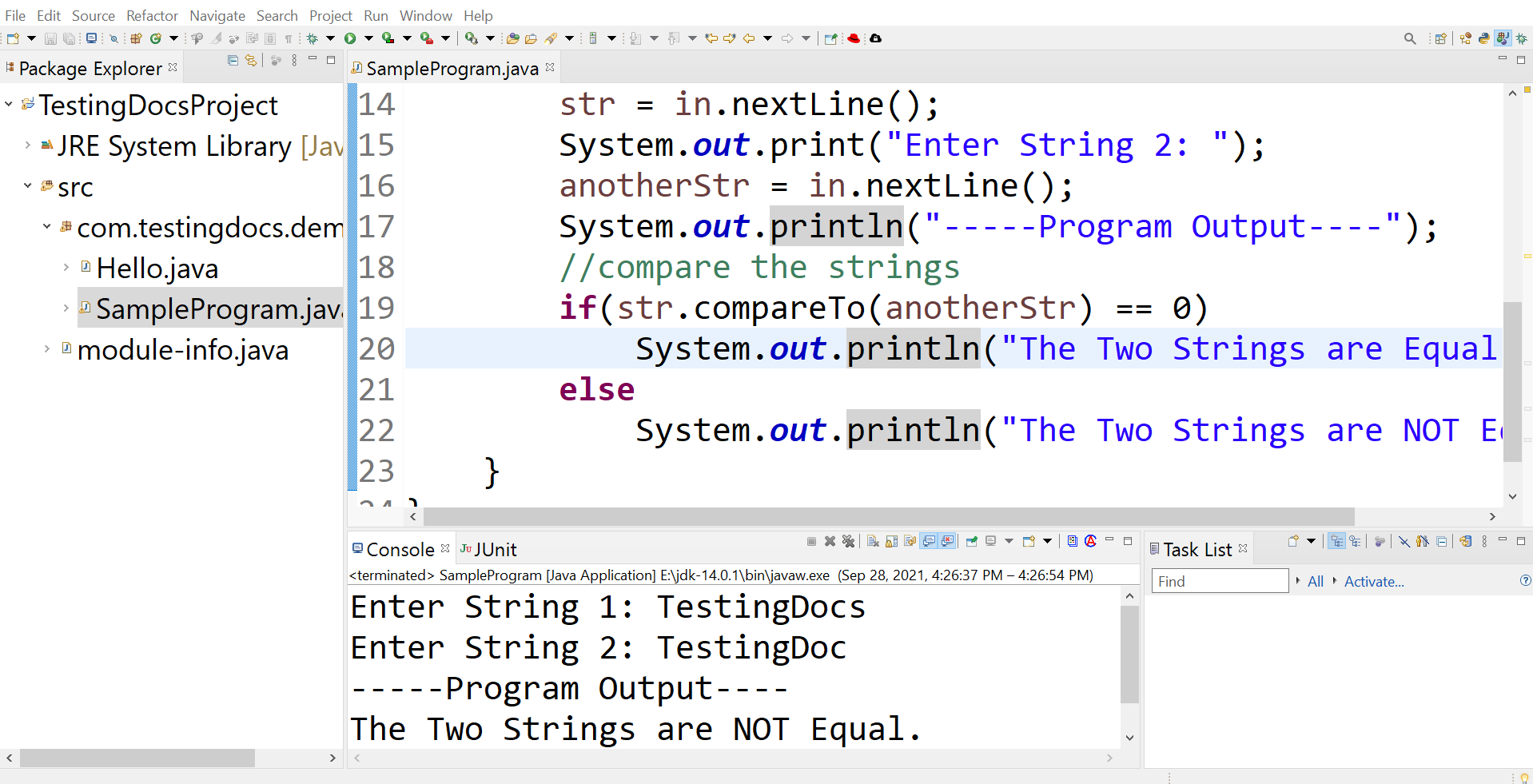
Sample Output
Save the program in the IDE. Run the program to verify the program output.
Right click and choose Run As >> Java Application
TestCase #1
Enter String 1: TestingDocs
Enter String 2: TestingDoc
—–Program Output—-
The Two Strings are NOT Equal.
TestCase #2
Enter String 1: TestingDocs.com
Enter String 2: TestingDocs.com
—–Program Output—-
The Two Strings are Equal.


