How to code a Simple Swing Game using Java?
Problem Statement:
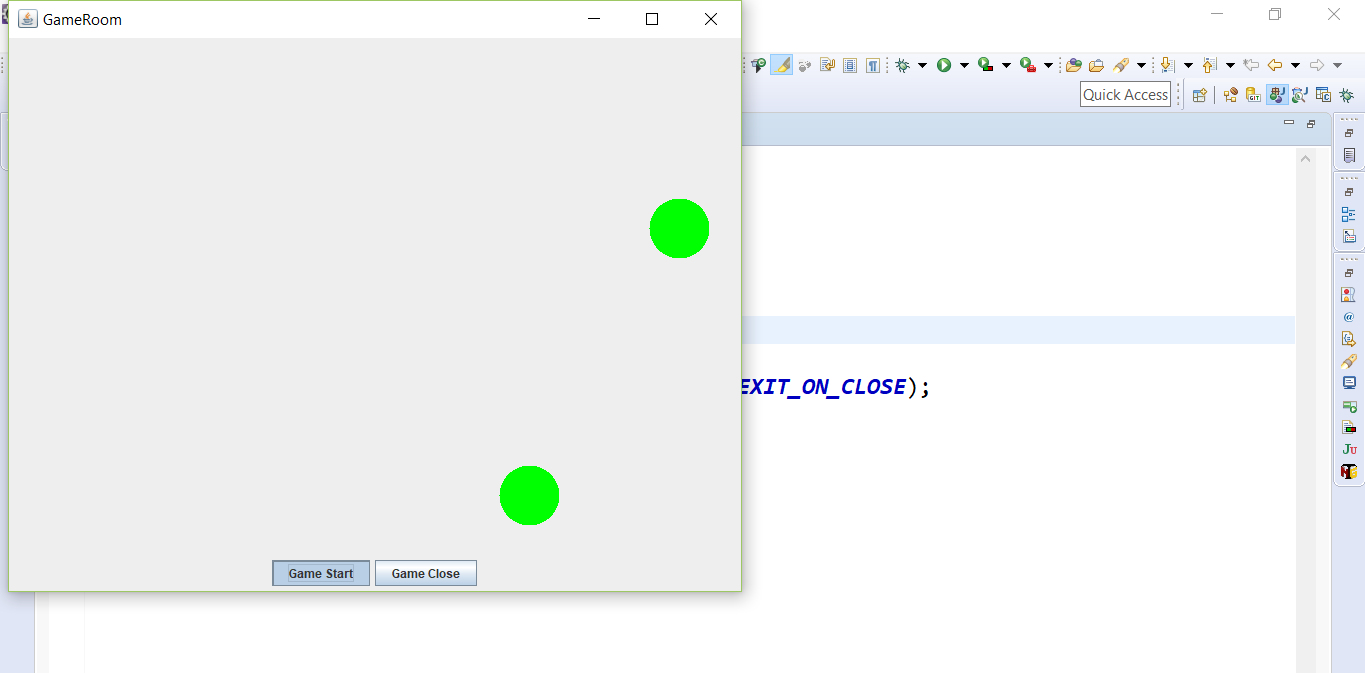
Write a simple swing animation program using Java. Two buttons to start the animation and to close exit the window. You can use javax.swing.* package and java.awt.* package.
Solution
The problem statement is somewhat vague. It only conveys the idea to develop a swing application with animation using Swing / AWT packages in Java. Let us create a simple ball game with simple animation.
We can compile and run Swing applications like any other java programs. Program that uses Swing/AWT components need to import the following packages:
Java Code
java.awt.*;
javax.swing.*;

public class BallGame {
    public static void main(String[] args) {
        JFrame roomFrame = new Room();
        roomFrame.setDefaultCloseOperation(JFrame.EXIT_ON_CLOSE); roomFrame.setVisible(true);
    }
}
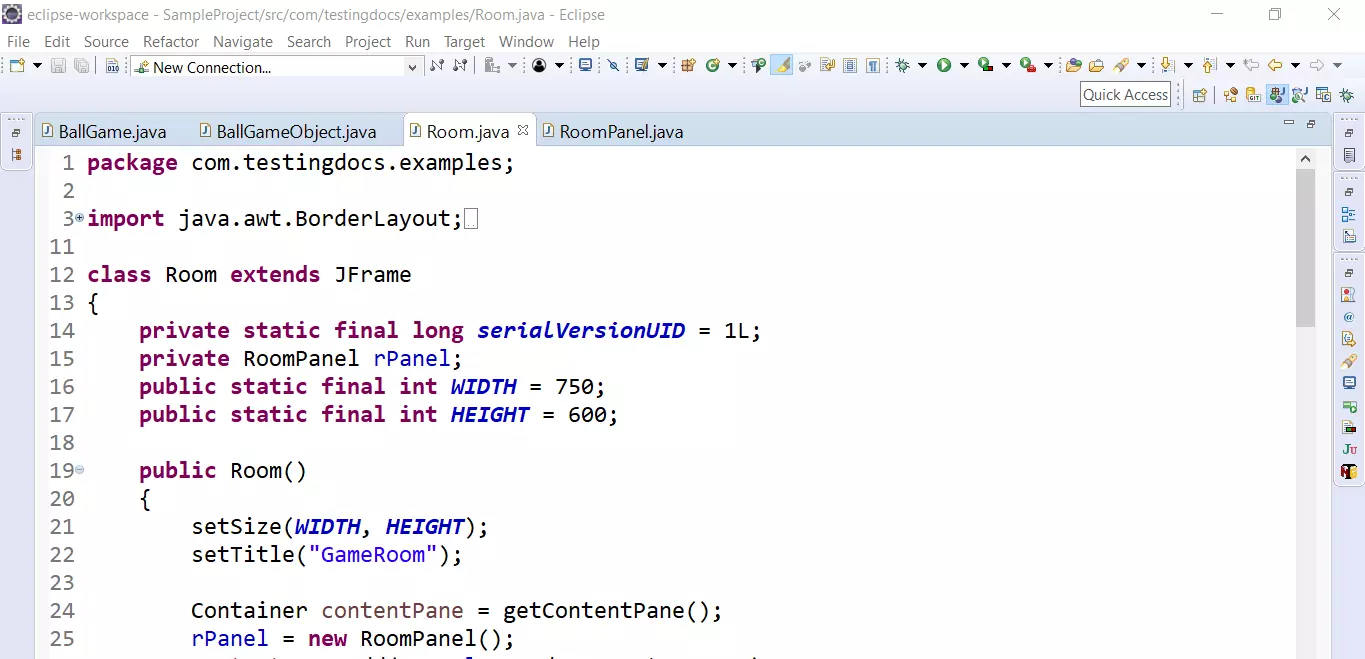
Room
class Room extends JFrame
{
    private static final long serialVersionUID = 1L;
    private RoomPanel rPanel;
    public static final int WIDTH = 750;
    public static final int HEIGHT = 600;

    public Room()
    {
        setSize(WIDTH, HEIGHT);
        setTitle("GameRoom");

        Container contentPane = getContentPane();
        rPanel = new RoomPanel();
        contentPane.add(rPanel, BorderLayout.CENTER);
        JPanel buttonPanel = new JPanel();
        addButton(buttonPanel, "Game Start",
                new ActionListener()
                {
                    public void actionPerformed(ActionEvent event)
                    {
                        addGameObject();
                    }
                });

        addButton(buttonPanel, "Game Close",
                new ActionListener()
                {
                    public void actionPerformed(ActionEvent event)
                    {
                        System.exit(0);
                    }


                });
        contentPane.add(buttonPanel, BorderLayout.SOUTH);
    }

    public void addButton(Container c, String title,
                          ActionListener listener)
    {
        JButton button = new JButton(title);
        c.add(button);
        button.addActionListener(listener);
    }

    public void addGameObject()
    {
        try
        {
            BallGameObject b = new BallGameObject(rPanel);
            rPanel.add(b);
            for (int i = 1; i <= 200; i++)
            {
                b.play();
                Thread.sleep(50);
            }
        }
        catch (InterruptedException ie)
        {
            ie.printStackTrace();
        }
    }
}
RoomPanel
class RoomPanel extends JPanel
{
    private static final long serialVersionUID = 1L;
    private ArrayList<BallGameObject> gameObjects = new ArrayList<BallGameObject>();

    public void add(BallGameObject b)
    {
        gameObjects.add(b);
    }

    public void paintComponent(Graphics g)
    {
        super.paintComponent(g);
        Graphics2D g2 = (Graphics2D)g;
        for (int i = 0; i < gameObjects.size(); i++)
        {
            BallGameObject b = (BallGameObject)gameObjects.get(i);
            b.draw(g2);
        }
    }
}


class BallGameObject
{
    private Component component;
    private static final int WIDTH = 60;
    private static final int HEIGTH = 60;
    private int x = 0;
    private int y = 0;
    private int dx = 10;
    private int dy = 10;

    public BallGameObject(Component c) { component = c; }

    public void draw(Graphics2D g2)
    {
        g2.fill(new Ellipse2D.Double(x, y, WIDTH , HEIGTH ));
        g2.setColor(Color.GREEN);
    }

    public void play()
    {
        x += dx;
        y += dy;
        if (x < 0)
        {
            x = 0;
            dx = -dx;
        }
        if (x + WIDTH >= component.getWidth())
        {
            x = component.getWidth() - WIDTH ;
            dx = -dx;
        }
        if (y < 0)
        {
            y = 0;
            dy = -dy;
        }
        if (y + HEIGTH >= component.getHeight())
        {
            y = component.getHeight() - HEIGTH ;
            dy = -dy;
        }

        component.paint(component.getGraphics());
    }
}
Output