How to Create Flowcharts in Local Languages?
Create Flowcharts in Local Languages
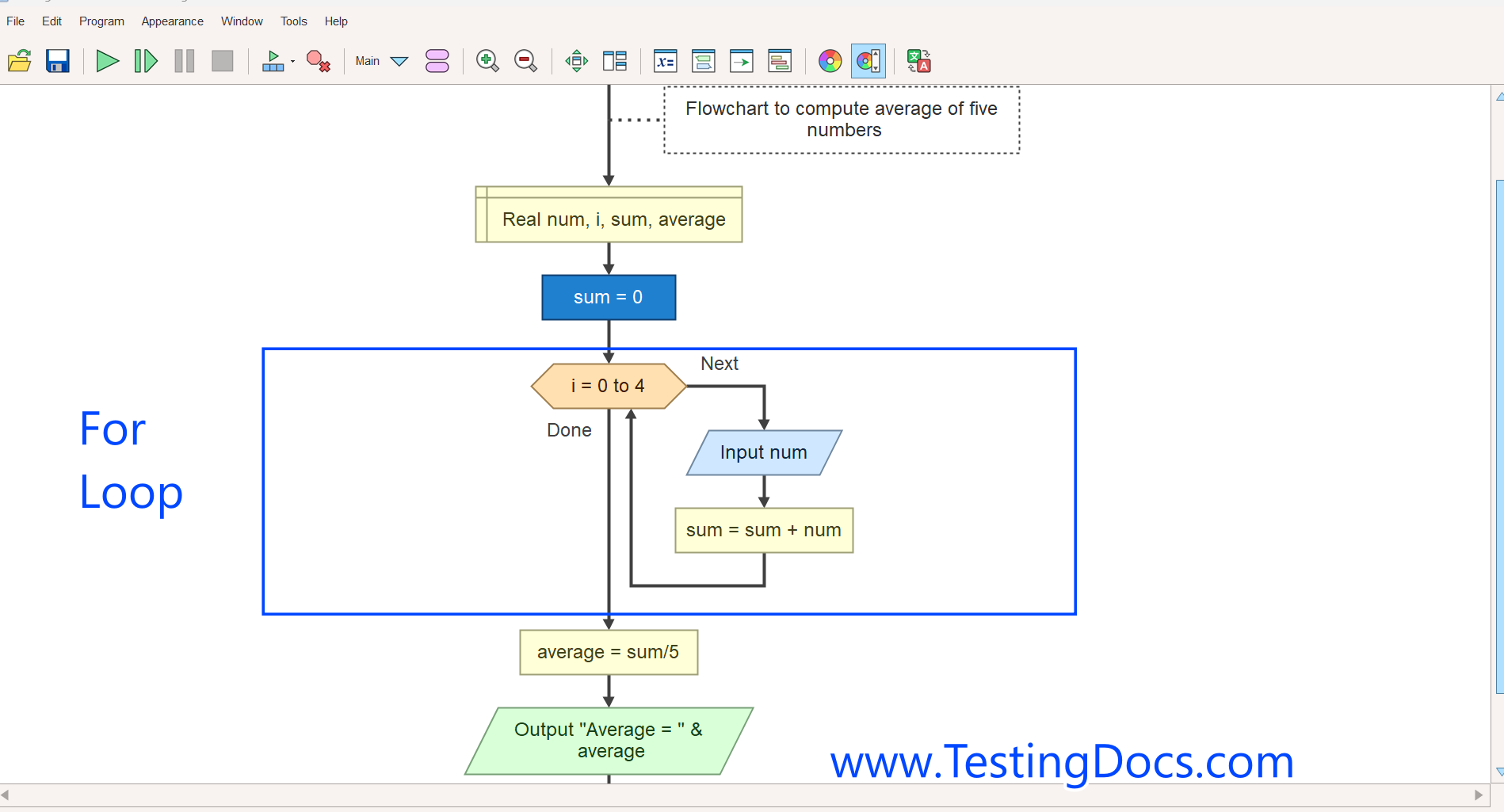
Let’s see how to create a flowchart in local languages other than English. Flowgorithm is a free application that allows you to create flowcharts. You can create and run flowcharts in many supported local languages using Flowgorithm.
Supported Languages
The Flowgorithm application is translated into many languages. Some of the languages are as follows:
- Czech
- Chinese (Simplified)
- English – U.S. and British
- French
- Galician
- German
- Hungarian
- Italian
- Japanese
- Portuguese
- Spanish
- Tamil
- Russian
- Korean, etc
Change Language
To change the language, click the “Appearance” menu and select “Change Language.”
Appearance >> Change Language
Hot-key combination shortcut: Function key + F3
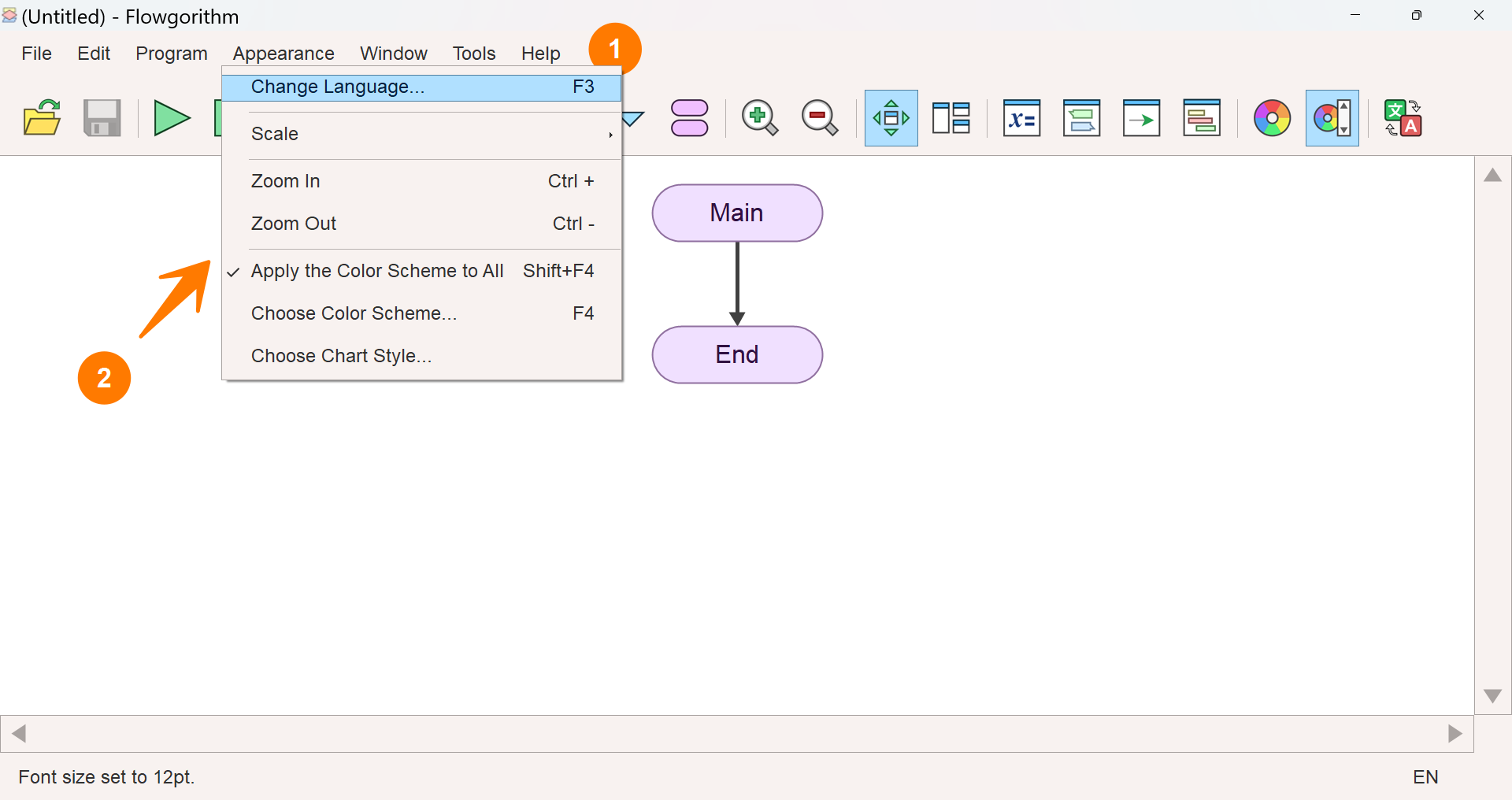
Alternatively, double-click the left mouse button on the “Change Language” icon  in the Flowgorithm Toolbar, which is in the rightmost corner. This will open the window for selecting a new language.
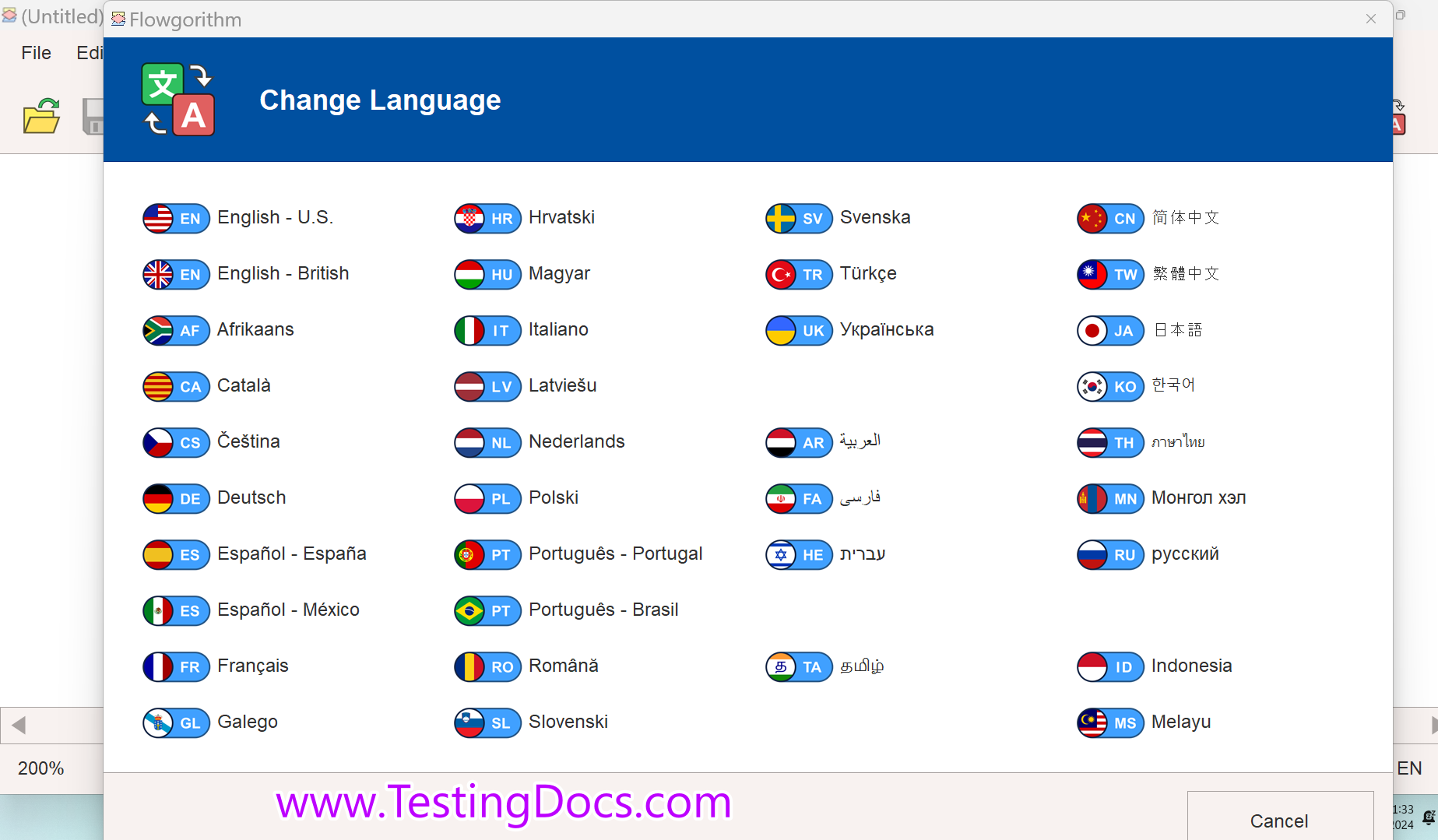
Select your desired language to create the flowchart in that language. The UI and the flowchart symbols will change to your local language.
That’s it.