How to Get Database Table Row Count in JDBC?
How to Get Database Table Row Count in JDBC?
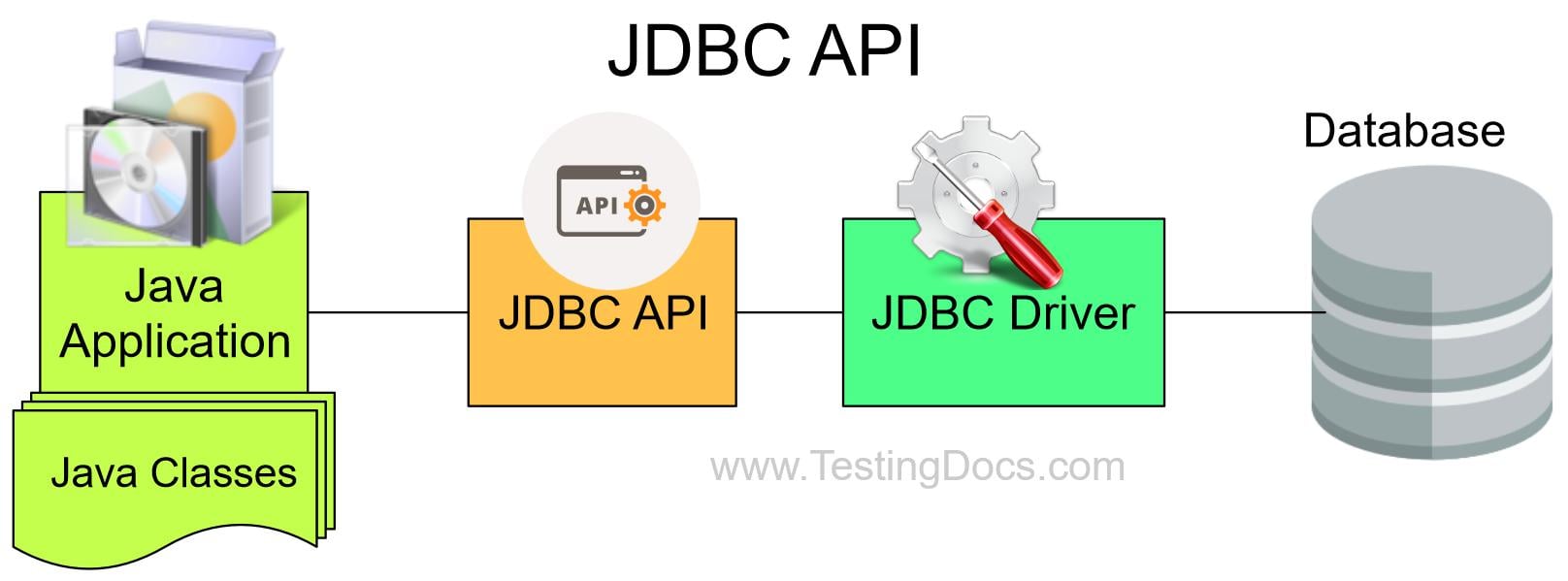
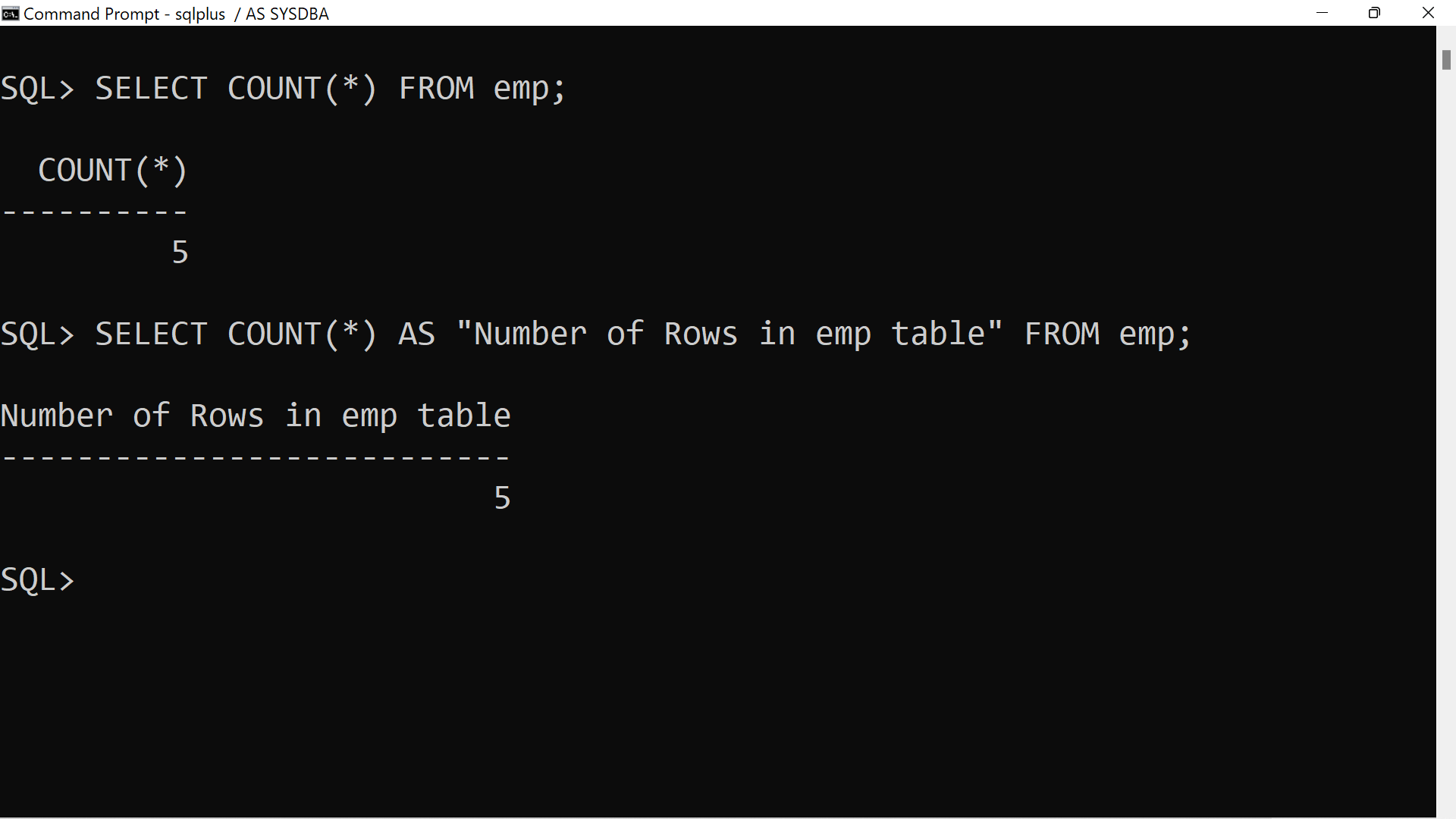
Let’s see how to get database table row count using JDBC. There are many ways to count the table rows. In this post, we will use the SQL count(*) query to count the table rows. We will use Oracle database and emp table with 5 rows.
SQL Query
SQL> SELECT COUNT(*) FROM emp;
COUNT(*)
———-
5
SQL> SELECT COUNT(*) AS “Number of Rows in emp table” FROM emp;
Number of Rows in emp table
—————————
5
Sample JDBC Program
public class TableRowCount {
	public static void main(String args[]) {
		// Connection descriptor variables
		String driverName = "oracle.jdbc.driver.OracleDriver";
		String hostName = "localhost";
		String portNumber = "1521";
		String serviceName = "orclpdb.localdomain";
		String username = "scott";
		String password = "tiger";
		String url = "jdbc:oracle:thin:@//" + hostName + ":" + portNumber + "/" + serviceName;
		// Oracle SQL SELECT Query
		String sqlSelectQuery = "SELECT COUNT(*) FROM emp";
		Connection connection = null;
		try {
			// Load JDBC Driver
			Class.forName(driverName);

			// Connection to the Oracle Database
			connection = DriverManager.getConnection(url, username, password);

			Statement stmt = connection.createStatement();
			ResultSet rs = stmt.executeQuery(sqlSelectQuery);
			// Print
			System.out.println(String.format("%-20s", "Number of Rows in Table"));
			while (rs.next()) {
				int rowCount = rs.getInt(1);
				System.out.println(String.format("%20s", rowCount));
			}
			// Close Database Connection
			stmt.close();
		} catch (Exception exp) {
			exp.printStackTrace();
		}
	}
}


