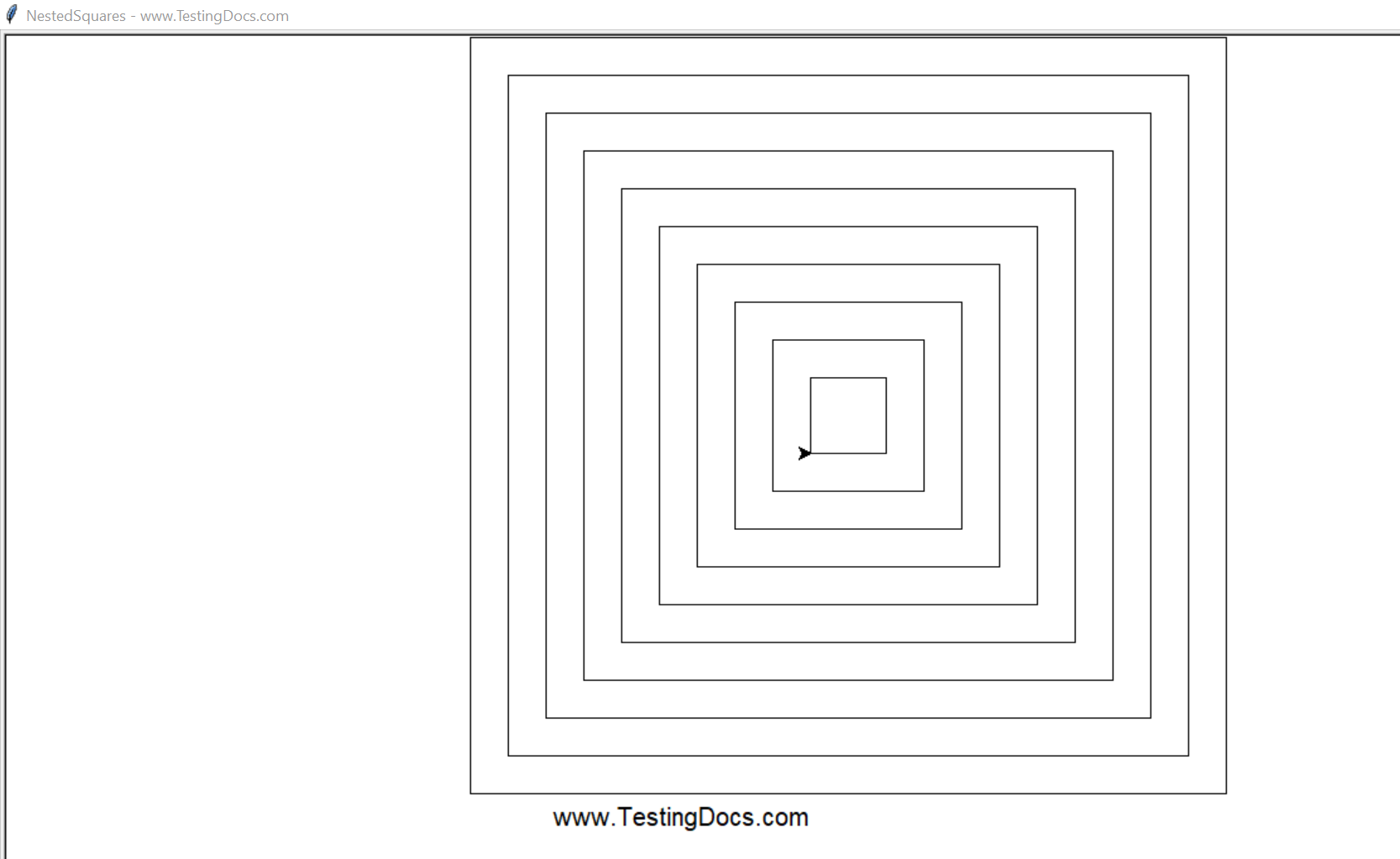
Recursive Turtle graphics program to draw nested squares
Overview
In this tutorial, we will learn how to draw nested squares using a recursive turtle graphics program. We will use Eclipse IDE to run the python program.
Create graphics window and turtle handle.
WindowTurtleScreen=turtle.Screen()
tDocsTurtle = turtle.Turtle()
The recursive function is NestedSquare. This function calls itself. Initially, we will call the function from the main
NestedSquare(tDocsTurtle,600,60)
Program
#Import turtle module
import turtle

#############################################
# Recursive Function to draw square         #
# using Turtle graphics in Python           #
#############################################
def NestedSquare(tDocsTurtle,side, delta):
    if side < delta:
        return

    tDocsTurtle.penup()
    tDocsTurtle.goto(-(side-delta)/2, -(side-delta)/2)
    tDocsTurtle.pendown()

    for i in range(4):
        tDocsTurtle.forward(side)
        tDocsTurtle.left(90)

    #Recursive call to draw inner square
    NestedSquare(tDocsTurtle,side-delta,delta)


########################################
# Main function                        #
########################################
def main():
    WindowTurtleScreen=turtle.Screen()
    tDocsTurtle = turtle.Turtle()
    WindowTurtleScreen.title("NestedSquares - www.TestingDocs.com")
    tDocsTurtle.penup()
    tDocsTurtle.goto(0, -300)
    tDocsTurtle.pendown()
    tDocsTurtle._write("www.TestingDocs.com", "right","Arial")
    NestedSquare(tDocsTurtle,600,60)
    WindowTurtleScreen.exitonclick()


main()
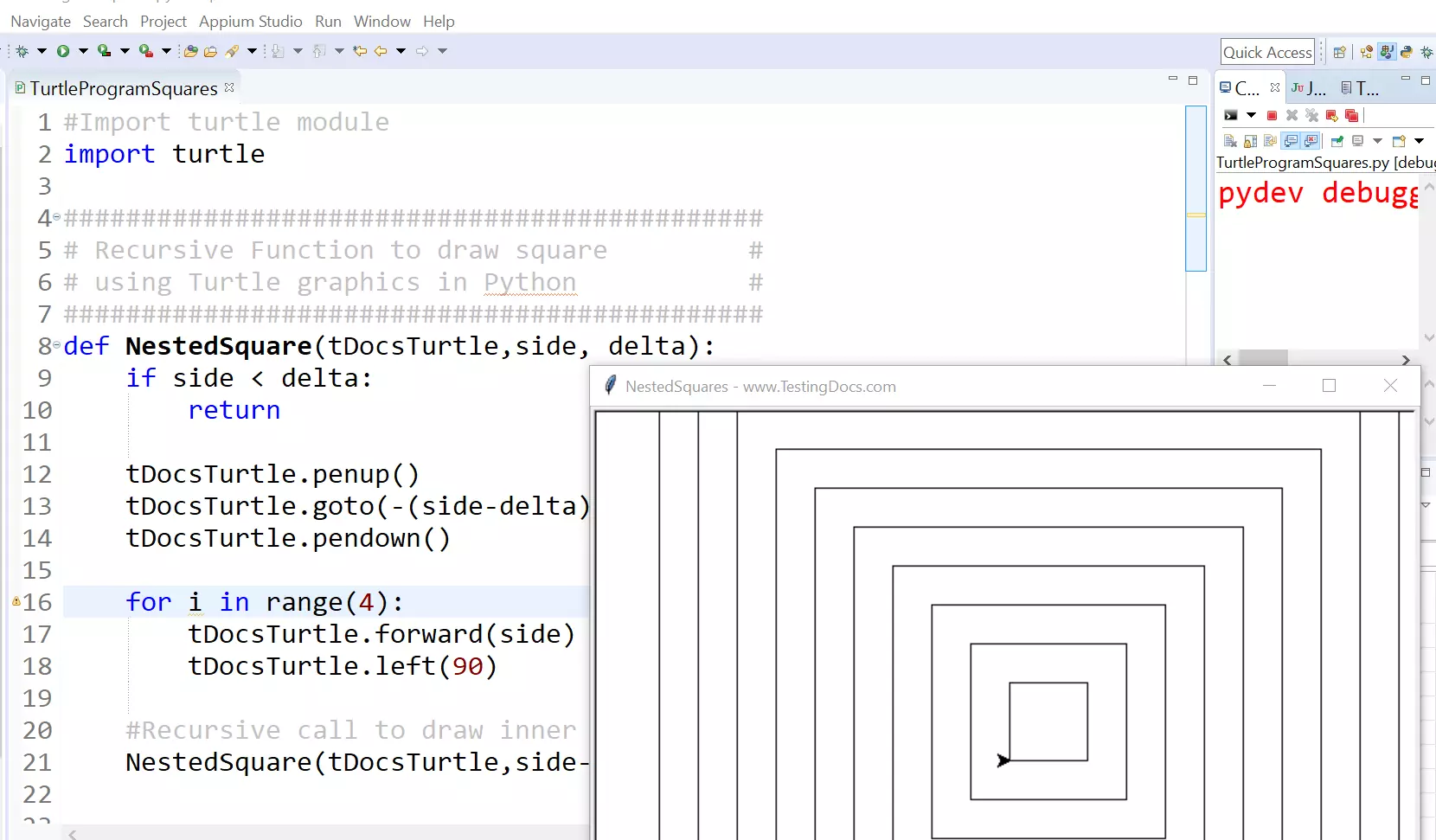
Sample Output
Run the program.
Run As >> Python Run