How to Install Flowgorithm on Linux? [ 2024 ]
How to Install Flowgorithm on Linux?
Flowgorithm is beginner-friendly flowchart software developed for the Windows operating system. The Flowgorithm is not available for Linux machines. There is no Linux installer support.
Let’s install Flowgorithm on an Ubuntu Linux machine using Wine. Ubuntu is a user-friendly, open-source Linux distribution based on Debian, designed for ease of use and stability. It is widely used for desktops, servers, and cloud applications, offering robust performance and extensive community support.
Wine
However, running Windows applications on a compatibility layer implemented by Wine on Linux machines is possible.
Wine is a compatibility layer for Linux that allows Windows applications to run on Unix-like operating systems. It translates Windows system calls into POSIX-compliant calls, enabling seamless integration of Windows software on Linux. POSIX stands for “Portable Operating System Interface.”
Install Wine
Follow the steps mentioned in the link to install Wine on the Ubuntu Linux machine.
Since Flowgorithm was developed using the .NET framework, you must install Mono.
Install Mono
Mono is a free and open-source .NET Framework compatible software framework.
You can use the following command to install Mono.
$ sudo apt install mono-complete
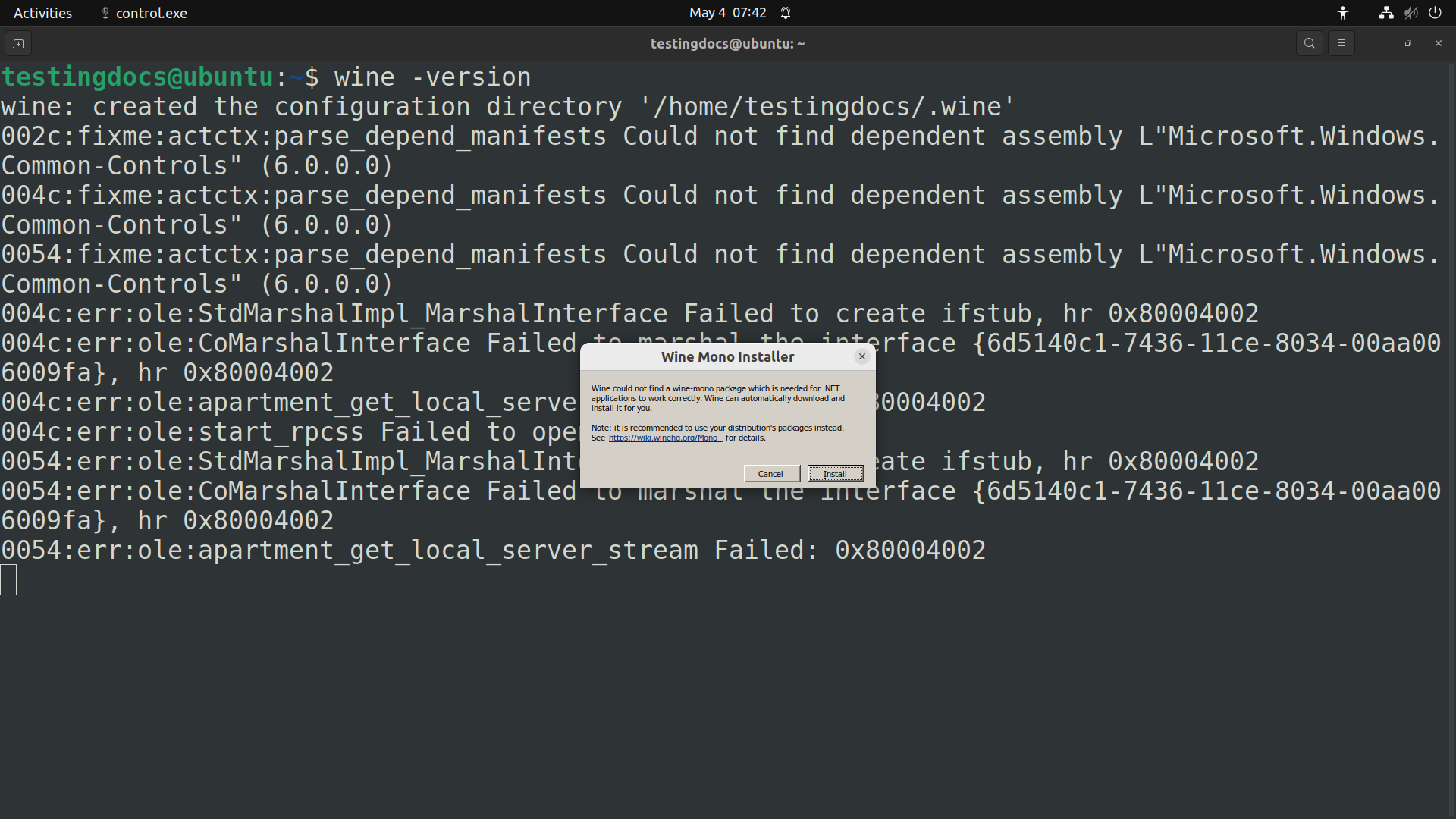
Alternatively, click the Install button on the Wine Mono Installer wizard window.
Download Flowgorithm.exe
After setting up the Wine runtime environment, you can download the Flowgorithm standalone executable from the Flowgorithm website.
Open a web browser on the Linux machine.
Navigate to the Flowgorithm official website.
Download the Flowgorithm Executable Only file.
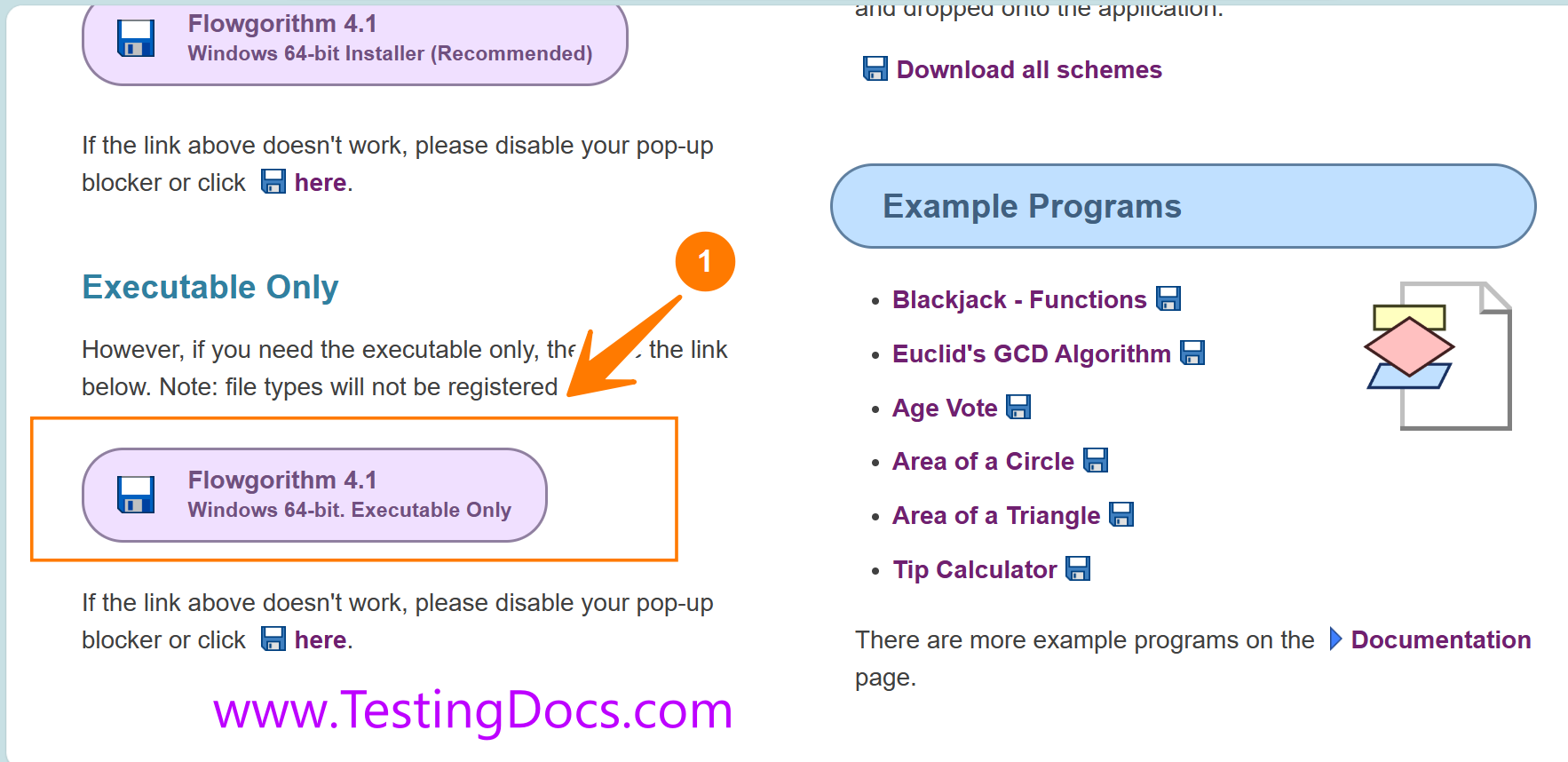
Extract the file from the zip package; the file extension is Flowgorithm.exe.
Run Flowgorithm
You can run the following command to run the tool
$ wine Flowgorithm.exe
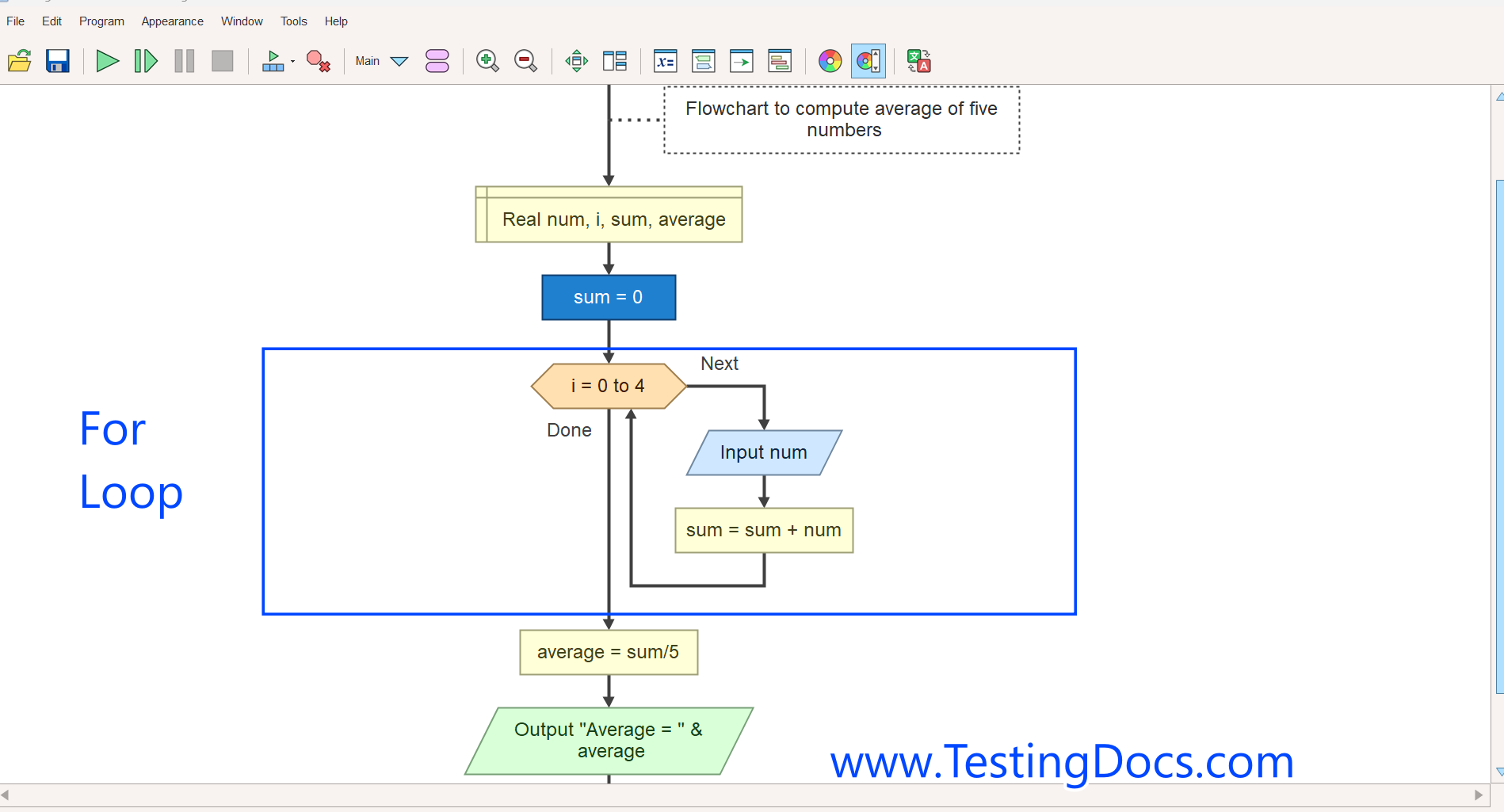
Create a sample flowchart and run it to test the installation.
A screenshot of the sample flowchart was created and run on a Ubuntu Linux machine.
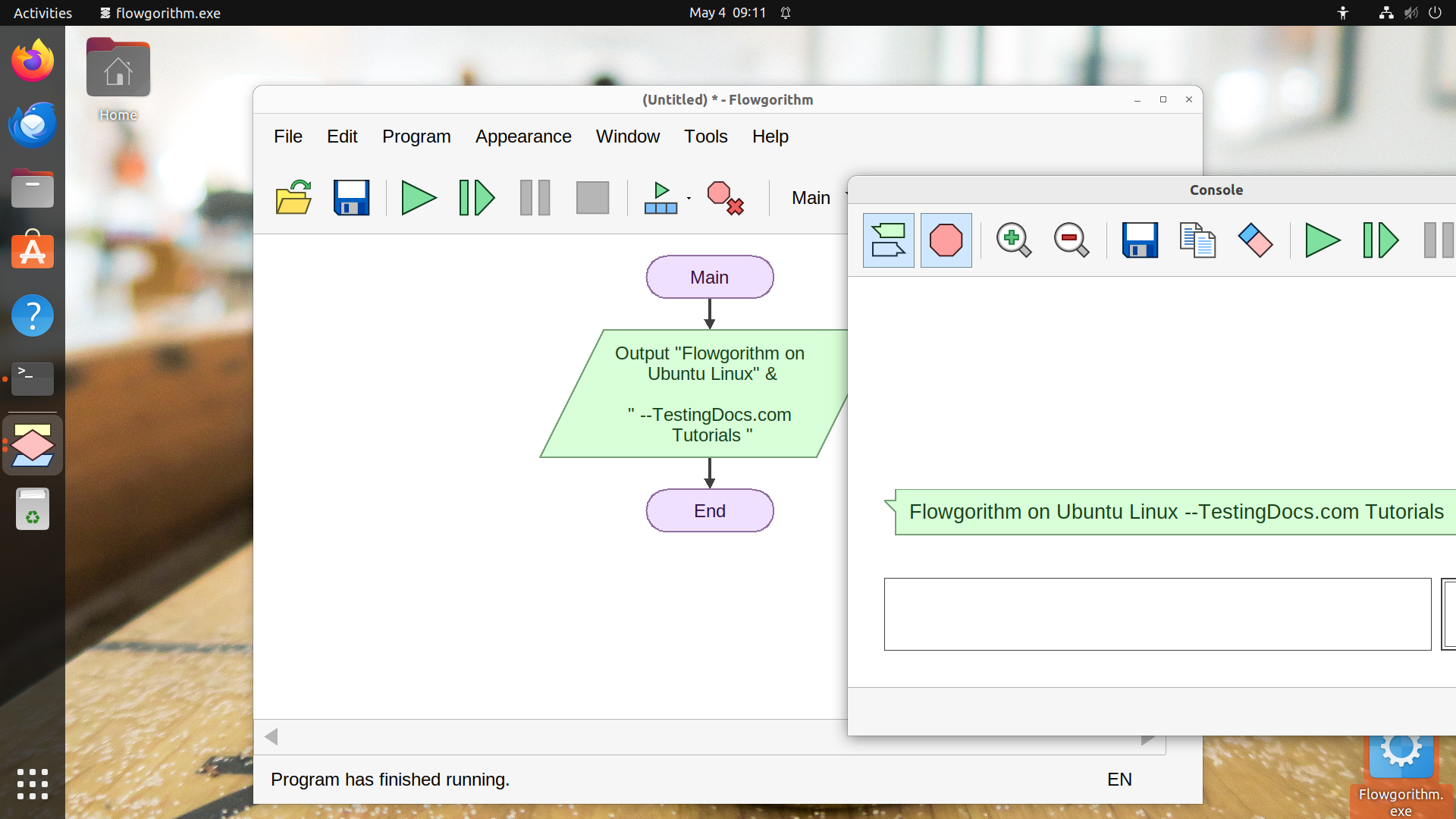
That’s it. You may notice some errors which can be ignored. You have successfully executed a sample flowchart on a Linux box.