Write a program to check an integer is Even or Odd
Write a program to check an integer is Even or Odd
In this post, we will write a java program to check if the entered integer is Even or odd number. We will use Eclipse IDE in this example.
IPO Chart
IPO stands for Input- Process – Output. IPO is a handy tool to analyze the program input, process and outputs to the flowchart/program. Beginners are recommended to create the IPO in a table format. Analyze the problem statement and think about the program inputs, processing steps and what the problem should display as output.
Input – User entered number.
Process
number%2 == 0 –> EVEN
Else —> ODD
Output
Display whether the input number is odd or even number.
Java Program
Launch Eclipse IDE. Create a new Java package and Java class.
Add the program code within the main method.
package com.testingdocs.programs;

import java.util.Scanner;

/**************************************************
 * EvenOdd.java
 * @program   	: Even or Odd check
 * @web        	: www.TestingDocs.com
 * @version     : 1.0
 **************************************************/

public class EvenOdd {
	// main method
	public static void main(String[] args) {
		// Take input from user
		Scanner keyboard = new Scanner(System.in);
		System.out.print("Please enter the number :=");
		int inputNumber = keyboard.nextInt();
		// Output
		if(inputNumber % 2 == 0 ) {
			System.out.println("The number " +
inputNumber + " is EVEN.");
		}else {
			System.out.println("The number " +
inputNumber + " is ODD.");
		} // end if
	} // end main
} // end class
Screenshot
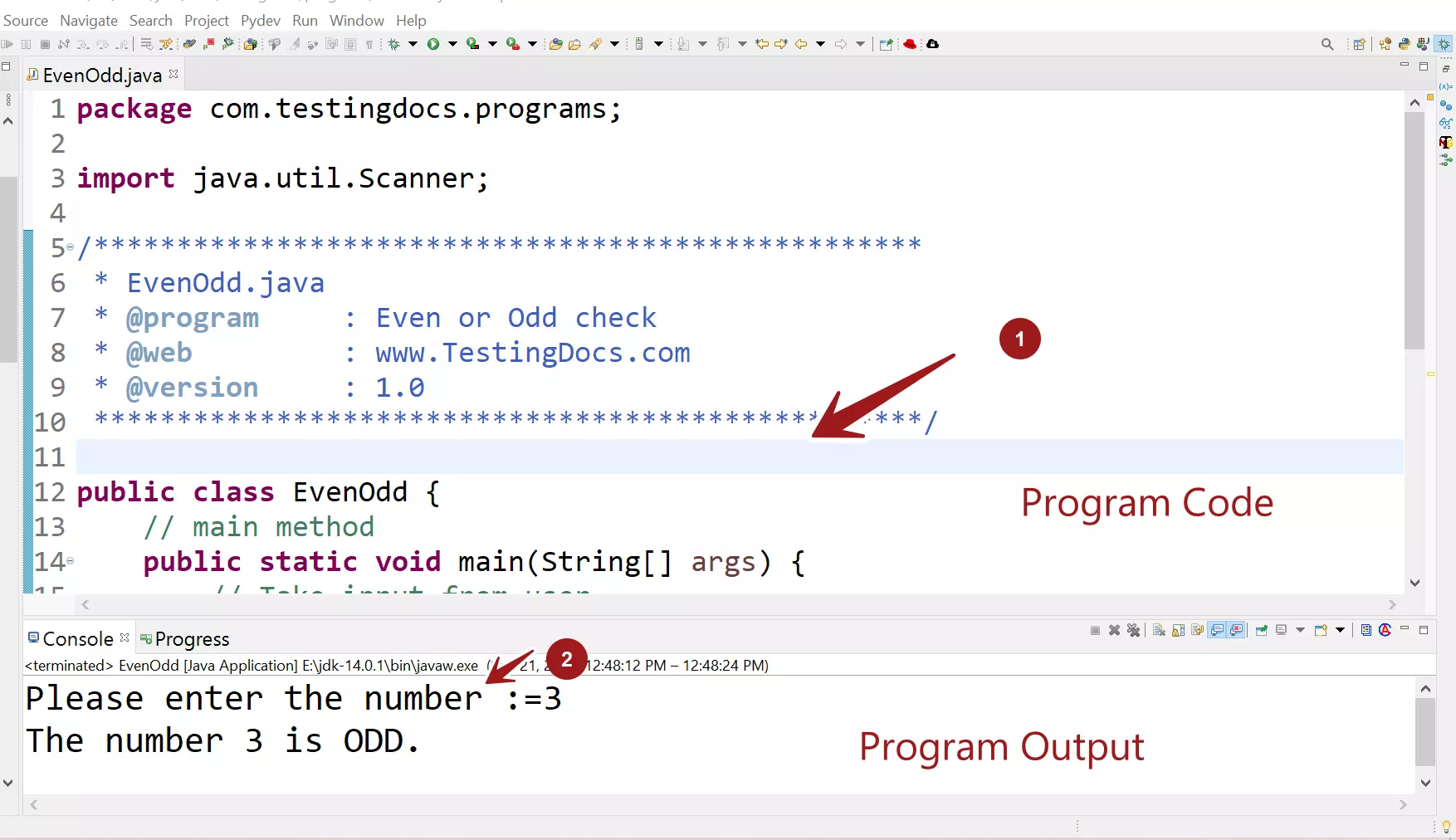
Screenshot of the program in Eclipse IDE.
Sample Output
Save the program code and execute the Java application. Execute some test cases to verify the program output.
To run the Java application, choose the menu option
Right click >> Run as >> Java application
The program will prompt to enter a number.
Output
Please enter the number :=3
The number 3 is ODD.
—
Java Tutorial on this website: https://www.testingdocs.com/java-tutorial/
For more information on Java, visit the official website :