How to install Selenium IDE 3.x
How to install Selenium IDE 3.x
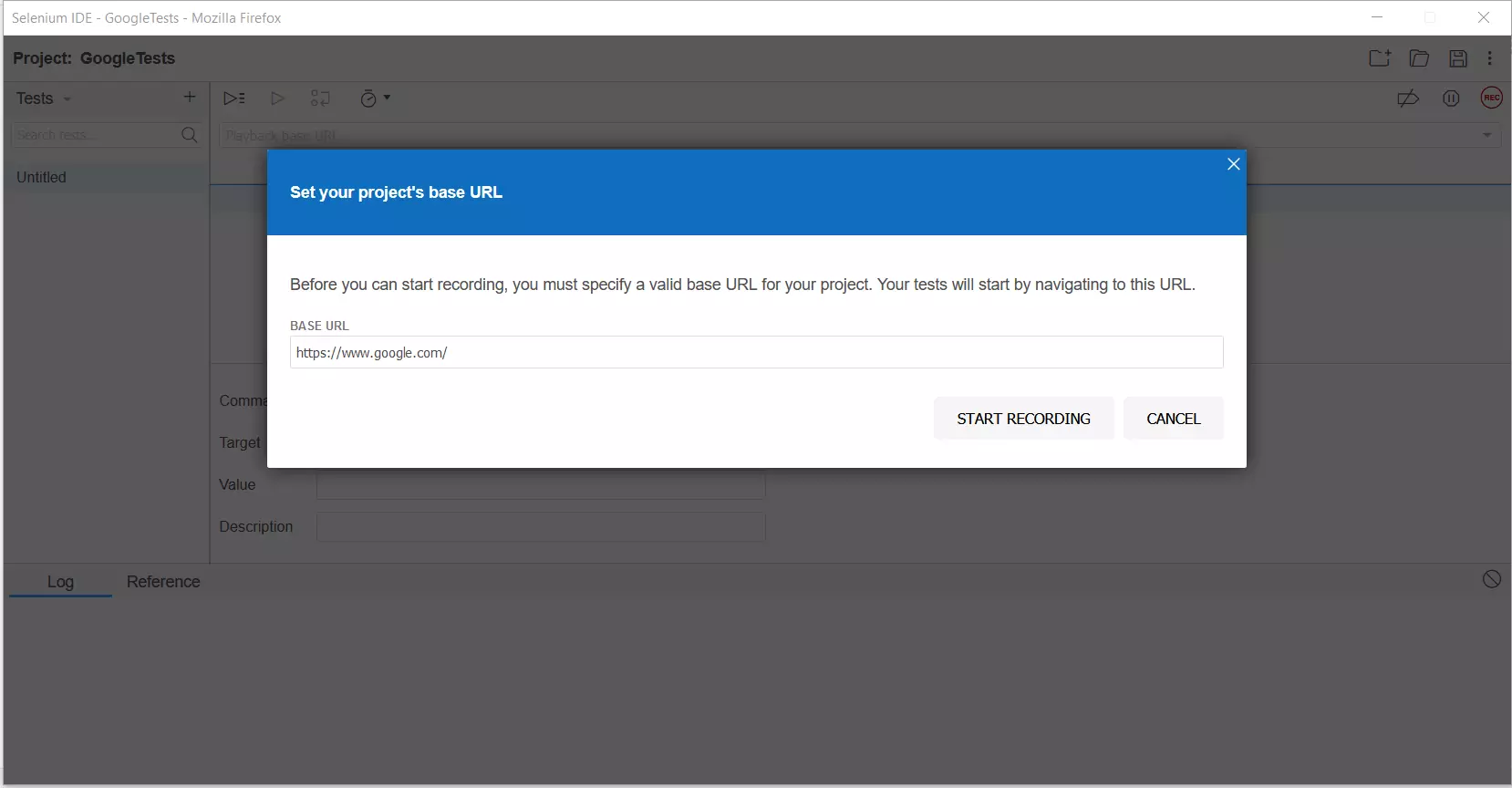
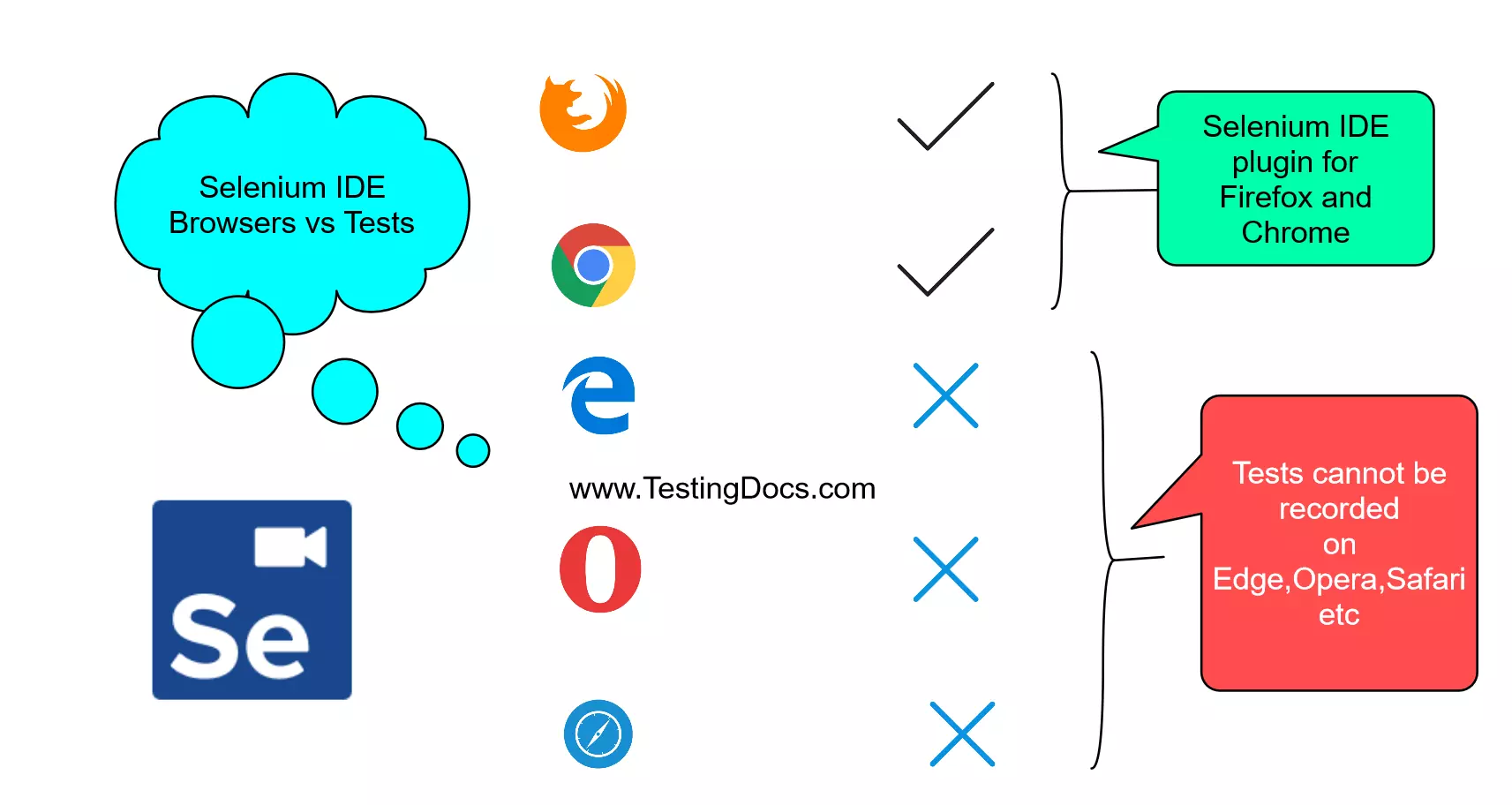
Let’s see the steps to install the Selenium IDE 3.x version on Google Chrome browser and Firefox browser. Selenium IDE is available for both browsers as of now.
Steps:
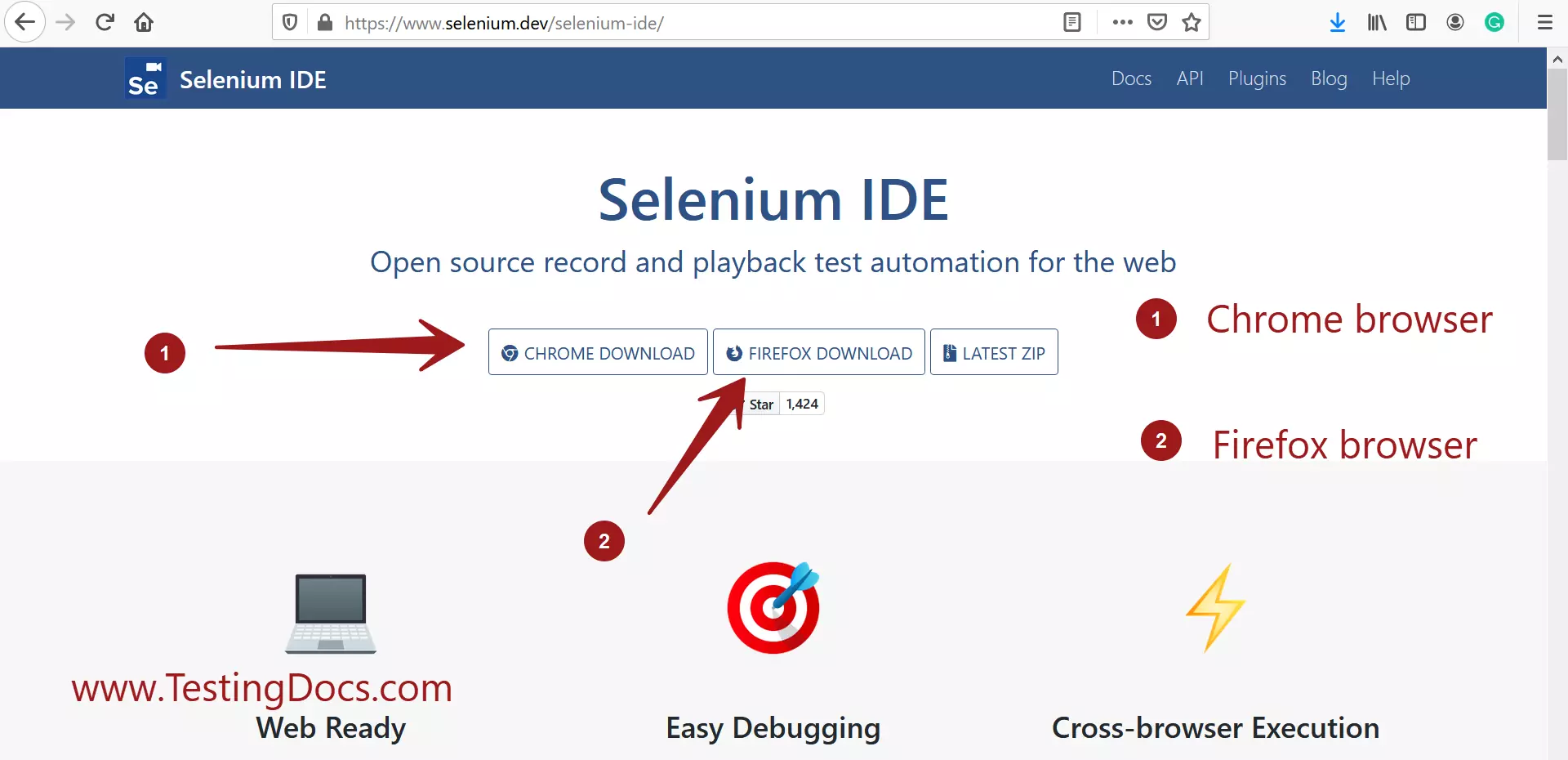
Navigate to the Selenium IDE official URL at :
- https://www.selenium.dev/selenium-ide/
Chrome
To download the tool for the Chrome browser, click on the respective Chrome Download button.
https://www.testingdocs.com/selenium-ide-for-chrome-browser/
Firefox
To download the tool for the Firefox browser, click on the respective Firefox Download button.
https://www.testingdocs.com/introduction-to-selenium-ide/
Features of the tool
https://www.testingdocs.com/questions/what-are-the-features-of-selenium-ide/