Create New Company in Tally
Create New Company in Tally
Tally is a powerful business accounting software used widely for managing company finances, inventory, payroll, and taxation. One of the first and most essential steps in using Tally is creating a new company. This sets up the basic framework for all financial transactions and records. Whether you’re a small business owner or a student learning Tally, understanding how to create a company is crucial.
Tally Prime is the latest version of the Tally software, designed to be more user-friendly and efficient. It simplifies accounting and compliance tasks with easy navigation, modern interface, and powerful features. Tally Prime supports invoicing, inventory management, GST compliance, bank reconciliation, and more. It is ideal for businesses of all sizes to streamline their accounting operations.
Steps to Create a New Company
Follow these steps to create a new company in Tally Prime:
- Open Tally Prime on your computer.
- From the Tally Gateway, select Create Company.
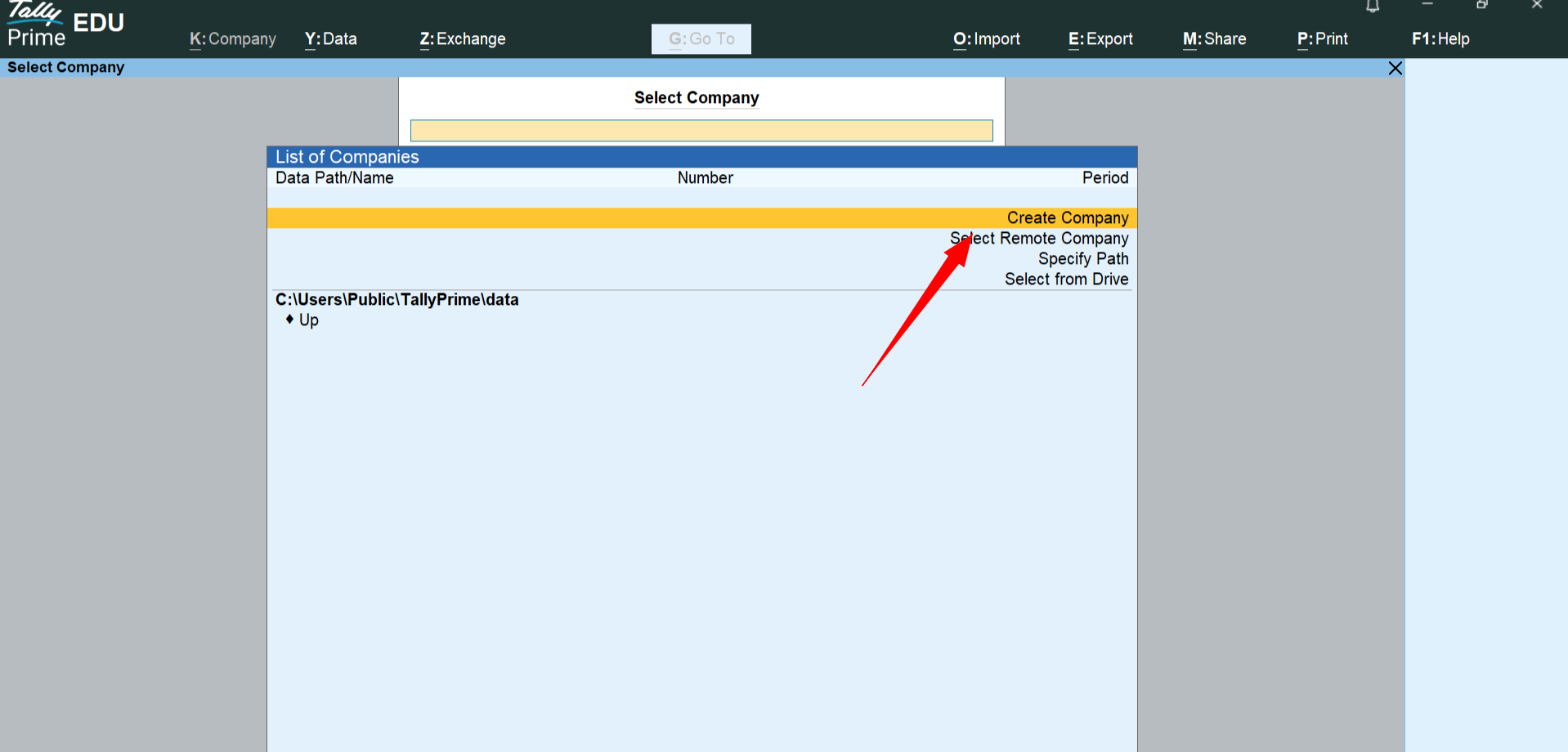
- Enter the required company details:
- Company Name: Enter the legal name of your company.
- Mailing Name and Address: Provide address details for reports and invoices.
- Country: Select the country where the business operates.
- State: Choose the state for proper tax calculation.
- Phone Number, Email, Website: (Optional) Enter contact information.
- Financial Year Begins From: Set the start date of the financial year.
- Books Beginning From: This can be the same as financial year or a different date.
- Security Control: Enable user security if needed.
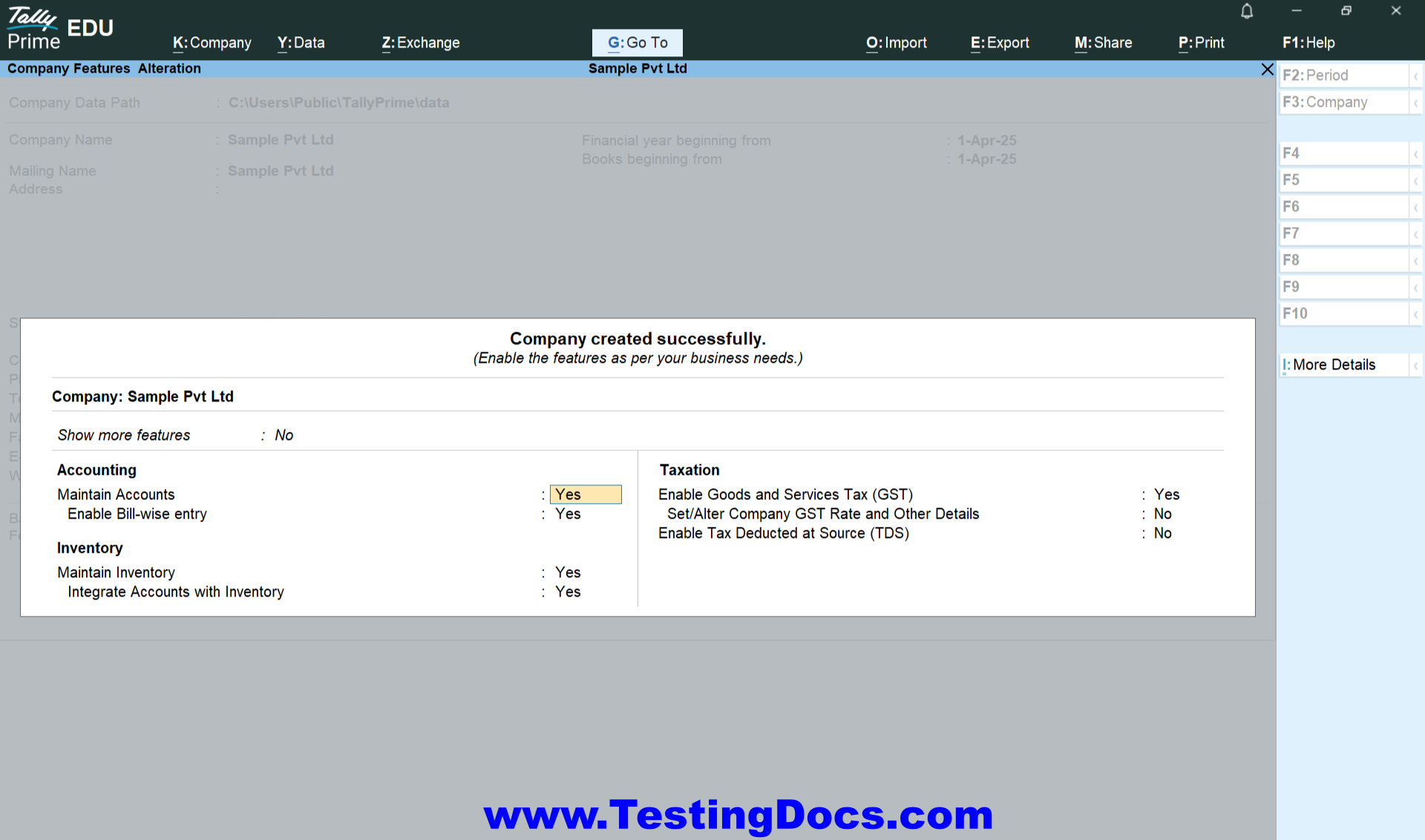
- Press Ctrl + A to accept and save the company details.
Once saved, you can start entering vouchers, creating ledgers, managing inventory, and using other features for your new company.
Remote Company in Tally
A Remote Company in Tally refers to a company that is accessible over the internet using Tally.NET services. It allows users to securely access the company’s data from anywhere using a Tally.NET ID and appropriate user permissions. This is especially useful for businesses with multiple locations or for accountants who manage client data remotely. Remote access requires a valid Tally license and internet connectivity.