Download Appium Inspector on Windows
Download Appium Inspector on Windows
Appium Inspector is a graphical tool ( GUI tool) used to inspect and interact with mobile app elements. It helps testers identify the properties and hierarchy of UI elements in Android and iOS apps. Using it, you can locate elements, generate XPath or locator strategies, and record actions to create test scripts easily. In this tutorial, you will install Appium Inspector tool on Windows operating system.
Download Appium Inspector
Open web browser and navigate to the following URL:
- https://github.com/appium/appium-inspector
Go to releases section to download the installer.
- https://github.com/appium/appium-inspector/releases
Download the installer file: Appium-Inspector-<version>-win-x64.exe
Install Appium Inspector
Locate the installer in the Downloads folder and double click on it.
This will launch the Appium Inspector install wizard. Click on the Install button to install the tool.
Once done click on the Finish button to exit the installer screen.
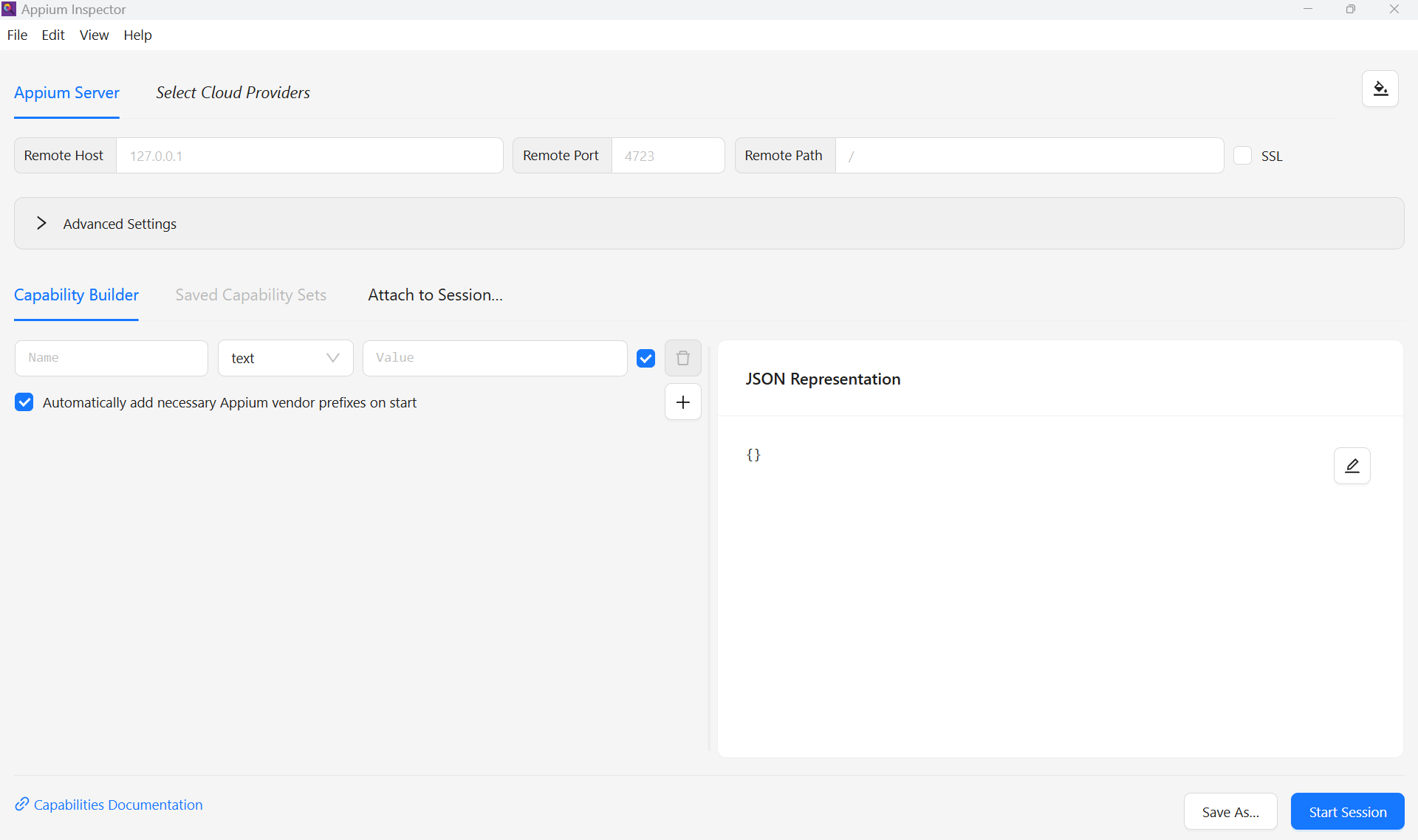
That’s it. The tool is installed on the machine.
Appium Tutorials
Appium Tutorials: