Composer Download on Windows
Composer Download on Windows
Composer is a dependency manager for PHP. We can download it from the official website. Composer is licensed under the MIT license.
Official Website: https://getcomposer.org/
Download
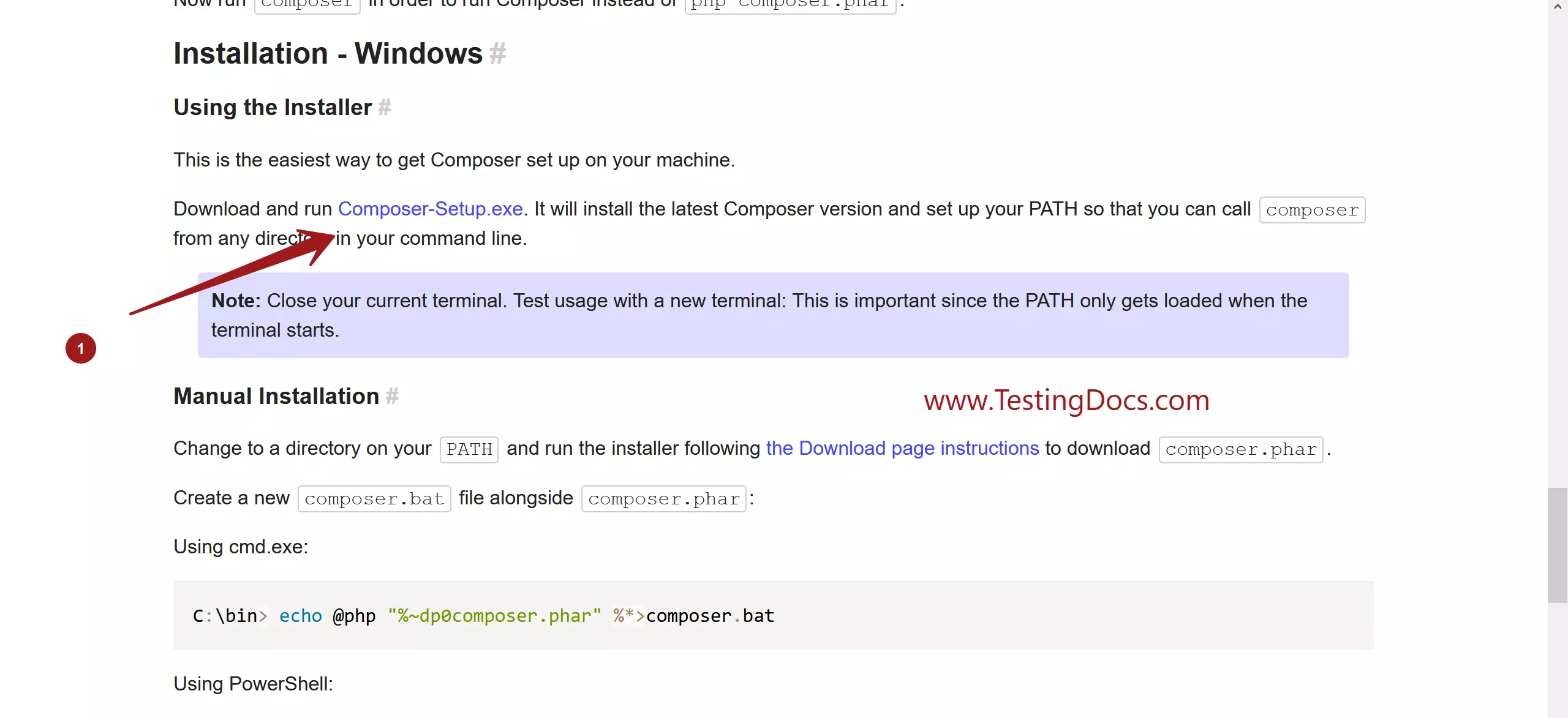
Download Composer-Setup.exe
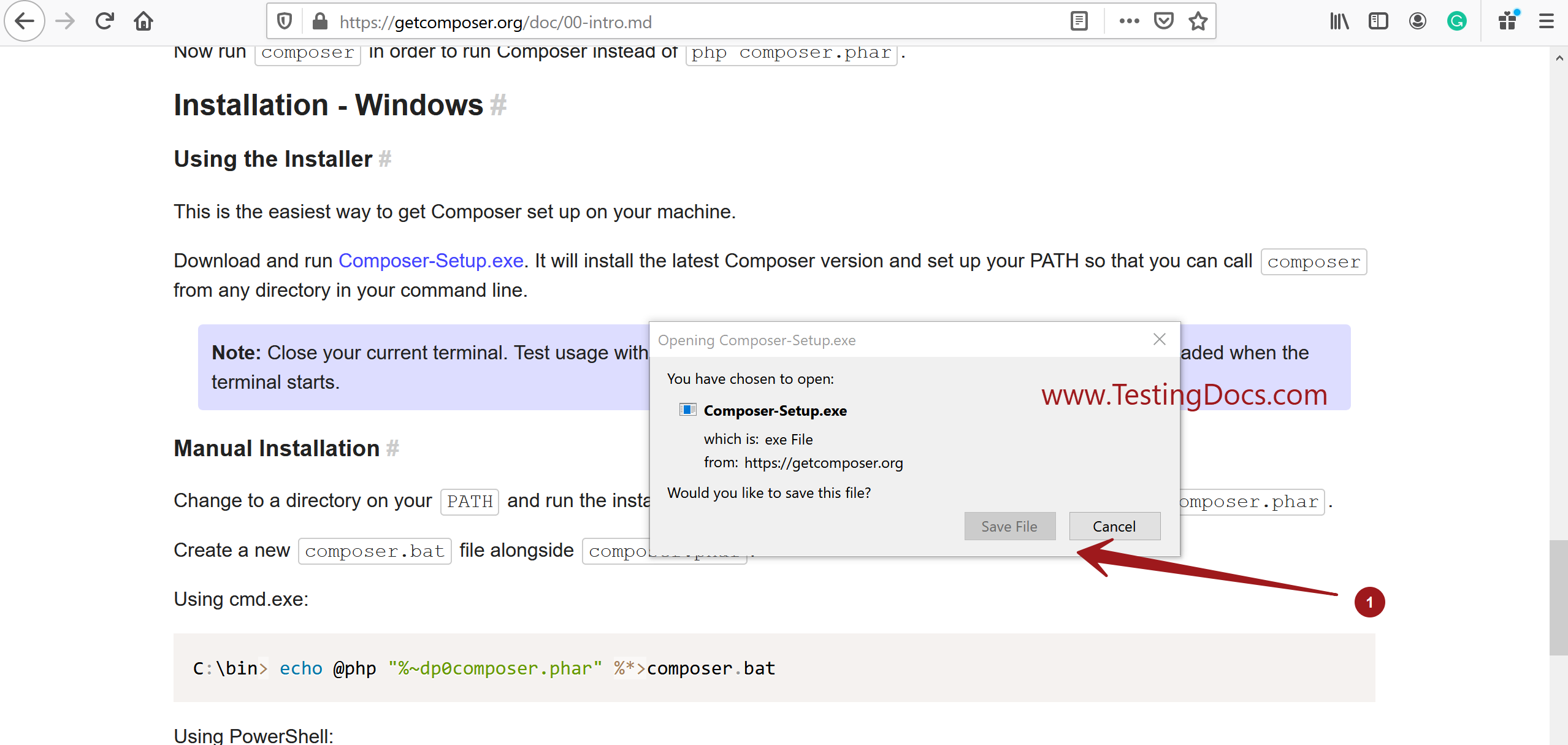
Save the file on the computer.
Install
Double click on the Composer-Setup.exe
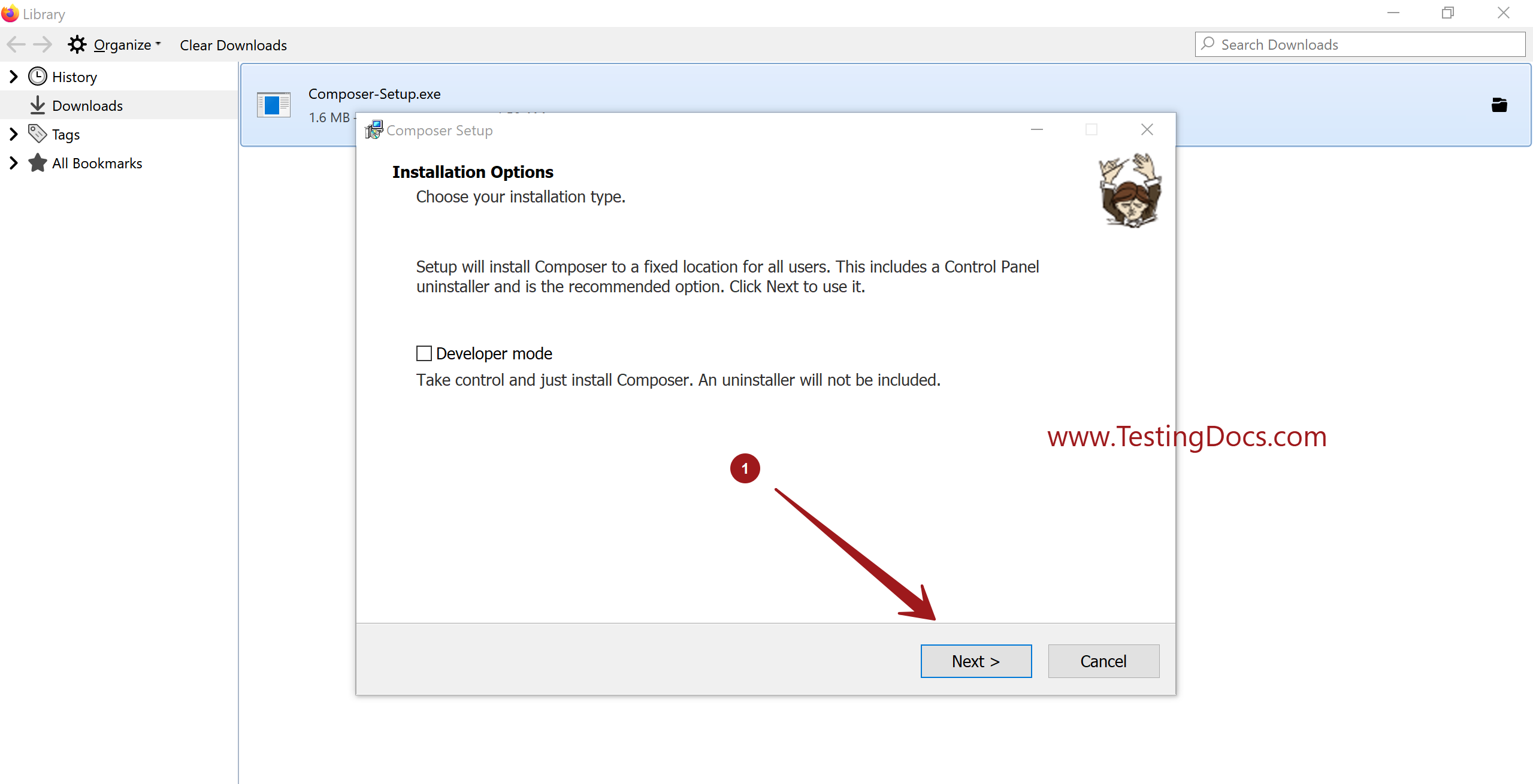
Click on the Next buttons and complete the Install wizard.
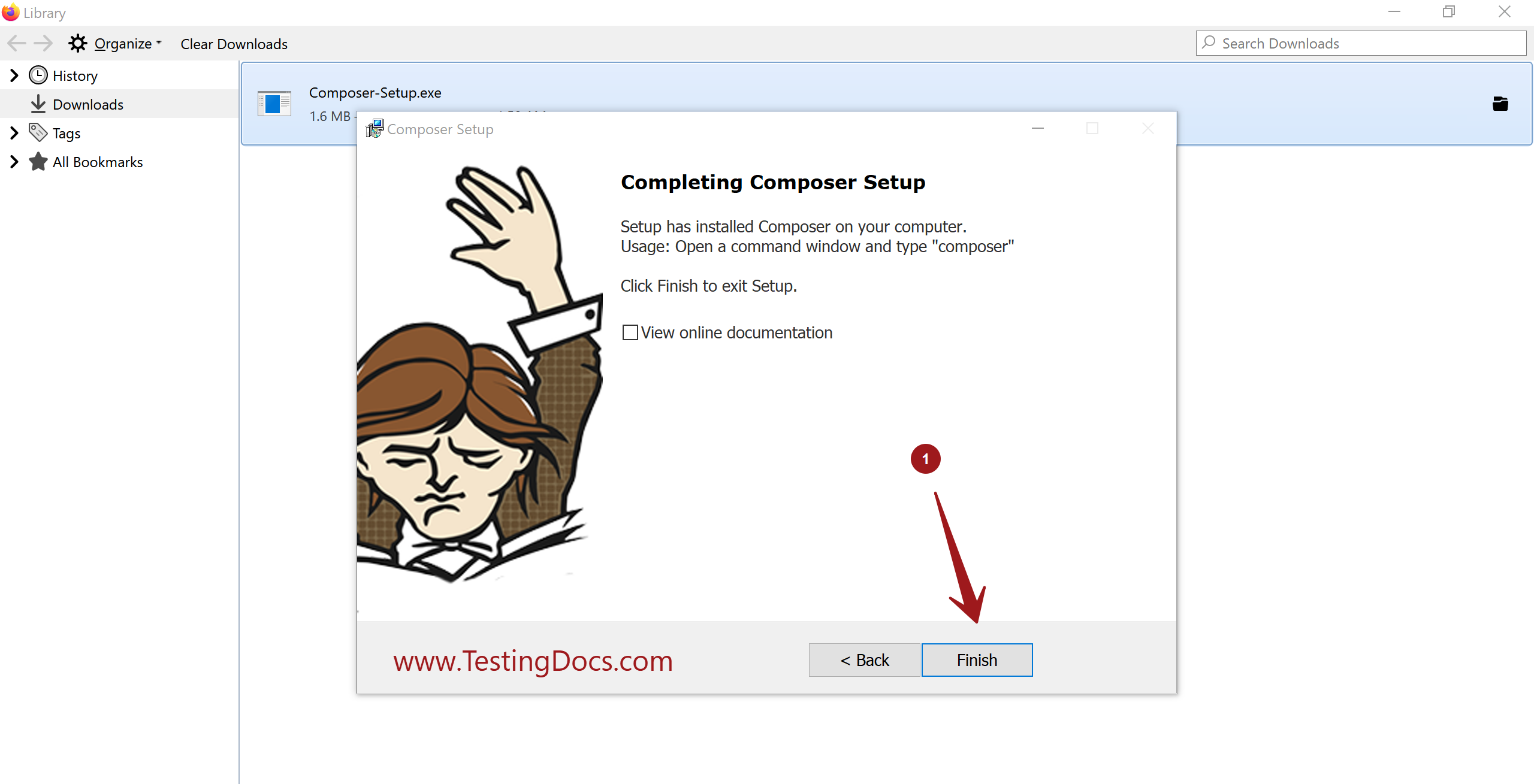
Click the Finish button to complete the install.
Composer will create files to handle the configuration and dependency information.
- composer.json
- composer.lock
The lock file locks the dependencies of your project to a known state of the project.
Sample composer.json
{
 "config": {
 "platform": {
 "php": "7.4.2"
 }
 },
 "require": {
 "php-http/guzzle6-adapter": "^1.0",
 "slim/slim": "4.0",
 "slim/psr7": "^1.1",
 "nyholm/psr7": "^1.2",
 "nyholm/psr7-server": "^0.4.1",
 "guzzlehttp/psr7": "^1.6",
 "http-interop/http-factory-guzzle": "^1.0",
 "laminas/laminas-diactoros": "^2.2",
 "adodb/adodb-php": "^5.20",
 "phpmailer/phpmailer": "^6.1",
 "smarty/smarty": "^3.1",
 "psr/log": "^1.1",
 "symfony/polyfill-mbstring": "^1.15",
 "league/oauth2-client": "^2.4",
 "omines/oauth2-gitlab": "^3.2",
 "league/oauth2-github": "^2.0",
 "league/oauth2-google": "^3.0",
 "slim/http": "^1.0"
 }
}
All the dependencies source files would be downloaded into a folder called vendor at the project root folder. The sample folder for the TestLink application is shown below. (https://www.testingdocs.com/testlink-installation-on-windows/)
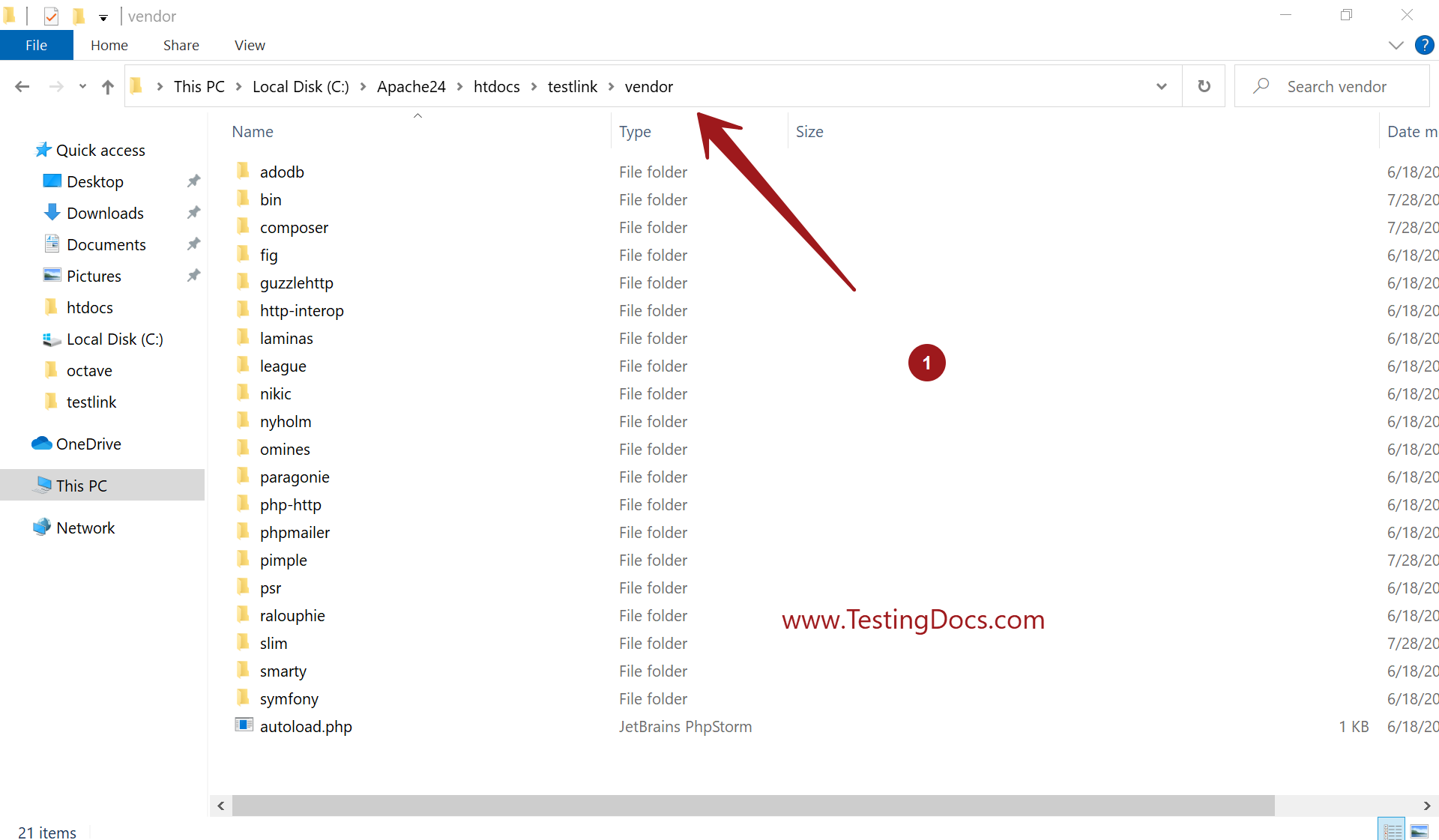
We can use the dependency by loading the autoload.php file. For example
require_once “vendor/autoload.php”
We can use the dependency by importing into the project source. For example,
use Slim\Psr7\Response;
—
PHP Tutorials
PHP Tutorials on this website:
https://www.testingdocs.com/php-tutorials/

