JUnit @Test Annotation Examples
Overview
In this post, we will see some JUnit @Test Annotation Examples. We can mark the test method in JUnit with @Test annotation. The example test method is shown below:
@Test
public void addTest()
{
calculator.enter(5);
calculator.add(10);
assertEquals(calculator.getScreenResult(), 15);
}
expected
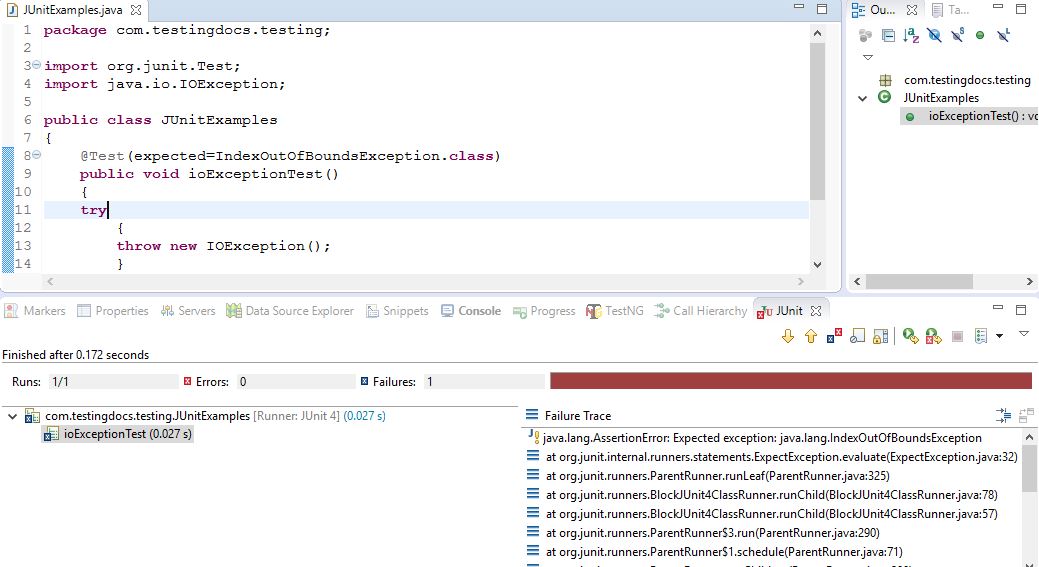
Additionally, the @Test annotation supports two optional parameters. The first is, expected, declares that a test method should throw an exception. Furthermore, if it doesn’t throw an exception or if it throws a different exception
then the one declared, the test fails. For example, the following test succeeds:
public class JUnitExamples
{
@Test(expected=IndexOutOfBoundsException.class)
public void outOfBoundsTest() {
new ArrayList<Object>().get(1);
}
}
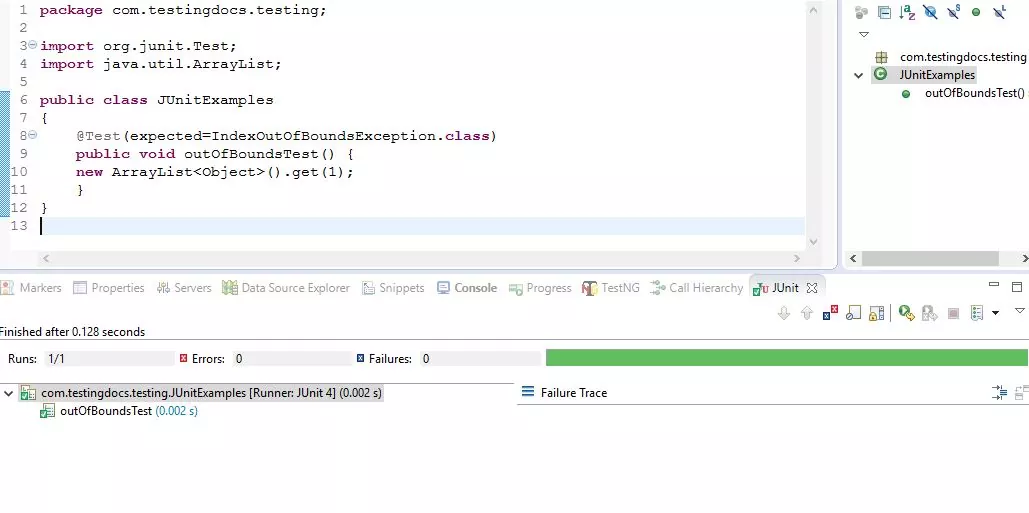
Now, let us see what happens when the test method throws a different exception.
public class JUnitExamples
{
@Test(expected=IndexOutOfBoundsException.class)
public void ioExceptionTest()
{
try
{
throw new IOException();
}
catch(IOException e)
{}
}
}
timeout
The second optional parameter, timeout, causes a test to fail if it takes longer than a specified amount of clock time (measured in milliseconds). The following test fails:
@Test(timeout=100)
public void infinityTest() {
while(true);
}
while timeout is useful to catch and terminate infinite loops, it should not be considered deterministic. The following test may/ may not fail depending on how the operating system schedules threads.
@Test(timeout=500)
public void timeOutTest()
{
Thread.sleep(500);
}
Test methods with a timeout parameter are run in a thread other than the thread which runs the fixture’s @Before and @After methods. This may yield different behavior for code that is not thread safe when compared to the same test method without a timeout parameter. Consider using the org.junit.rules.Timeout rule instead, which ensures a test method is run on the same thread as the fixture’s @Before and @After methods.
Ignore
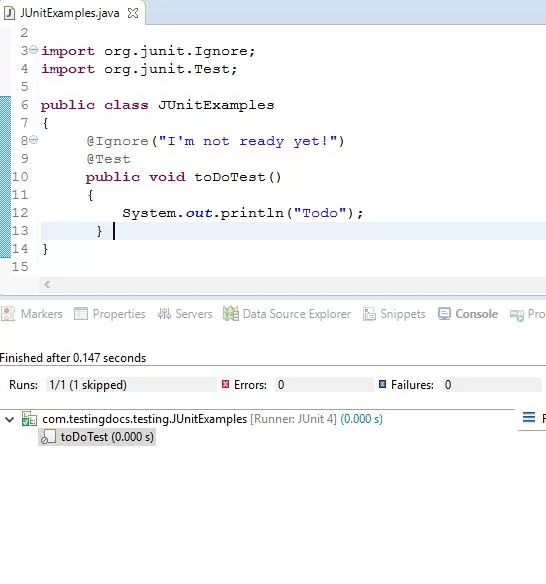
Ignoring a test example shown below.
public class JUnitExamples
{
@Ignore("I'm not ready yet!")
@Test
public void toDoTest()
{
System.out.println("Todo");
}
}
JUnit Tutorial: https://www.testingdocs.com/junit-tutorial/
More information on JUnit can be found on the official website: https://junit.org
JUnit Tutorial: https://www.testingdocs.com/junit-tutorial/
More information on JUnit can be found on the official website: https://junit.org

