Linux ssh Command with Examples
Linux ssh Command with Examples
SSH (Secure Shell) is a network protocol used to securely connect to and manage a remote computer over an IP network. Linux administrators, developers, and students commonly use SSH to access servers, execute commands remotely, transfer files, and troubleshoot systems. SSH encrypts the communication between the client and server, helping protect usernames, passwords, commands, and other data from interception.
Basic SSH Syntax
The basic syntax for connecting to a remote Linux system is:
$ ssh username@hostname_or_ipFor example:
$ ssh testingdocs@192.168.1.50Here, testingdocs is the remote username and 192.168.1.50 is the IP address of the remote machine.
After entering the command, SSH may ask for the user’s password.
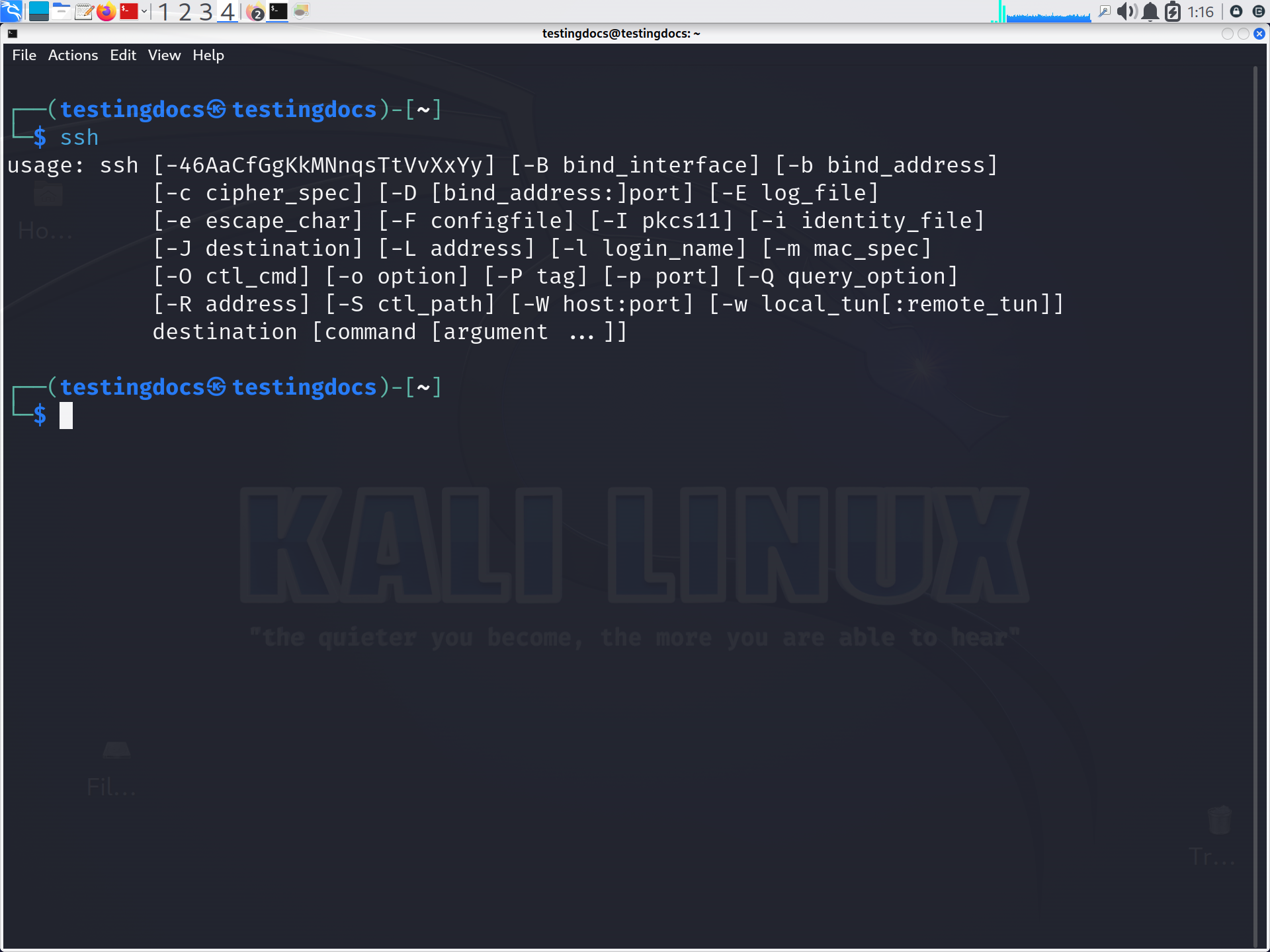
Connecting to a Specific Port
SSH normally uses TCP port 22. If the SSH server is configured to use another port, specify it with the
-p option:
$ ssh -p 2222 testingdocs@192.168.1.50Using SSH Keys
SSH supports public-key authentication, which is often preferred for automated administration and secure server access.
A private key can be specified with the -i option:
$ ssh -i ~/.ssh/mykey testingdocs@192.168.1.50The private key should be protected carefully because anyone who obtains an usable private key may be able to authenticate as its owner.
Executing a Remote Command
SSH can execute a command on the remote system without opening an interactive shell:
$ ssh testingdocs@192.168.1.50 "uname -a"This is particularly useful in scripts and system administration tasks. You can also run multiple commands:
$ ssh testingdocs@192.168.1.50 "cd /var/log && ls"Common SSH Examples
Some useful commands include:
$ ssh user@server.example.com
$ ssh -p 2200 user@server.example.com
$ ssh -i ~/.ssh/server_key user@server.example.com
$ ssh user@server.example.com "df -h"
SSH is a fundamental Linux networking and administration tool. It enables secure remote server management, supports key-based authentication, and can be integrated into automation tools and scripts. For university students, learning SSH provides a practical foundation for understanding
Linux servers, cloud computing, DevOps, cybersecurity, and distributed systems.
