Microsoft Azure Introduction
Microsoft Azure Introduction
Microsoft Azure is Microsoft’s cloud computing platform, similar to Amazon Web Services (AWS) and Google Cloud Platform (GCP). It lets you build, deploy, and manage applications through Microsoft’s global network of data centers. For example, instead of running your app or website on your own computer, you can run it on Microsoft’s servers (the cloud).
Core Azure Services
1. Compute (Running applications)
-
Azure Virtual Machines (VMs) – Your own servers in the cloud.
-
Azure App Service – Run web apps without managing servers.
-
Azure Functions – Serverless computing (run small bits of code on demand).
2. Storage
-
Blob Storage – Store files, images, and videos.
-
Azure Files – Cloud file shares.
-
Azure Disks – Hard drives for your virtual machines.
3. Databases
-
Azure SQL Database – Managed SQL server.
-
Cosmos DB – Global NoSQL database.
-
Azure Database for MySQL / PostgreSQL – Managed open-source databases.
Create an Azure Account
-
Sign up with your Microsoft account.
-
You’ll get $200 in free credits for 30 days.
Explore the Azure Portal
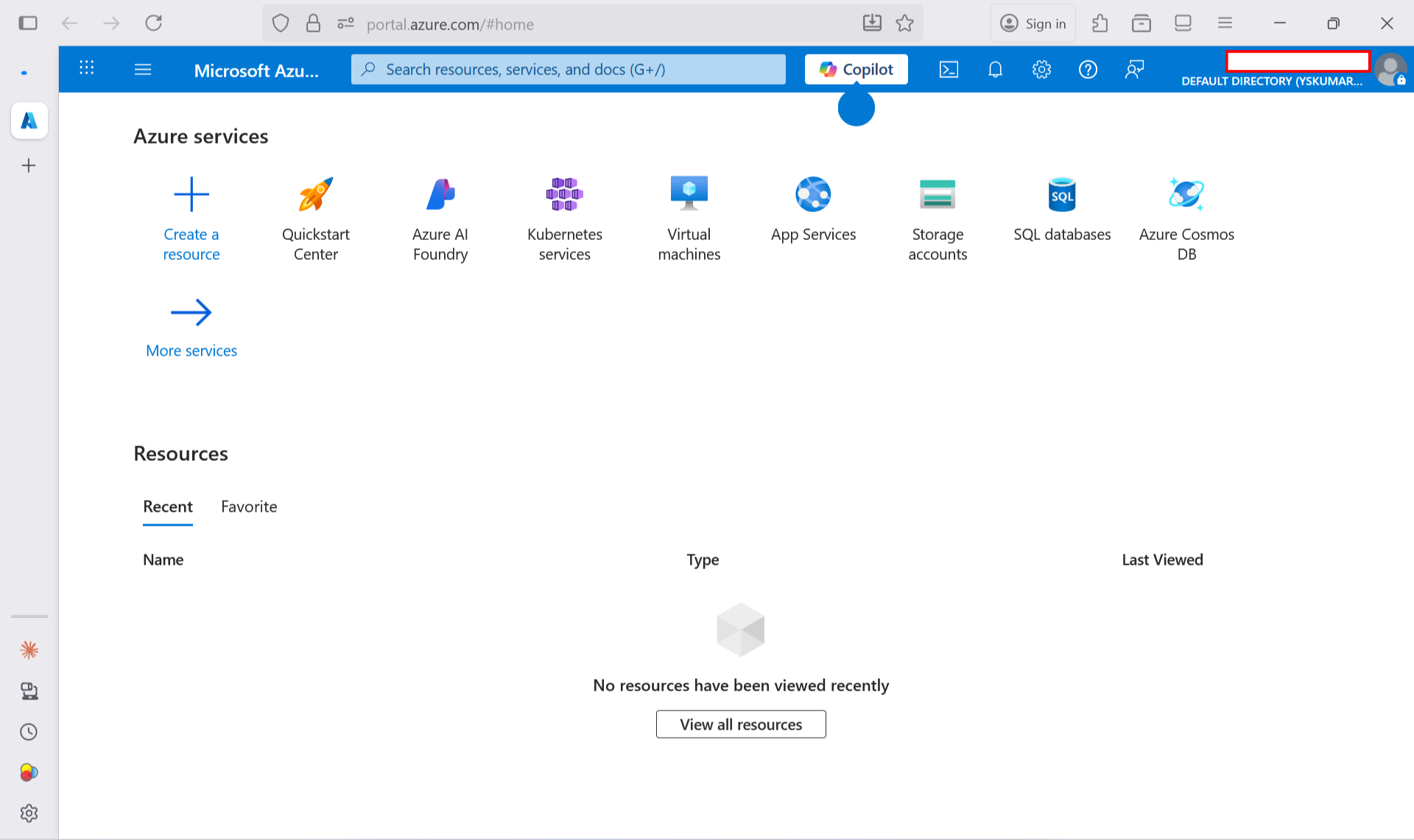
Once logged in, go to https://portal.azure.com
-
On the dashboard, click “Create a resource”.
-
Try creating:
-
A Storage Account to upload files.
-
An App Service to host a simple website.
-
A Virtual Machine to explore servers.
-
