Menu Driven C++ Program for Stack
Overview
Stack is data structure with LIFO order (Last In First Out). In this tutorial, we will develop a C++ program menu based program for the Stack operations.
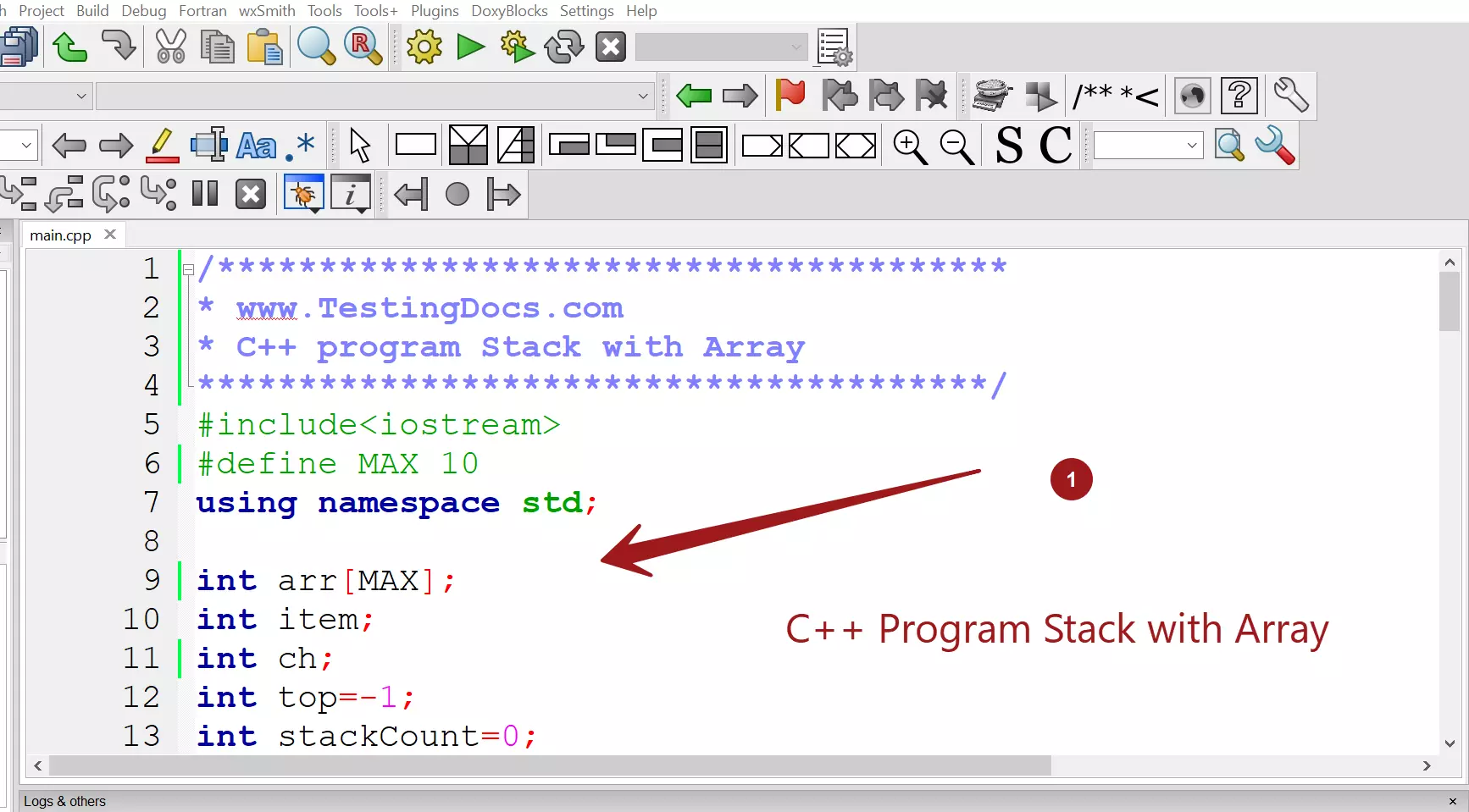
C++ Program
/***************************************
* www.TestingDocs.com
* C++ program Stack with Array
***************************************/
#include<iostream>
#define MAX 10
using namespace std;

int arr[MAX];
int item;
int ch;
int top=-1;
int stackCount=0;

//push operation
void push(int stack[],int item)
{
    if(top==(MAX-1))
        cout << "Stack Overflow..." << endl;
    else
    {
        top=top+1;
        stack[top]=item;
        stackCount++;
    }
}

//pop operation
int pop(int stack[])
{
    int itemTop;
    if(top==-1)
        cout << "Stack Underflow..." << endl ;
    else
    {
        itemTop=stack[top];
        top=top-1;
        stackCount--;
        cout << "Pop item is " << itemTop << endl ;
    }
    return itemTop;
}


//display
void display(int stack[])
{
    if(top==-1)
        cout << "Stack Empty" << endl;
    else
    {
     cout << "******************" << endl;
     for(int i=top; i>=0; i--)
    {
        cout << stack[i] << endl;
    }
    cout <<  "*******************" << endl;
    }

}

int main()
{
    do
    {
        cout <<"Program Menu\n";
        cout <<"1. Push an Element.\n";
        cout <<"2. Pop an Element.\n";
        cout <<"3. Display Stack.\n";
        cout <<"4. Exit\n";
        cout <<"Enter your Choice:";
        cin >> ch;
        switch(ch)
        {
        case 1:
            cout << "Enter an element:";
            cin >> item;
            push(arr,item);
            break;
        case 2:
            item=pop(arr);
            cout << "Element poped " << item << endl;
            break;
        case 3:
            display(arr);
            break;
        case 4:
            exit(0);
        default:
            cout << "Invalid Choice...";
            break;
        }
    }
    while(ch!=4);
    return 0;
}
Output
Program Menu
1. Push an Element.
2. Pop an Element.
3. Display Stack.
4. Exit
Enter your Choice:1
Enter an element:2
Program Menu
1. Push an Element.
2. Pop an Element.
3. Display Stack.
4. Exit
Enter your Choice:1
Enter an element:7
Program Menu
1. Push an Element.
2. Pop an Element.
3. Display Stack.
4. Exit
Enter your Choice:1
Enter an element:9
Program Menu
1. Push an Element.
2. Pop an Element.
3. Display Stack.
4. Exit
Enter your Choice:3
******************
9
7
2
*******************
Program Menu
1. Push an Element.
2. Pop an Element.
3. Display Stack.
4. Exit
Enter your Choice:2
Pop item is 9
Element poped 9
Program Menu
1. Push an Element.
2. Pop an Element.
3. Display Stack.
4. Exit
Enter your Choice:3
******************
7
2
*******************
Program Menu
1. Push an Element.
2. Pop an Element.
3. Display Stack.
4. Exit
Enter your Choice:4

Process returned 0 (0x0)   execution time : 44.133 s
Press any key to continue.
The IDE used in the tutorial is Code:: Blocks. To download and install Code Blocks follow the link:
https://www.testingdocs.com/download-and-install-codeblocks/
For more information on Code Blocks IDE, visit the official website of Code blocks IDE:
http://www.codeblocks.org/


