C Program to compute Volume of the Cone
C Program to compute Volume of the Cone
In this tutorial, we will develop a C program to compute the volume of the cone. We will use the Code::Blocks IDE to develop the C Program.
Steps to download and install the IDE on the Windows operating system:
C Program
Develop the C Program.
The general steps of the program are as follows:
- Create a C project and C source file.
- Declare the variables to hold height, radius, and volume.
- Get the radius and height of the code from the user. Store the values to the respective variables in the C program.
- Compute the Volume of the cone as per the mathematical formula.
- The volume of the cone = (pi * radius* radius* height)/3
- Display the volume on the computer screen.
Source Code
/*******************************************
* C Program to calculate Volume of a cone
* Filename: coneVolume.c
* Date:
* Author:
* C Tutorials - www.TestingDocs.com
********************************************/
#include<stdio.h>
#define PI 3.14159 // Constant

int main(void)
{
    double height = 0.0;
    double radius = 0.0;
    double volume = 0.0;
    printf ("Enter the height of the cone :: "); // Display prompt message
    scanf ("%lf", &height); // Get the value from the user/keyboard
    printf ("Enter radius of the base of the cone::");
    scanf ("%lf", &radius);
    /* Compute the Volume of the cone */
    volume = ((double) 1 / 3) * PI * radius * radius * height;
    /* Display the Volume of the cone */
    printf ("Volume of the cone with [radius,height] [%lf,%lf] is = %lf.\n", radius, height, volume);
    return 0;
} //end main
Screenshot
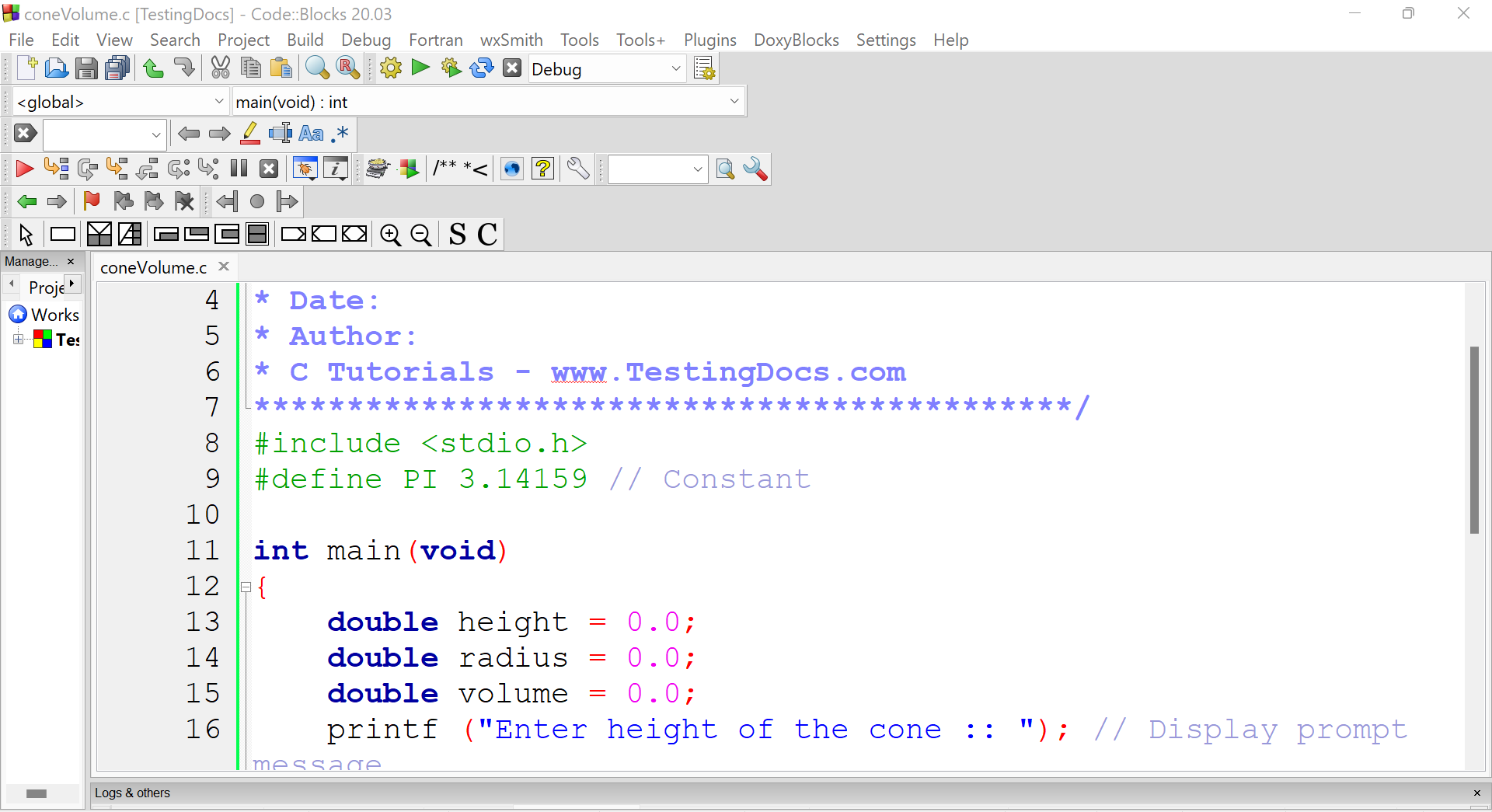
The screenshot of the C program in the Code::Blocks IDE.
Sample Output
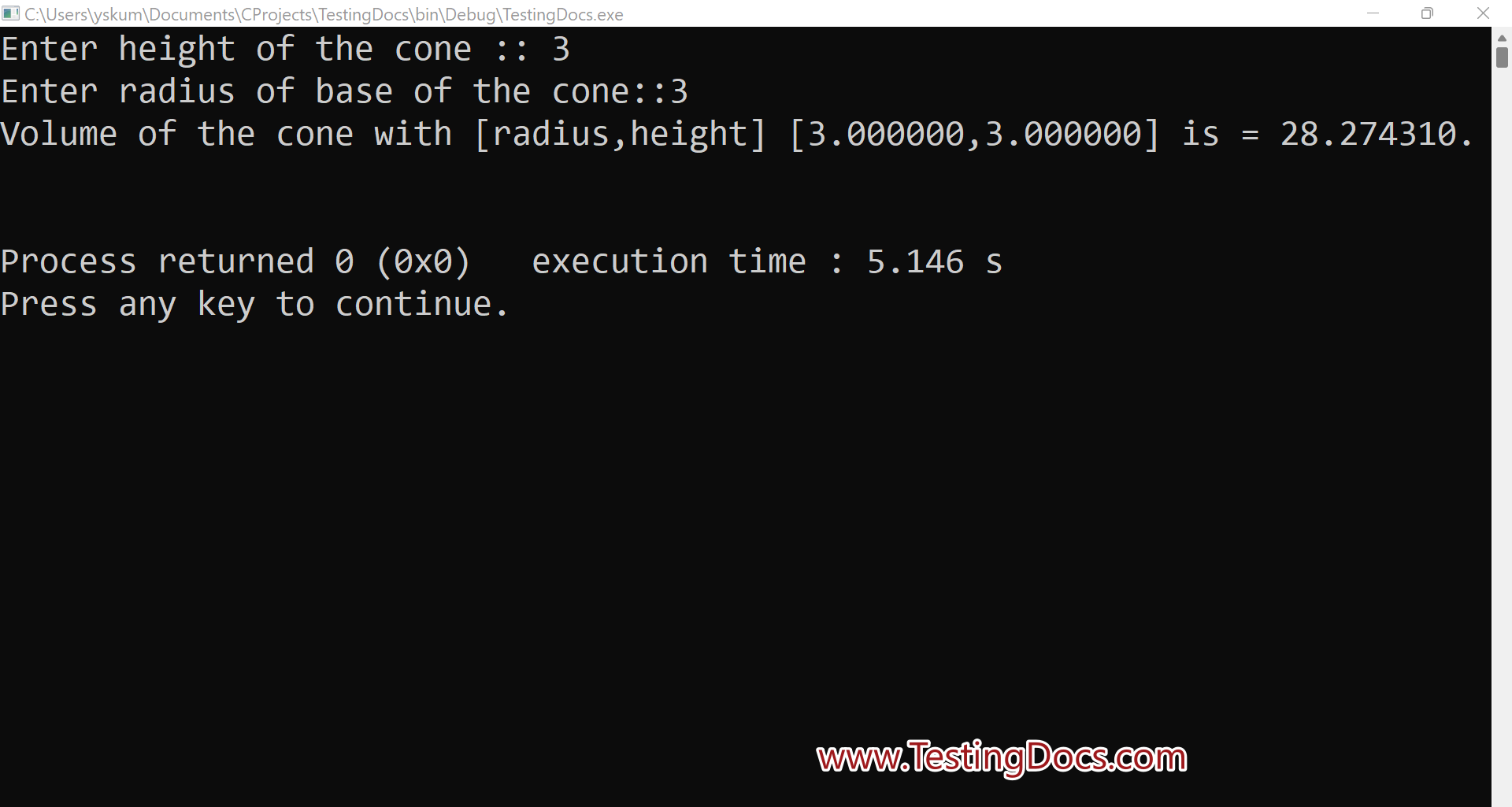
Build and execute the C project. We can try trying several different input values and verify the program output.
Test Case
Execute a sample test case.
Enter the height of the cone:: 3
Enter radius of the base of the cone::3
Volume of the cone with [radius,height] [3.000000,3.000000] is = 28.274310.
Process returned 0 (0x0) execution time : 5.709 s
Press any key to continue.
—
Code::Blocks Offical website
For more information on Code Blocks IDE, visit the official website of Code blocks IDE:


