Define a C++ Class in Code::Blocks IDE
Overview
This tutorial outlines the steps to define a C++ class. We will use Code::Blocks IDE on Windows operating system.
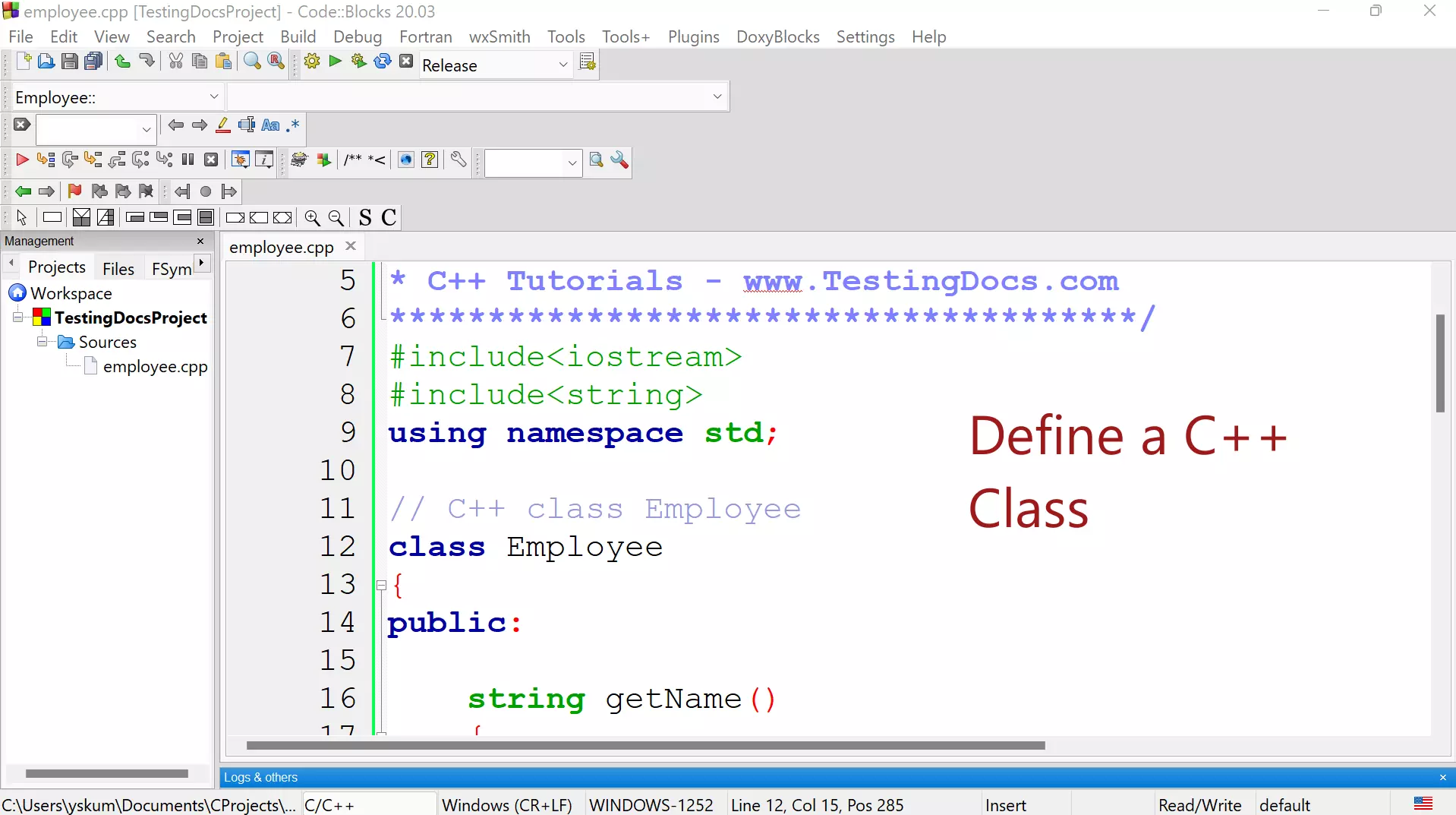
Define a C++ Class
We will define an Employee class with two private member variables:
- name
- salary
name member variable is the string data type. salary member variable is the double data type.
// C++ class Employee
class Employee
{
public:

    string getName()
    {
        return name; // return employees's name
    }

    double getSalary()
    {
        return salary; // return employees's name
    }

    void setName(string name)
    {
        this->name = name;// set employees's name
    }

    void setSalary(double salary)
    {
        this->salary = salary;// set employees's name
    }

private:
    string name;
    double salary;
};
We will now define the main routine. In the main, we will create an object of the class Employee. Set some values to the member variables: name and salary. We will set the values using the setter member functions.
We will output the values by invoking the getter member functions.
int main()
{
    //Declare an Employee object
    Employee emp;
    //Invoke Setters
    emp.setName("John");
    emp.setSalary(2500.0);
    // Output
    cout << "Employee Name=" << emp.getName() << endl;
    cout << "Employee Salary=" << emp.getSalary()<< endl;
    return 0;
} // end main
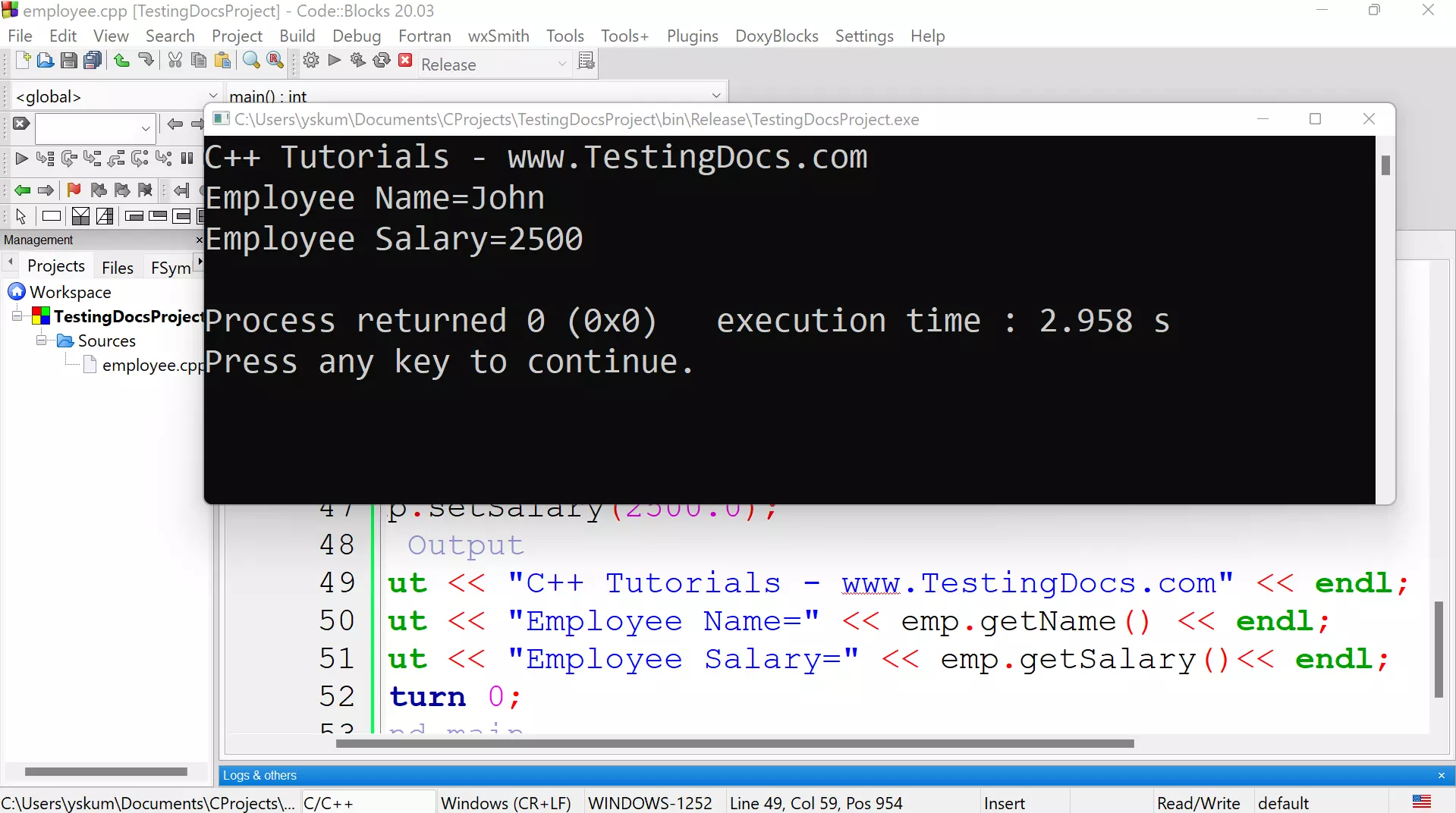
Build and Run the C++ project. We should get the output of the object.
That’s it.
In the next tutorial, we will learn to the class in a separate header file with a *.h file extension.
—
C++ Tutorials
C++ Tutorials on this website:
https://www.testingdocs.com/c-coding-tutorials/
For more information on the current ISO C++ standard


