Introduction to Tor Browser
Introduction to Tor Browser
Tor Browser is a free, open-source web browser that helps protect your privacy and anonymity online by routing your internet traffic through the Tor network. It’s designed so anyone — from casual privacy-minded users to journalists and activists — can browse the web with much less tracking, fingerprinting, and exposure of their real IP address.
History of Tor Browser
The Tor stands for The Onion Router originated in the mid-1990s at the U.S. Naval Research Laboratory and became a public project in the early 2000s. The Tor Project — a nonprofit formed by core developers — packages and maintains Tor Browser as the recommended client for accessing the Tor network. Over the years the browser has matured into a polished bundle that integrates the Tor network, privacy settings, and a hardened version of a mainstream browser.
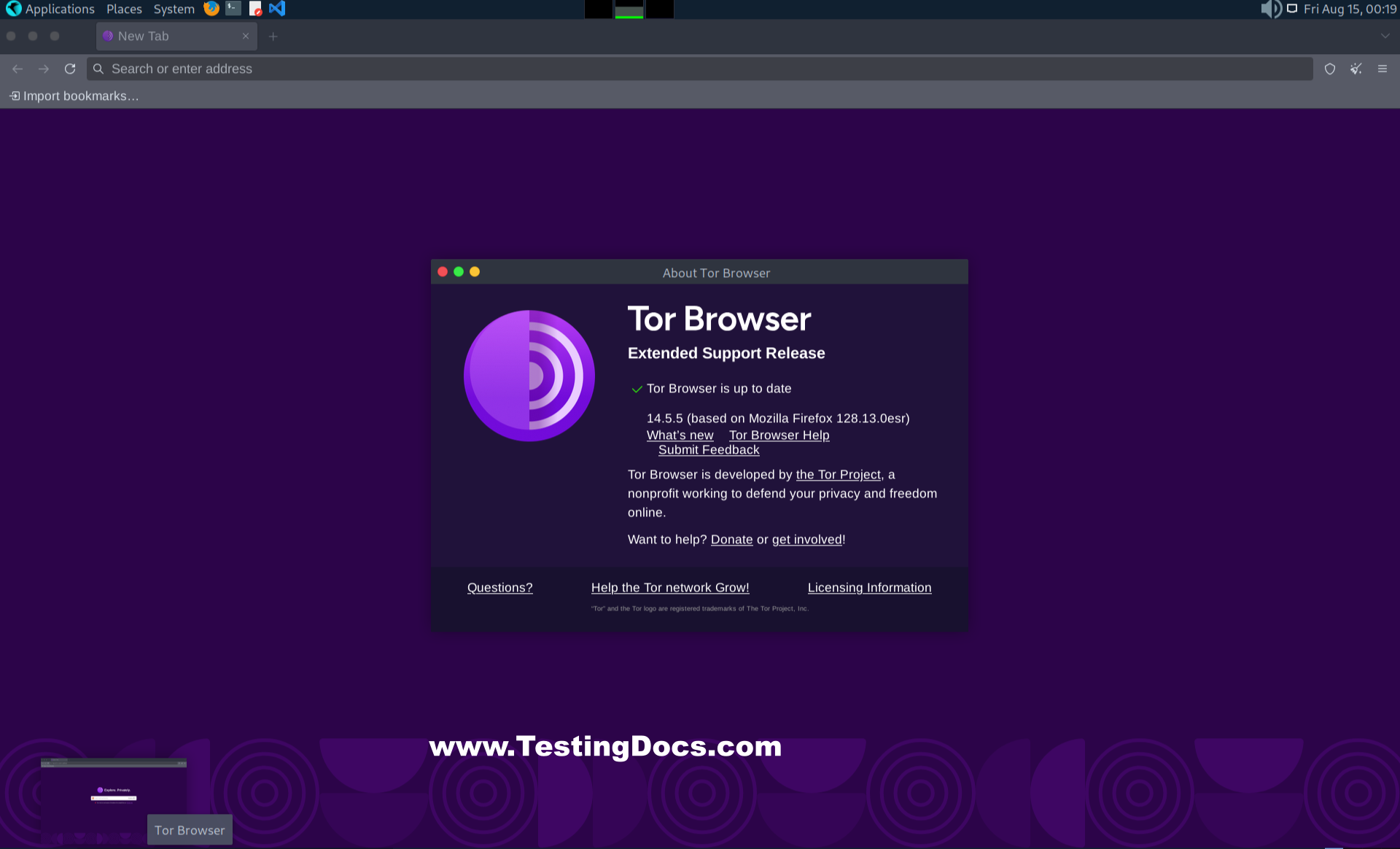
Tor Browser looks and feels like a normal web browser, but under the hood it automatically sends your web traffic through multiple encrypted volunteer-run nodes (relays) before it reaches the destination website.
The Tor browser specifically designed to access .onion addresses by routing traffic through the Tor network, providing end-to-end encryption and anonymity.
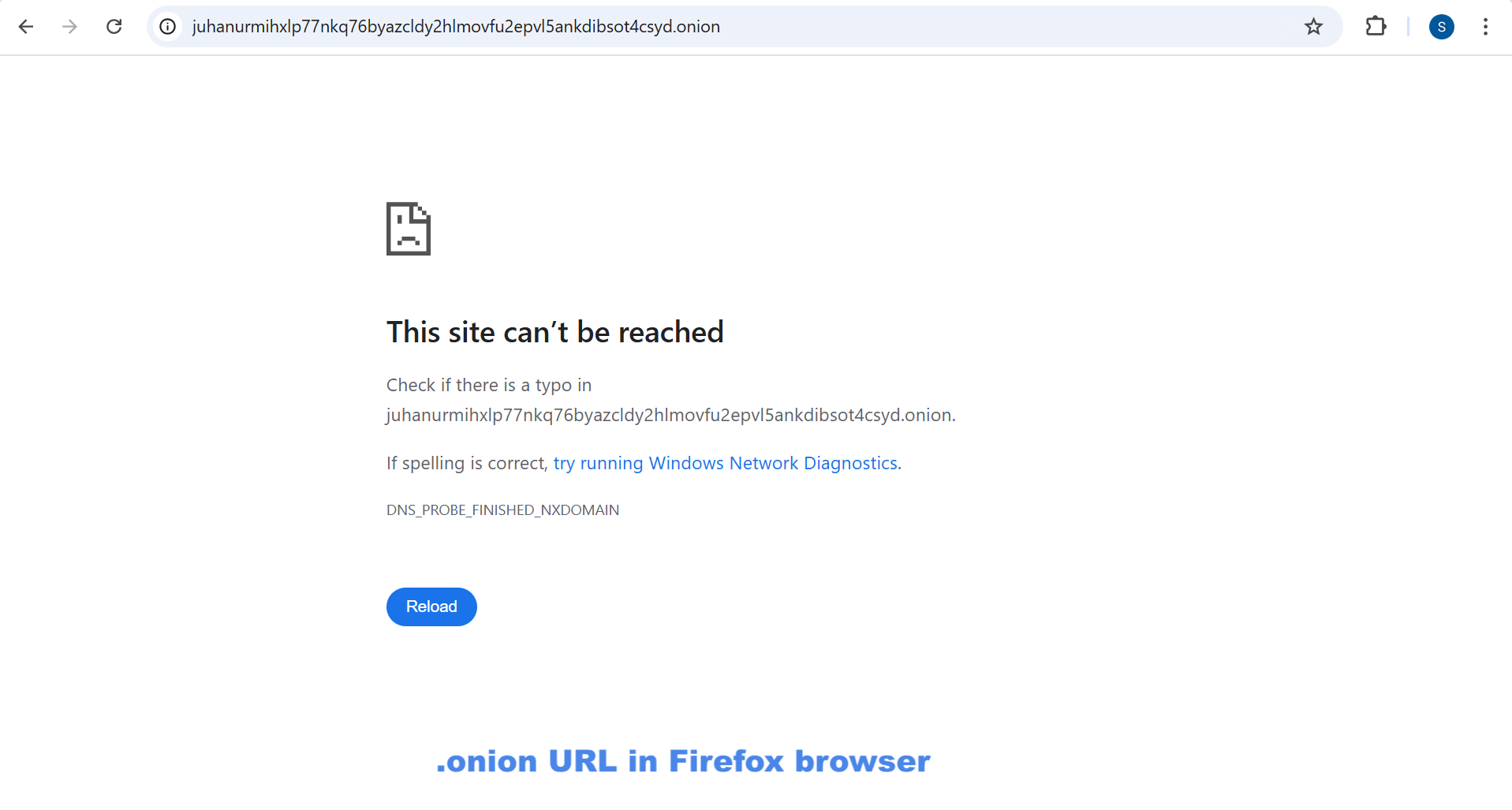
This “onion routing” design hides your IP address and makes it harder for sites, network observers, or advertisers to follow your activity. The browser also includes built-in privacy protections: it blocks trackers, resists fingerprinting, isolates cookies per site, and clears certain data on exit.

Based on Mozilla Firefox
Tor Browser is built on Mozilla Firefox code — in particular the Firefox Extended Support Release (ESR) channel — and then patched and configured to maximize privacy and reduce tracking/fingerprinting risks. Because it inherits Firefox’s rendering engine and many familiar user interface behaviors, users often find it easy to switch to, while benefiting from additional Tor-specific hardening and privacy defaults.
Benefits of Tor Browser
Some of the benefits of using Tor browser are as follows:
- IP address anonymity: Your visible IP to visited sites is the exit node’s IP, not your real one.
- Traffic obfuscation: Tor routes through several relays and encrypts traffic between them, making network-level tracking and simple ISP monitoring much harder.
- Tracker & fingerprint resistance: Tor Browser ships with settings and patches to reduce browser fingerprinting and block common web trackers.
- Easy access to .onion services: Tor can directly reach sites hosted within the Tor network (“.onion” addresses) that aren’t accessible from the regular internet.
- No-install “bundle” option: The Tor Browser Bundle can run from a USB stick on supported platforms, useful for temporary or portable usage scenarios.
- Open-source & community-reviewed: The Tor Browser and Tor network are open-source projects, with a community focused on security and privacy improvements.
Default search engine in Tor Browser
By default, Tor Browser ships with DuckDuckGo as its primary search engine. DuckDuckGo is chosen because it emphasizes privacy (it does not track or store personal search histories) and pairs well with Tor’s anonymity goals. Users can still change the search engine in preferences, and some may opt to use privacy-preserving onion search endpoints where available, but the out-of-the-box default is DuckDuckGo.
Tips & Limitations
Tor Browser greatly improves privacy for many use cases, but it is not a silver bullet. Avoid logging into accounts tied to your real identity if you need anonymity, be careful when downloading files (they can leak IP addresses when opened outside Tor), and remember that the exit node can see unencrypted traffic — so prefer HTTPS sites. Tor may also be slower than a direct connection because of the extra routing. For very sensitive threat models, combine Tor with other best practices (strong operational security, encrypted communications, etc.).
FAQs — Tor Browser
- Is Tor Browser legal?
- Yes — in most countries using Tor Browser is legal. However, using Tor to commit illegal acts is still illegal. Laws vary by jurisdiction, so check local regulations if you’re unsure.
- Will Tor make my internet faster?
- No. Tor usually makes browsing slower because traffic travels through multiple relays across the world. Expect reduced speed compared to direct connections.
- Can I use Tor Browser on Linux?
- Absolutely. Tor Browser is supported on Linux (as well as Windows, macOS, and Android). The Tor Project provides downloads and installation instructions for each platform.
- Does Tor protect me from all tracking and malware?
- No. Tor reduces network-level tracking and fingerprinting, but you still need browser caution (avoid plugins, don’t install random extensions, keep software up to date). Tor does not replace antivirus or safe browsing habits.
- Should I use Tor with a VPN?
- Combining Tor and a VPN is a nuanced choice. It can help in some threat models (e.g., hiding Tor usage from your ISP) but may introduce trust/dependency on the VPN provider. Carefully weigh the pros and cons before combining them.
- Can websites still identify me?
- Some sites use techniques (advanced fingerprinting, account logins, or external trackers) that can de-anonymize users. Tor reduces these risks but cannot make you invulnerable. Use privacy best practices alongside Tor for better protection.