Reading API Request from External JSON File
Reading API Request from External JSON File
In Behavior-Driven Development (BDD), keeping request payloads in external JSON files improves readability, reusability, and maintainability. Instead of hardcoding request bodies inside test scripts, we load them dynamically from files.
Why Use External JSON Files?
- Separation of test logic and test data
- Easy updates without modifying test code
- Reusable payloads across multiple scenarios
Basic Example
Store your API request body in a .json file, then read it inside your BDD test and pass it as the request payload.
Example JSON File (postUser.json)
{
title: ‘foo’,
body: ‘bar’,
userId: 1
}
Example BDD Test (Karate)
Feature: POST USER

  Background:
   * def postBody = read('classpath:postUser.json')

  Scenario: POST USER
    Given url serverName + '/posts'
    And header Content-Type = 'application/json'
    And request postBody
    When method POST
    Then status 201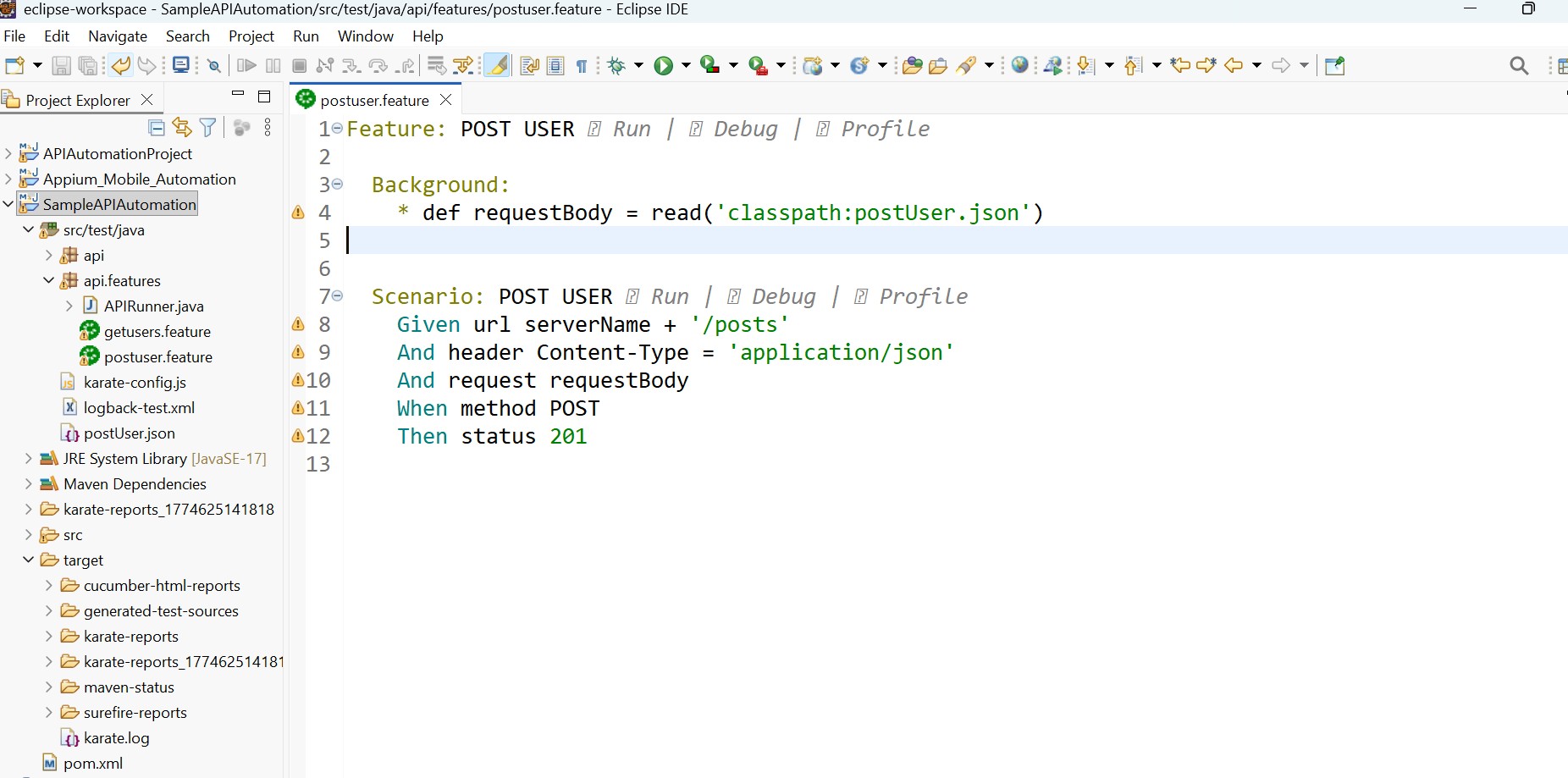
Explanation
read('classpath:postUser.json')loads the JSON file- The file should be placed in the classpath (same folder or resources directory)
- The content is automatically converted into request payload
Karate supports different paths:
classpath:→ most common (insidesrc/test/javaorsrc/test/resources)- Relative path → based on feature file location
Best Practices
- Keep JSON files small and specific
- Use meaningful file names
- Organize files inside a dedicated folder (e.g.,
data/)

