User defined functions in C++ program
Overview
In this tutorial, we will learn how to use user-defined functions in the C++ program. Functions make the program modular and make the large program into manageable small pieces.
What is a Function?
A function is a collection of statements that performs a specific task in the program. In this post, you will learn how to create your own functions. We will write a simple program with functions like add, multiply, divide, and subtract and let users choose which one to execute on his/her own choice. Functions are used to break a problem down into small pieces. General idea is that instead of writing a long function that contains all the logic, you can write small functions that each solve a specific problem. These small functions can then be executed in the desired order to solve the problem.
Code Listing
Lets us write a simple C++ program.
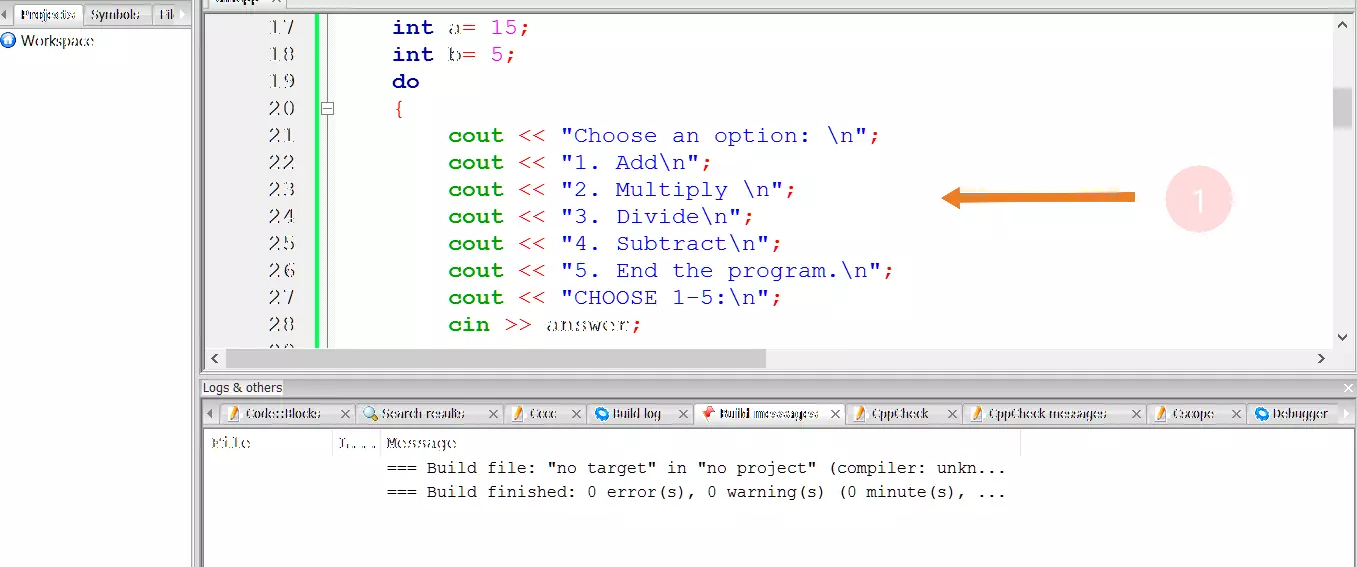
C++ Program
#include<iostream>
#include <cstdio>
#include <cstdlib>

using namespace std;

/*User defined functions in C++ program*/

void add(int a,int b);
void multiply(int a, int b);
void divide(int a, int b);
void subtract(int a, int b);

int main()
{

int answer;
int a= 15;
int b= 5;

do
{

cout << "Choose an option: \n";
cout << "1. Add\n";
cout << "2. Multiply \n";
cout << "3. Divide\n";
cout << "4. Subtract\n";
cout << "5. End the program.\n";
cout << "CHOOSE 1-5:\n";

cin >> answer;

switch(answer)
{

case 1:
cout << "Add a and b \n" ;
add(a,b);
break;

case 2:
cout << "Multiply a and b \n" ;
multiply(a,b);
break;


case 3:
cout << "Divide a and b \n" ;
divide(a,b);
break;

case 4:
cout << "Subtract a and b \n" ;
subtract(a,b);
break;


case 5:
exit(EXIT_FAILURE);
break;

default:
cout << "Please enter a valid response\n";
}

}

while(1);
return 0;

}


void add(int a,int b)
{
cout << "Result =" << a + b << "\n";
}


void multiply(int a,int b)
{
cout << "Result =" << a * b << "\n";
}


void subtract(int a,int b)
{
cout << "Result =" << a - b << "\n";
}


void divide(int a, int b)
{
if(b!=0)
{
cout << "Result =" << a/b << "\n";
}

}
Output
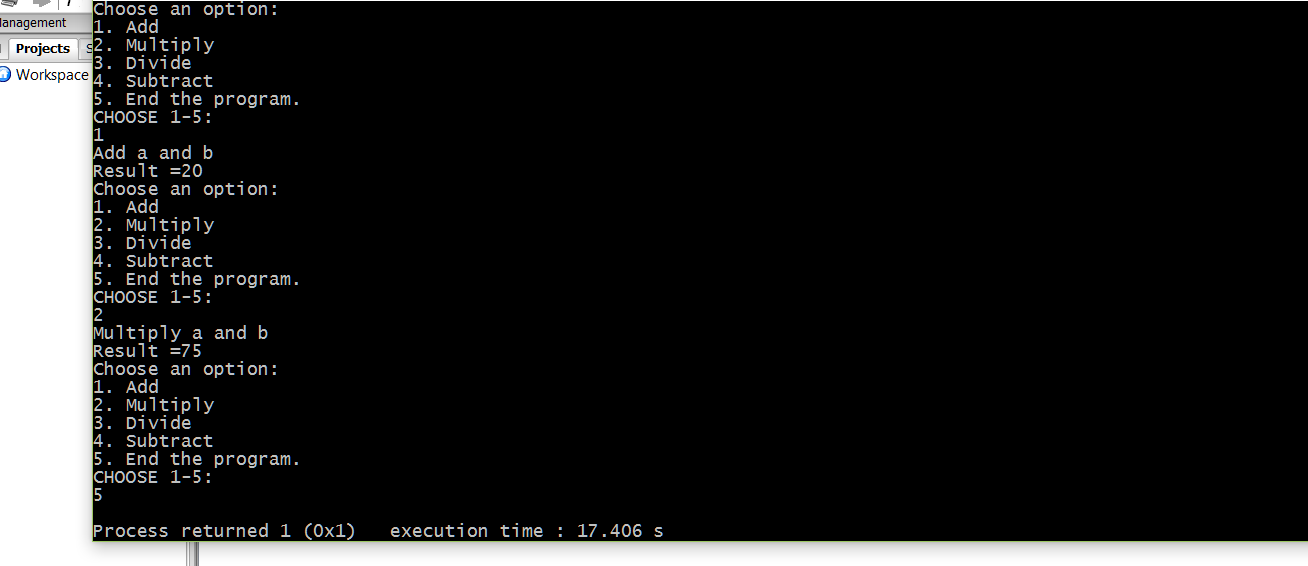
—-
The IDE used in the tutorial is Code:: Blocks. To download and install Code Blocks follow the link:
https://www.testingdocs.com/download-and-install-codeblocks/
For more information on Code Blocks IDE, visit the official website of Code blocks IDE: http://www.codeblocks.org/
—
C++ Tutorials
C++ Tutorials on this website:
https://www.testingdocs.com/c-coding-tutorials/
For more information on the current ISO C++ standard
https://isocpp.org/std/the-standard


