
Flowgorithm Source File Format [ 2024 ]
In this tutorial, let’s understand the Flowgorithm source file format. Flowchart Programs written with Flowgorithm software are simple. The data is saved
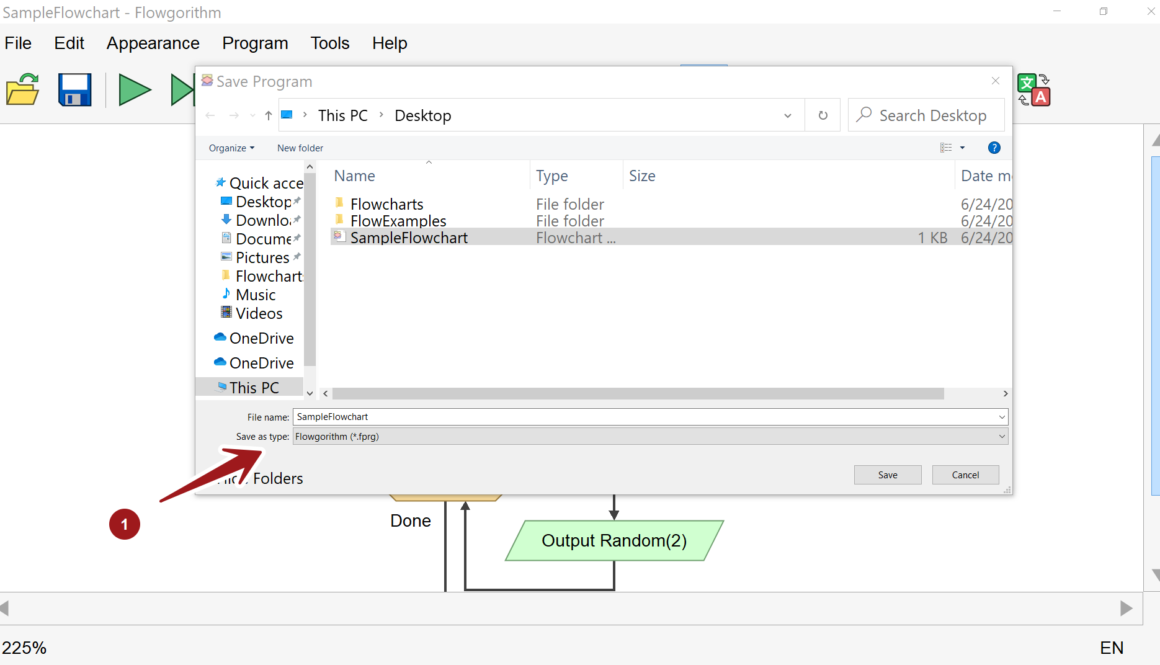
In this tutorial, let’s understand the Flowgorithm source file format. Flowchart Programs written with Flowgorithm software are simple. The data is saved
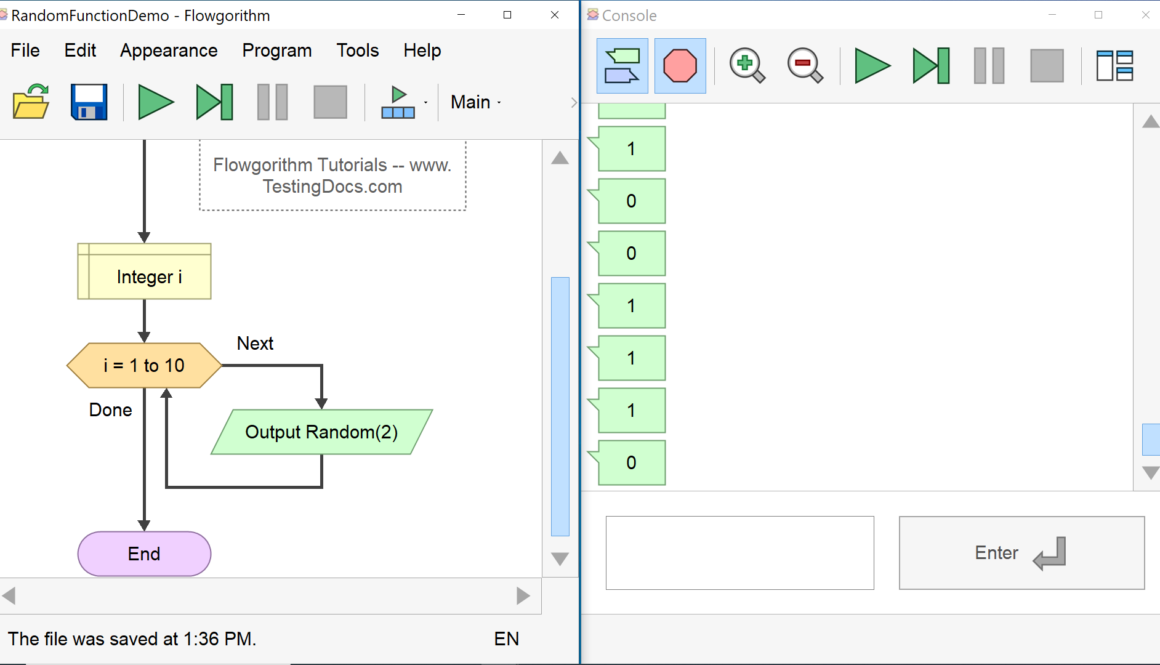
In this tutorial, we will learn the Flowgorithm Random function. We can use the function to generate a random number in flowcharts. Random() is an intrinsic function.
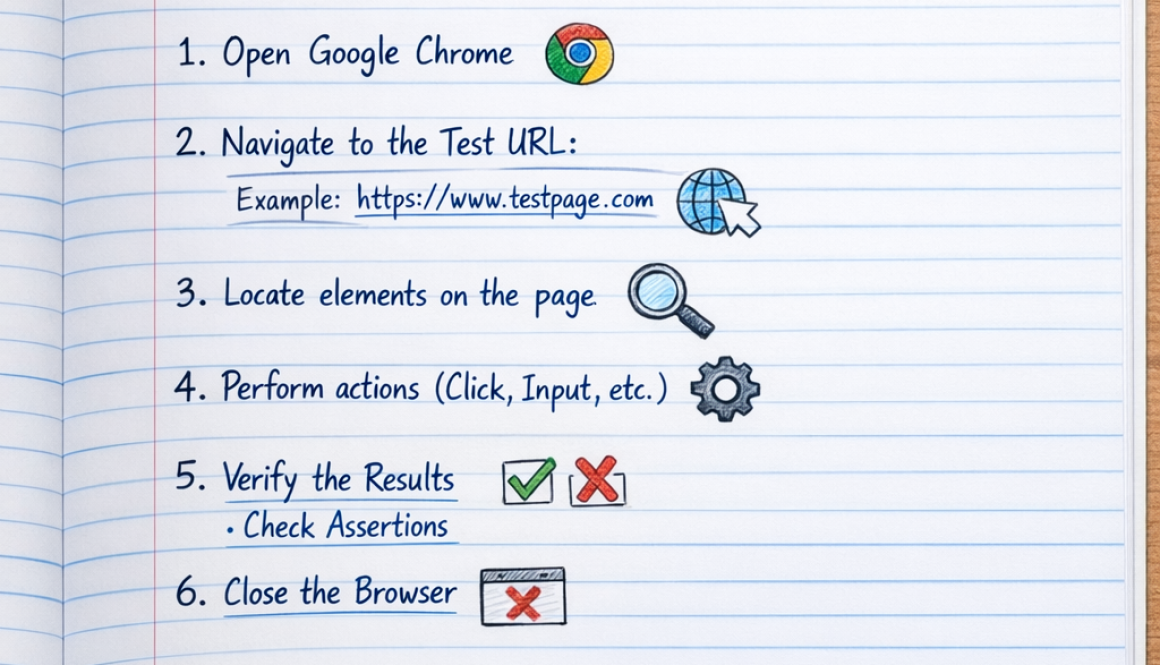
Run Selenium Test in Google Chrome Browser In this article, we will run a sample selenium test in the Google Chrome browser. To run the test in Chrome we need to set the system property to the path of the Chrome driver as shown below: Environment: Google Chrome, Windows 10 Operating System Download Chrome Browser […]
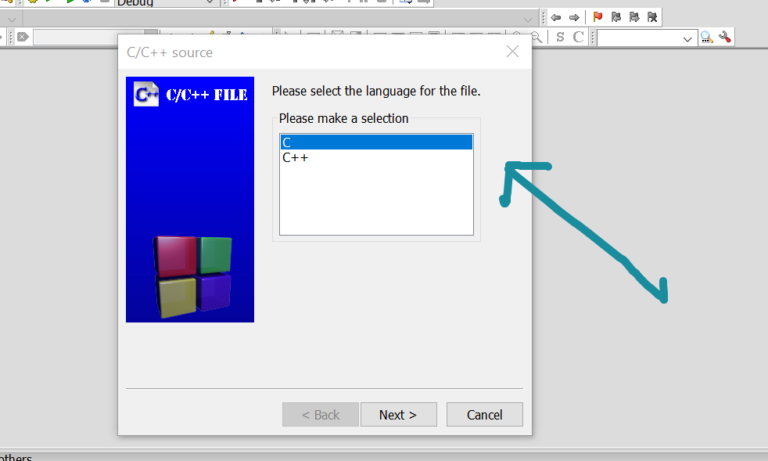
Working with Code::Blocks IDE In this tutorial, we will learn some steps working with Code::Blocks IDE. Let’s start by creating a new project. Create a New Project It is always better to create a project for each of your applications. A project contains related files such as source files, header files, input files, etc. You […]

Introduction TestLink supports numerous integrations with different software tools. In this tutorial, we will learn the steps involved to integrate TestLink and MantisBT tool. Integrate TestLink easily with tools like:: Jira MantisBT Bugzilla GitLab FogBugz Trac Redmine, etc. Issue Tracker Management Steps to integrate MantisBT with TestLink are as follows: Launch the TestLink tool Click on […]
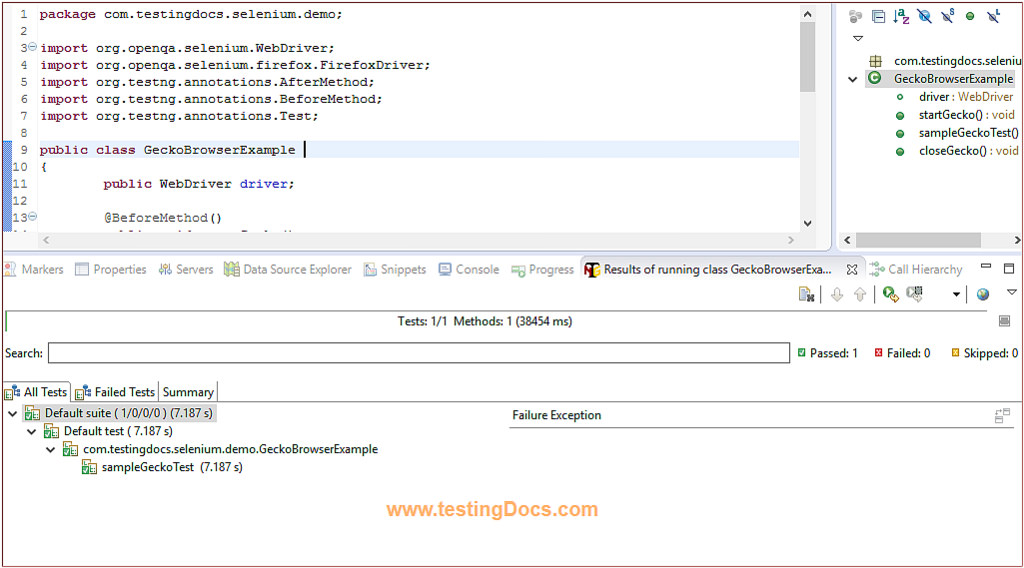
Marionette and GeckoDriver Example In this post, we will discuss running Marionette and GeckoDriver Example using Selenium3. We will go through a sample code example for a better understanding. Firstly, we will look at the new things first. Also, running a test on the latest Firefox browser binary we would face NotConnectedException Firefox exception. Furthermore, […]