
Octave Simple Plot Example [ 2024 ]
Octave Simple Plot example : In this tutorial, we will go through the steps of writing a simple script to plot data using the Octave application.
Octave Simple Plot example : In this tutorial, we will go through the steps of writing a simple script to plot data using the Octave application.

Introduction In this tutorial, we will go through the steps involved to install and launch the Octave Application on the Ubuntu Linux machine. Install Launch Terminal Issue the following command to install Octave. $ sudo apt install octave After install to launch the Octave application, click on the Show applications button. Search for Octave […]
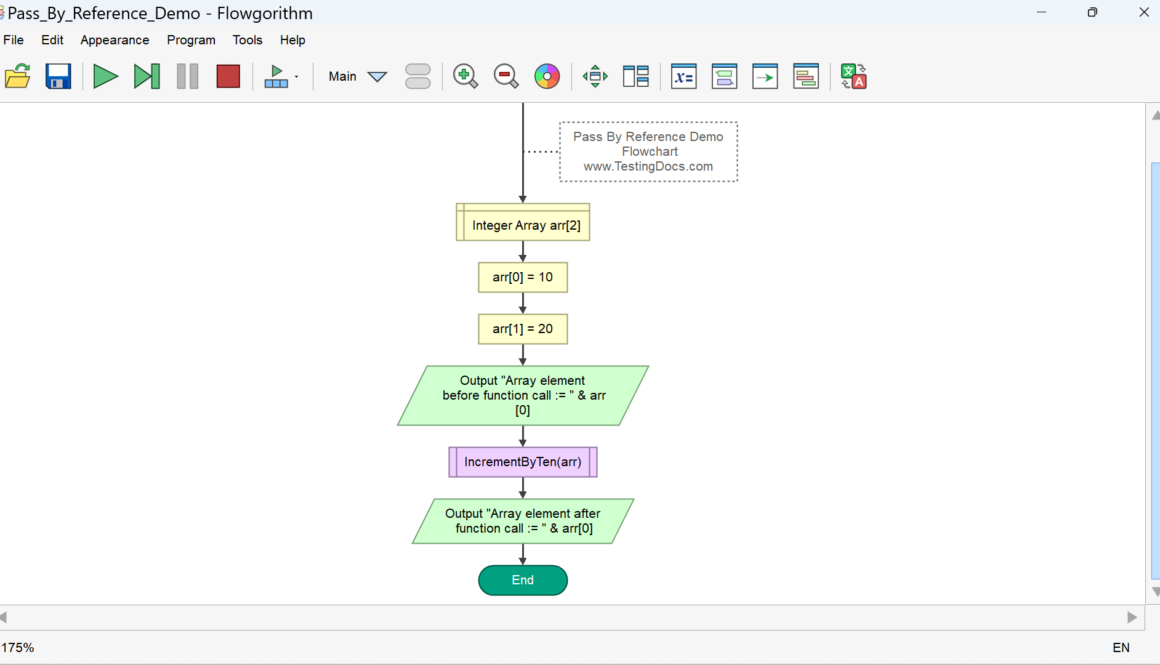
Parameter Passing is a mechanism used to pass parameters to a Flowgorithm function/procedure. They are several methods to pass the parameters. The most common methods

IntelliJ IDEA First Run on Ubuntu IntelliJ IDEA First Run on Ubuntu Linux machine. We can set and install many tools during the IntelliJ IDE first run. Let’s look at what we can perform using the first run screens. EULA Read the License Agreement and confirm the acceptance of the license terms. Check the checkbox […]
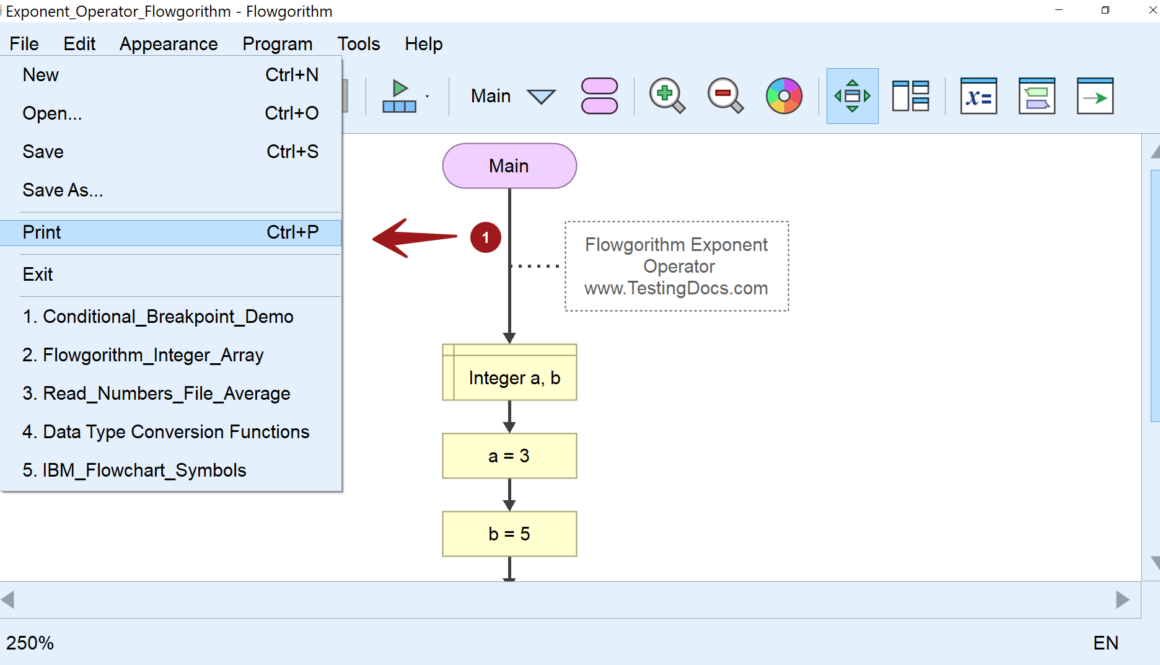
The Flowgorithm tool allows us to print the flowchart and convert the flowchart into a PDF document. We can use the File menu option.
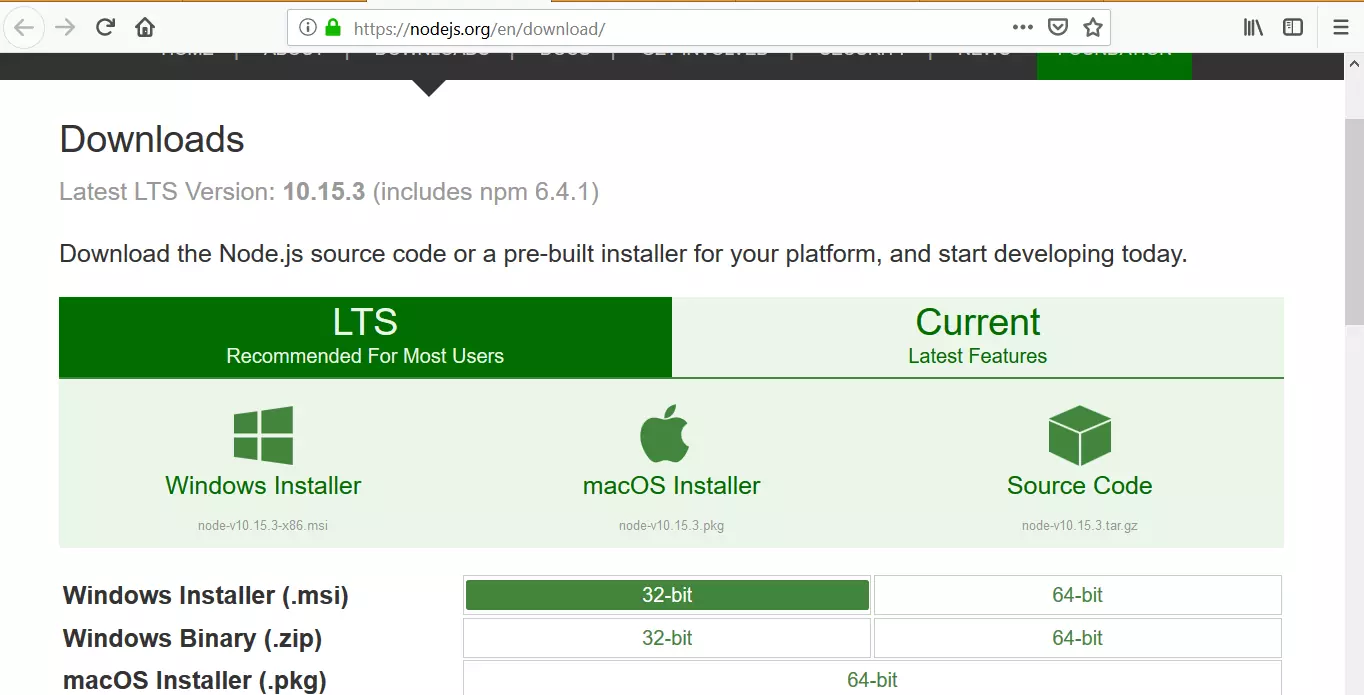
Download & Install Node.js on Windows 10 In this post, you will learn how to download and install Node.js on Windows 10 operating system. Node.js is an open-source, cross-platform, asynchronous event-driven JavaScript runtime environment that allows you to run JavaScript code outside of a web browser. It is built on Google Chrome’s V8 JavaScript engine and […]