Create Text Area using JTextArea Class
Create Text Area using JTextArea Class
In this tutorial, we will learn steps to create a text area using JTextArea class. Text Area is a GUI component that allows users to input multiple lines of text.
JTextArea Class
To create a text area, we can use the JTextArea class. To import the class we can use the following import statement:
import javax.swing.JTextArea;
The display area of JTextArea is defined by rows and columns properties.
JTextArea ta = new JTextArea(10, 10);
Java Program
package com.testingdocs.swing.components;

/**********************************************
 * FileName: JTextAreaDemo.java
 * Package : com.testingdocs.swing.components
 *
 * Java Tutorials - www.TestingDocs.com
 **********************************************/

import java.awt.*;

import javax.swing.JFrame;
import javax.swing.JScrollPane;
import javax.swing.JTextArea;

public class JTextAreaDemo {

	public static void main(String[] args) {
		final JFrame frame = new JFrame("JTextArea -www.TestingDocs.com");
		JTextArea tArea = new JTextArea(20, 30);
		JScrollPane sp = new JScrollPane(tArea);
		tArea.setText("Sample Text in Text Area....");
		frame.setLayout(new FlowLayout());
		frame.setDefaultCloseOperation(JFrame.EXIT_ON_CLOSE);
		frame.setSize(400, 400);
		frame.getContentPane().add(sp);
		frame.setVisible(true);
	}
}
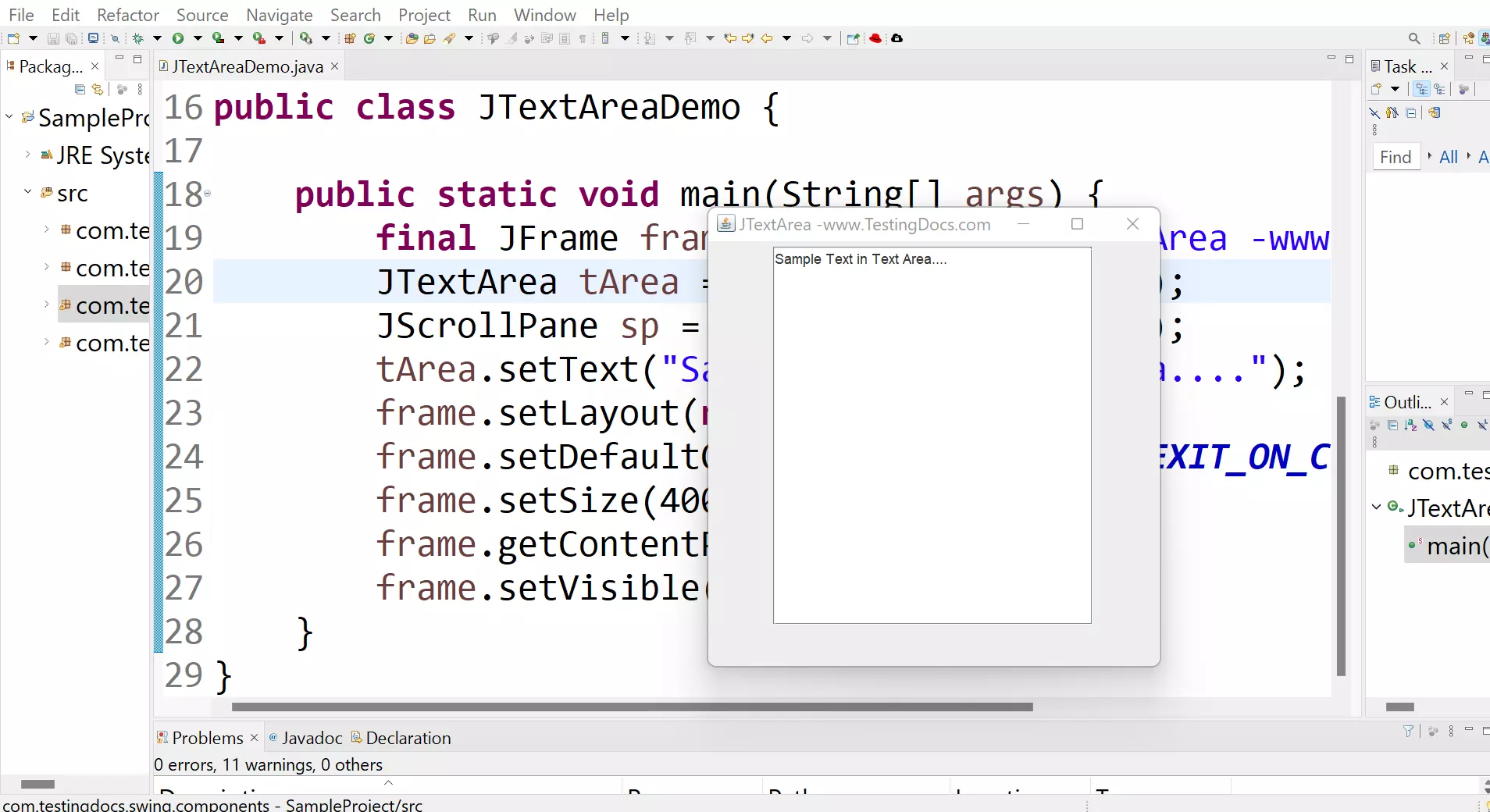
Output
Run the program to view the output.
Java Tutorial on this website:


