
Flowgorithm Program Menu
In this tutorial, we will learn about Flowgorithm Program Menu options. We will list out and understand each menu option.
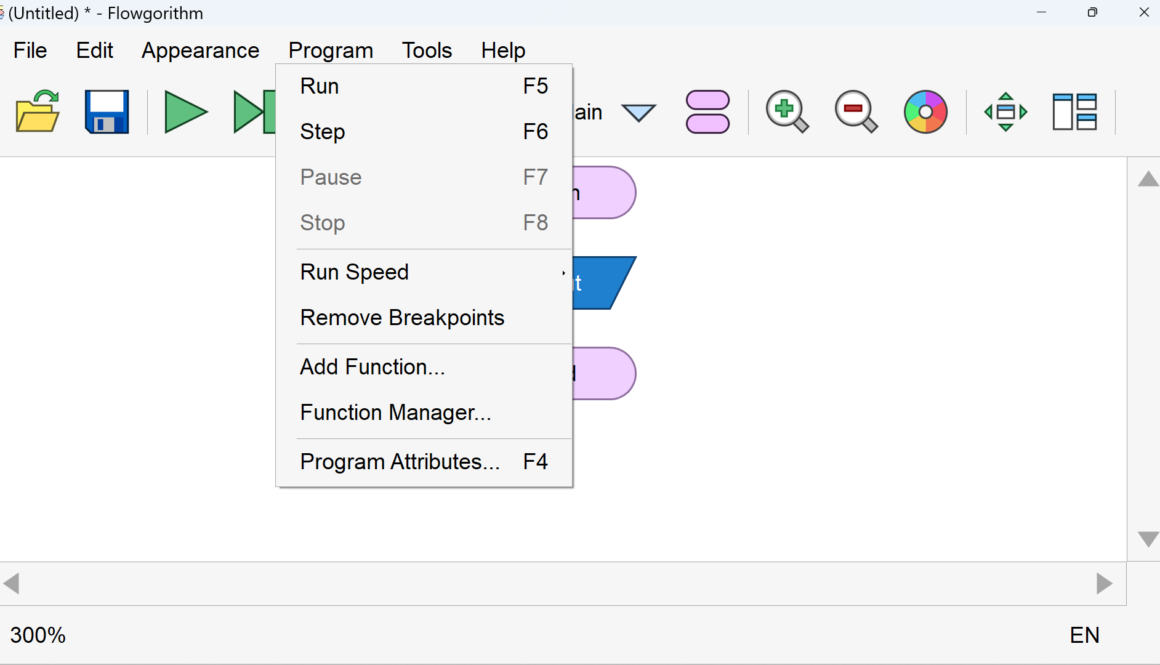
In this tutorial, we will learn about Flowgorithm Program Menu options. We will list out and understand each menu option.

Die roll Probability Raptor : Die roll Probability Raptor
In this tutorial, we will perform a simulation of probabilities of die roll using Raptor Flowchart.
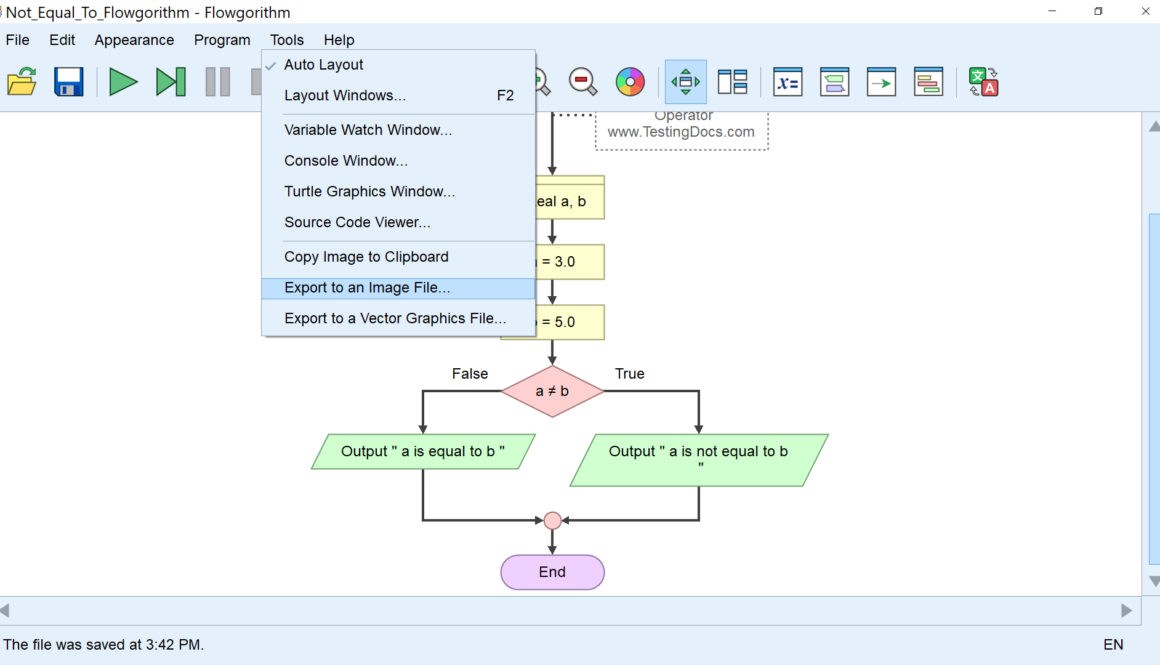
We can export the Flowgorithm flowchart to a file. Flowgorithm Flowcharts supports two export options:
Export to an Image File( PNG File)
Export to Vector Graphics File( SVG File)
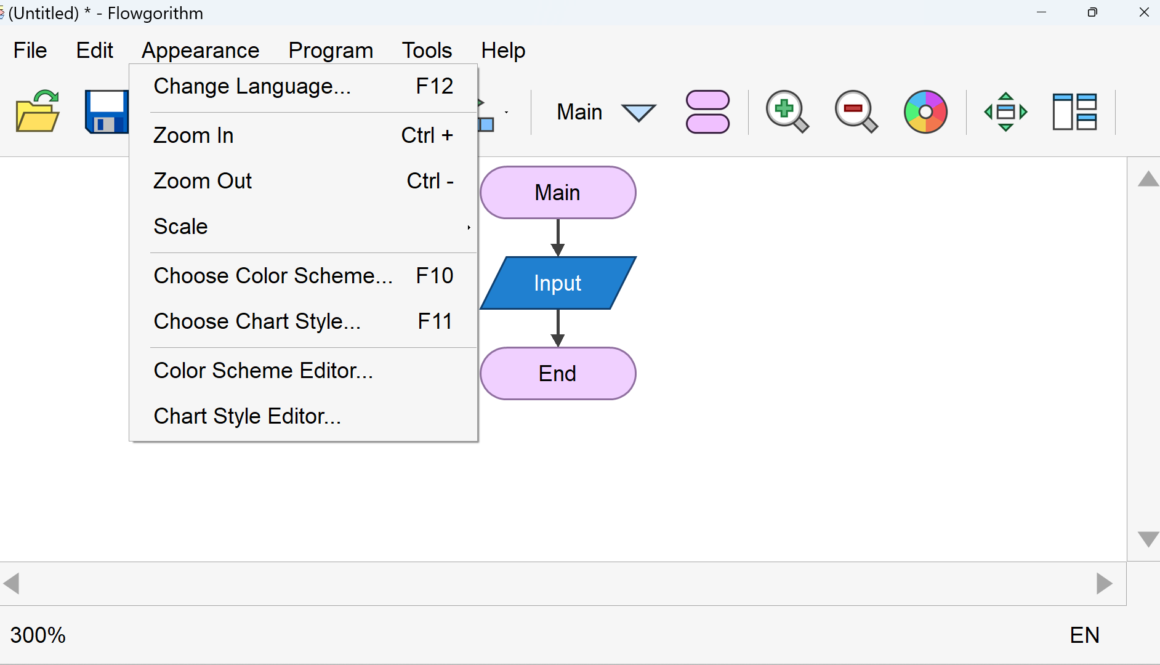
Flowgorithm allows us to change the Look & Feel of the flowchart. There are several options in the Appearance Menu.
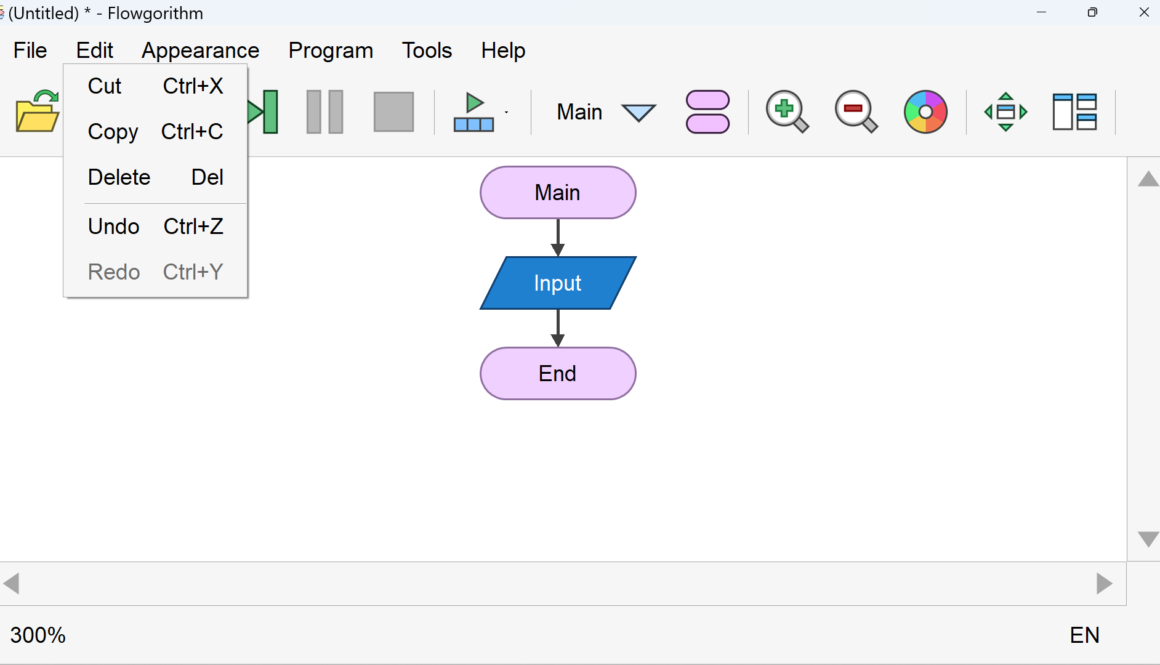
Let’s have a look at the Flowgorithm flowchart Edit options. We can perform operations similar to the text on the flowchart symbols. We can find the edit options

n this tutorial, we will learn about the Flowgorithm Output Statement. An Output statement allows you to view the information on the Console Window.